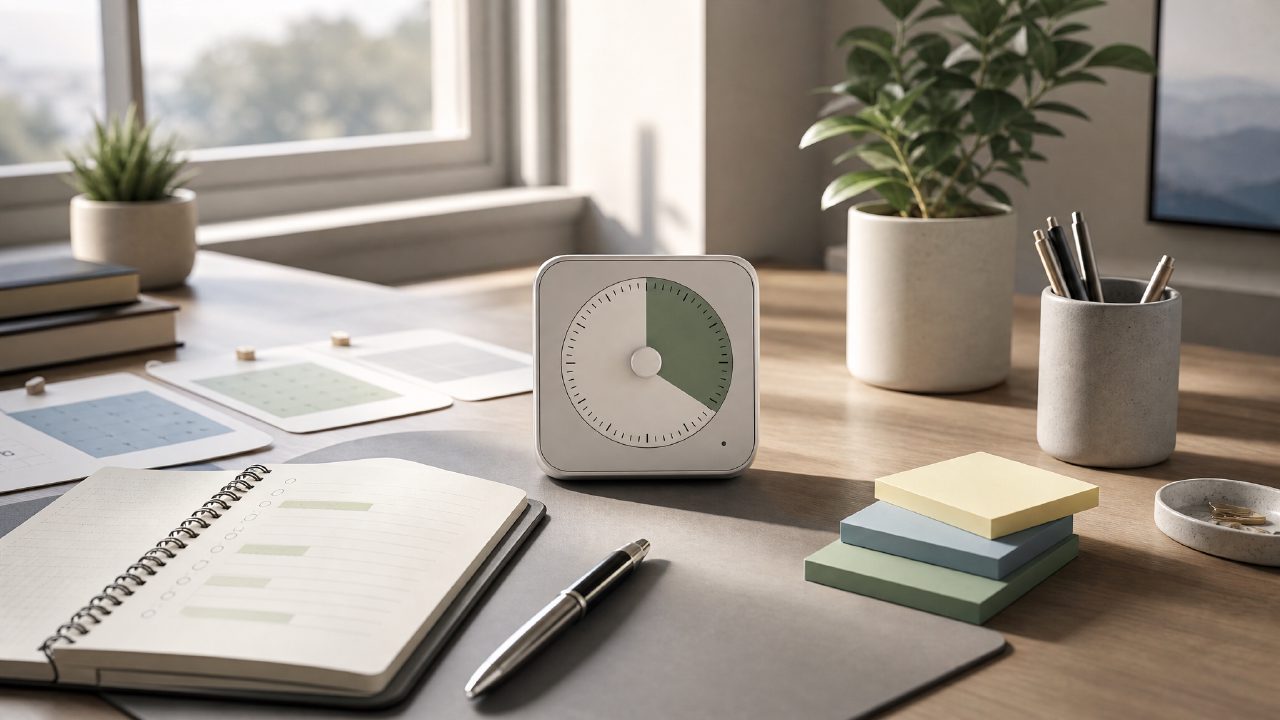
I’ve been trying to build a consistent deep work habit for months, and the pomodoro technique kept coming up as the obvious starting point. So I tested a handful of timers. One app that broke through the noise was focusly. It isn’t flashy, but it does something most pomodoro apps skip: it helps you plan the session before the clock starts.
Instead of a generic review, here’s a checklist of what actually matters when you pick a pomodoro tool — and how focusly holds up against each point.
-
Session planning that reduces friction
Most free pomodoro timers just let you start a 25‑minute countdown. Focusly forces you to name the task ahead of time and set a target for the block. At first I found this annoying — I just wanted to start. But after a week, I noticed I wasn’t wasting the first five minutes deciding what to work on. The tradeoff: if you prefer a “just start” approach, the extra step might feel like overhead. -
Distraction blocking that actually works
Focusly includes a simple distraction list — you check off what you’ll set aside (phone, social tabs, chat apps). It doesn’t magically block them, but it makes you commit. That small friction works better than an autoblocker for me because I have to consciously agree. The limitation: it’s all manual. No system‑level blocking, no jail. If you truly can’t resist opening Twitter, this won’t save you. -
Building rhythm without feeling rigid
The app encourages back‑to‑back focus blocks with short breaks. I tried two 25‑minute blocks, then a longer break. On good days it felt natural. On tired days I skipped the second block and used a quick 10‑minute reset instead. Focusly doesn’t punish you for that, which is rare. But the interface nudges you toward the “ideal” cycle, and that pressure can feel counterproductive if you’re already struggling. -
Price and accessibility for 2026
Focusly is currently one of the best free pomodoro timers for 2026 if you just need basic scheduling and a little structure. There’s a pro version that adds analytics and custom break lengths, but the free tier covers deep work and study sessions honestly. If you’re looking for a free pomodoro focus app in 2026 that doesn’t push a subscription in your face after every session, this is a safe download.
I can’t call focusly flawless. The session log could be more detailed, and I wish the break timer automatically adjusted when you extend a block. Still, as a focusly pomodoro app it does the one thing most tools miss: it makes you plan before you start. That alone improved my completion rate more than any timer design.
If you’re shopping for a pomodoro technique companion, don’t overthink the bells and whistles. Try something that nudges you toward intentional work — and accept that no app replaces the decision to actually sit down. Focusly helped me make that decision a little more often. That’s enough.
Comments
Leave a Comment