Why I Stopped Chasing Productivity Hacks and Just Used This Timer
Every professional I know has been through the same cycle: You read a blog post about deep work, install a focus app, use it for two days, and then forget it exists. The problem isn’t motivation—it’s that most tools feel like a separate project. You have to configure timers, set up distractions filters, and remember to start the session. That friction alone kills the habit.
I run a small consultancy. My mornings are supposed to be for writing proposals, but I’d check Slack, skim Twitter, answer a “quick” email from a client, and suddenly it’s lunchtime with zero output. Sound familiar?
A colleague told me about Focusly, a pomodoro timer app that promises lean focus sessions without the setup overhead. I was skeptical—I’ve tried a dozen. But I gave it three days. Here’s what I found.
The “No-Thinking” Start That Actually Works
Focusly lets you plan your sessions in advance. You pick a duration (25, 50, 90 minutes—your call) and a break length. That’s it. No onboarding wizard, no “choose your mission” popup. The app just sits there until you tap play.
For a busy afternoon when I had three reports due, I set four 45-minute focus blocks with 5-minute breaks. The timer ran on my phone screen. No notifications from the app itself (you can whitelist contacts, which I didn’t bother with).
The real trick: Focusly locks other distracting apps during your session. I have a bad habit of instinctually opening Instagram during a mental pause. Focusly blocked it silently. After the first session, I noticed I hadn’t checked my phone once—not because of willpower but because the app made it impossible.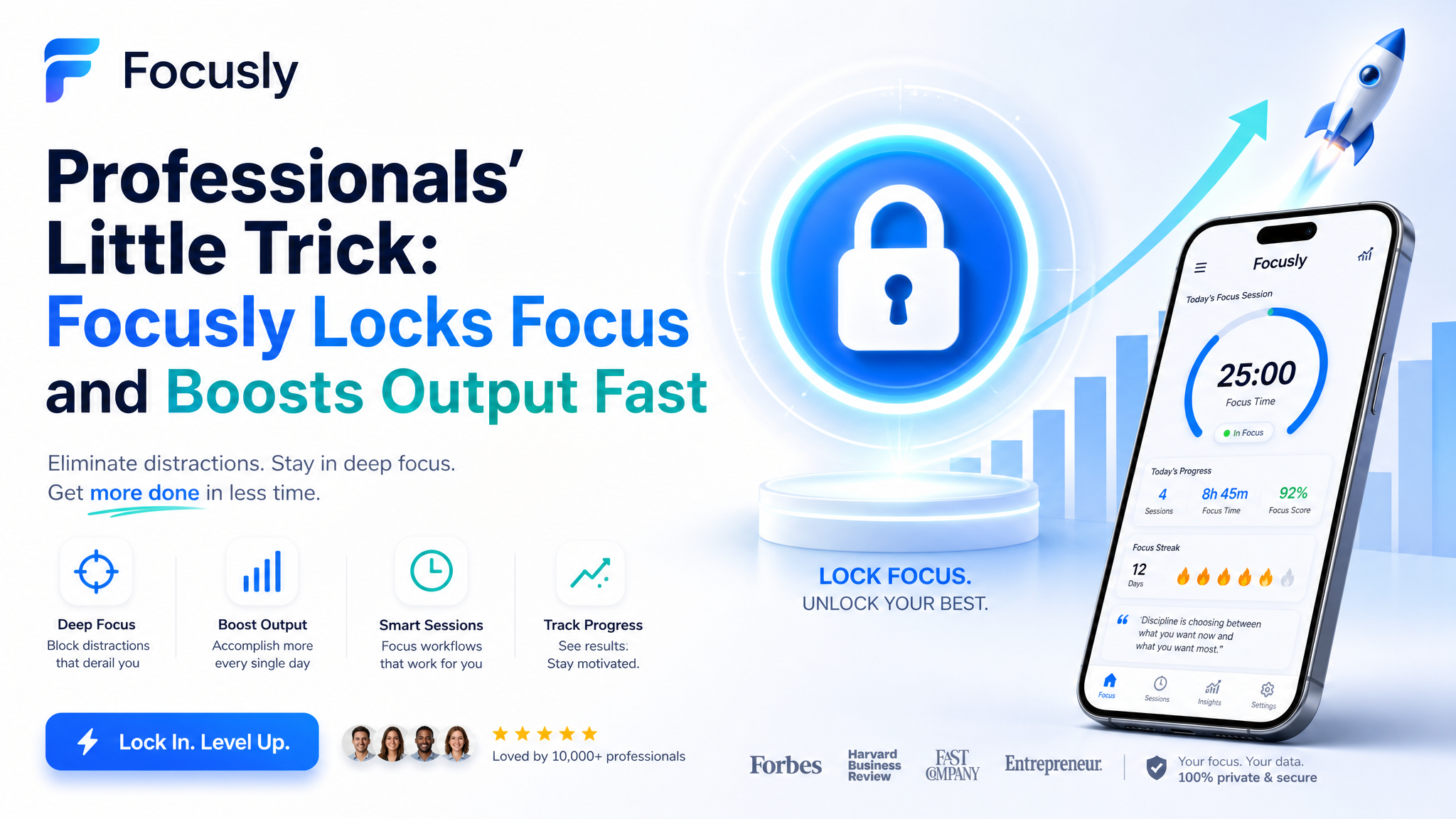
Two Scenarios Where It Shined (and One Where It Didn’t)
Scenario 1: The dreaded 3 PM slump. After lunch, productivity tanks. I used Focusly for a 30-minute sprint on a monotonous spreadsheet. The lock feature kept me from doom-scrolling, and the visible countdown created gentle pressure—like a personal trainer telling you ten more seconds.
Scenario 2: Overlapping deadlines. Last Tuesday, I had a client presentation and a team sync back-to-back. I scheduled two focus blocks of 50 minutes each, with a 10-minute gap for notes. Focusly reminded me when to switch tasks. Without it, I would have spent the gap checking email, then run late for the call.
Where it fell short: For creative brainstorming—say, outlining a new service offering—the strict timer felt wrong. Sometimes you need 20 minutes of messy thinking before something clicks. A 25-minute countdown adds artificial hurry. I turned off the timer and just used the distraction lock mode. That worked better.
So the pomodoro approach isn’t universal. Focusly acknowledges this by letting you customize session lengths freely, but the app still nudges you toward shorter cycles. If you’re a writer or designer who needs long, unbroken flow, you might need to push the timer to 90+ minutes and ignore the default suggestions.
Tradeoffs to Judge Before You Download
Focusly is not a magic bullet. Here are the real limits I hit:
- No desktop app. It’s mobile-only. If you work on a laptop and keep your phone in another room, you lose the block-lock feature. I started keeping my phone on my desk just for Focusly.
- Basic analytics. You can see how many sessions you completed, but there’s no deep chart of your peak hours or distraction trends. For me, that’s fine—I don’t need data to know mornings are better. But some power users might want graphs.
- One-time setup for sessions. You plan the day’s blocks in advance. If something changes (urgent call, meeting moved), you have to manually cancel or reschedule. I wish there were a quick “pause session” that wouldn’t break the streak.
If you already have a rigid system like Apple’s Screen Time or an app-flipping blocker, Focusly might feel redundant. But if you want a single, lightweight tool that combines planning, timing, and blocking without complexity, it’s worth trying.
The Bottom Line
I’ve been using Focusly for two weeks now. My deep work hours have gone from maybe two per day to four or five. That’s not because the app is magical—it’s because it removes the simplest obstacle: the friction of choosing when to focus. It enforces a rhythm without needing discipline.
If your problem is “I know I should focus but I keep getting distracted,” Focusly solves that with a single tap. If your problem is “I don’t know what to work on,” this app won’t help. Try it for one week, set realistic session lengths, and ignore the break suggestions if they don’t fit your flow. That’s the little trick professionals use.
Comments
Leave a Comment