Let’s be real: there’s no shortage of Pomodoro apps out there. You’ve probably tried three, abandoned two, and kept one that you barely open because it feels more like a chore than a tool. The same alarm, the same rigid 25/5 split, zero flexibility—you either end up ignoring it or tweaking settings longer than actually working.
I’ve been there. And that’s exactly why Focusly Deep Work caught my attention. Not because it’s another timer, but because it treats your brain like an actual human’s—not a machine that resets every 25 minutes on command.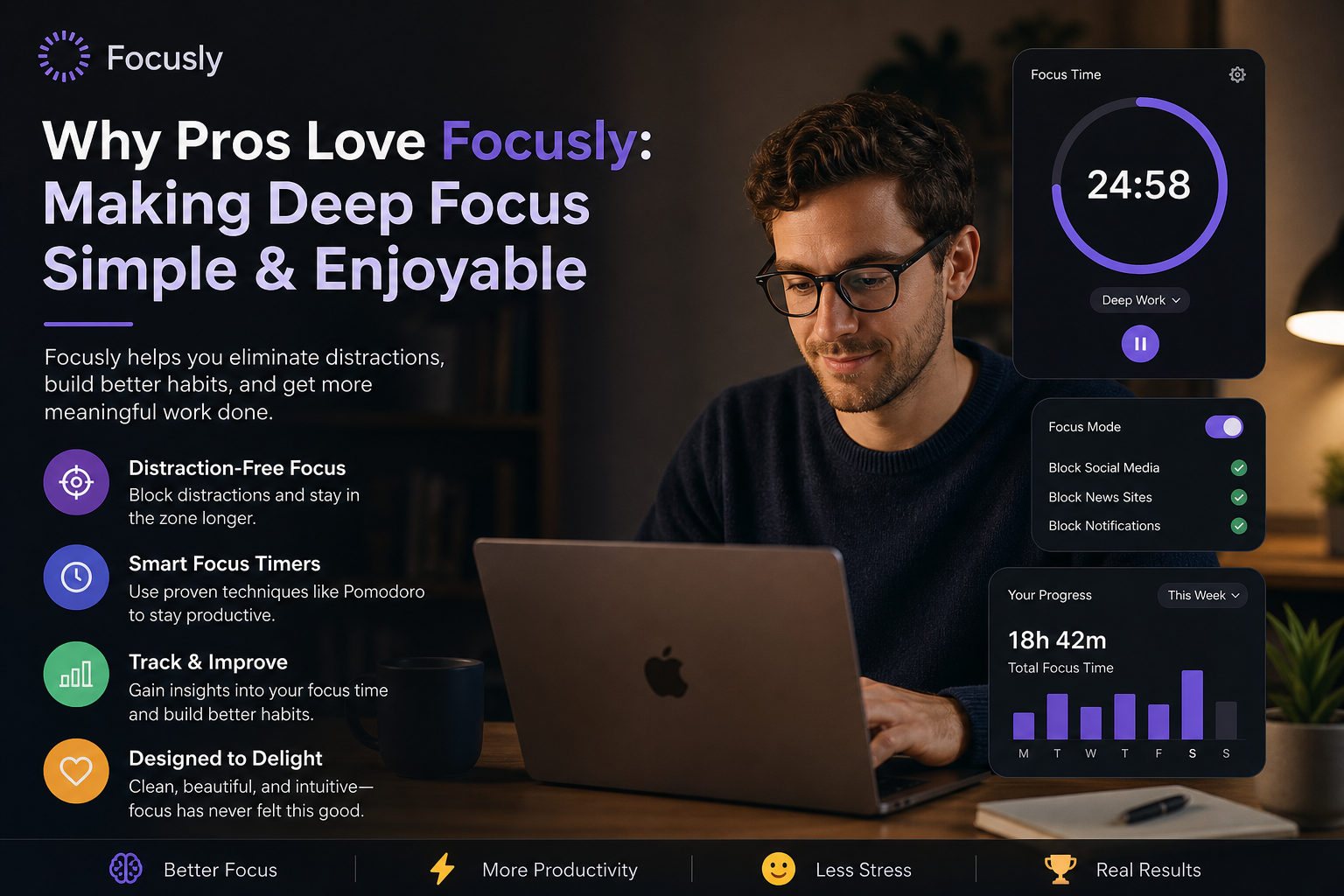
What Makes Focusly Different?
Most Pomodoro apps are built for “productivity in a vacuum.” Focusly feels like it was designed by someone who actually procrastinates, gets distracted, and then needs to pull themselves back without losing momentum.
You can set session lengths freely—25, 40, 90 minutes, whatever fits. But what I really appreciate is the way it handles breaks. Some days you need a 5-minute breather, other days a 10-minute walk. Focusly doesn’t lock you into a rigid pattern. That might sound small, but when you’re already fighting your own focus, a little freedom goes a long way.
Plan Your Sessions, Not Your Life
The planning part is simple (maybe too simple for power users, but that’s a tradeoff). You pick a focus goal, like “write that report” or “study chapter 4,” set a duration, and go. No overwhelming dashboards or stats that stress you out. It’s closer to a sticky note than a project manager—and I mean that in a good way.
One example: I used it last week for a deep work block on coding. Scheduled 90 minutes, phone on silent, Focusly running in the background. The timer kept me honest without yelling at me. When distraction crept in (it always does), a glance was enough to pull me back on track. No guilt, no judgment.
Who Should Actually Use Focusly?
Here’s where I try to keep it grounded. This is not for people who need hard accountability—like an app that blocks your social media or yells at you via a loud alarm. Focusly is more of a companion than a taskmaster.
- You’ll like it if you already have some discipline but need a gentle anchor to sustain focus without obsessing over time.
- You might not if you need something aggressive to force you away from distractions—Focusly leaves that part to you. Also, if you live for detailed charts and trends, the analytics here are pretty basic.
That tradeoff is intentional, I think. Not every productivity tool has to be a life audit. Sometimes you just want a clean, pleasant timer that respects your rhythm.
Building a Stronger Work Rhythm
The real value of Focusly, for me, is how it makes deep focus feel repeatable. After a few sessions, you start to anticipate the flow—work, short reset, work again. That sense of control is rare when your attention feels scattered.
Is it the most feature-rich app out there? No. But it doesn’t try to be. For the price (free with basic options, or cheap upgrade), it does exactly what it promises: makes focusing a little less painful and a lot more natural.
If you’ve been bouncing between apps and still feel stuck, give Focusly a week of honest use. The simplicity might surprise you—in a good way.
Comments
Leave a Comment