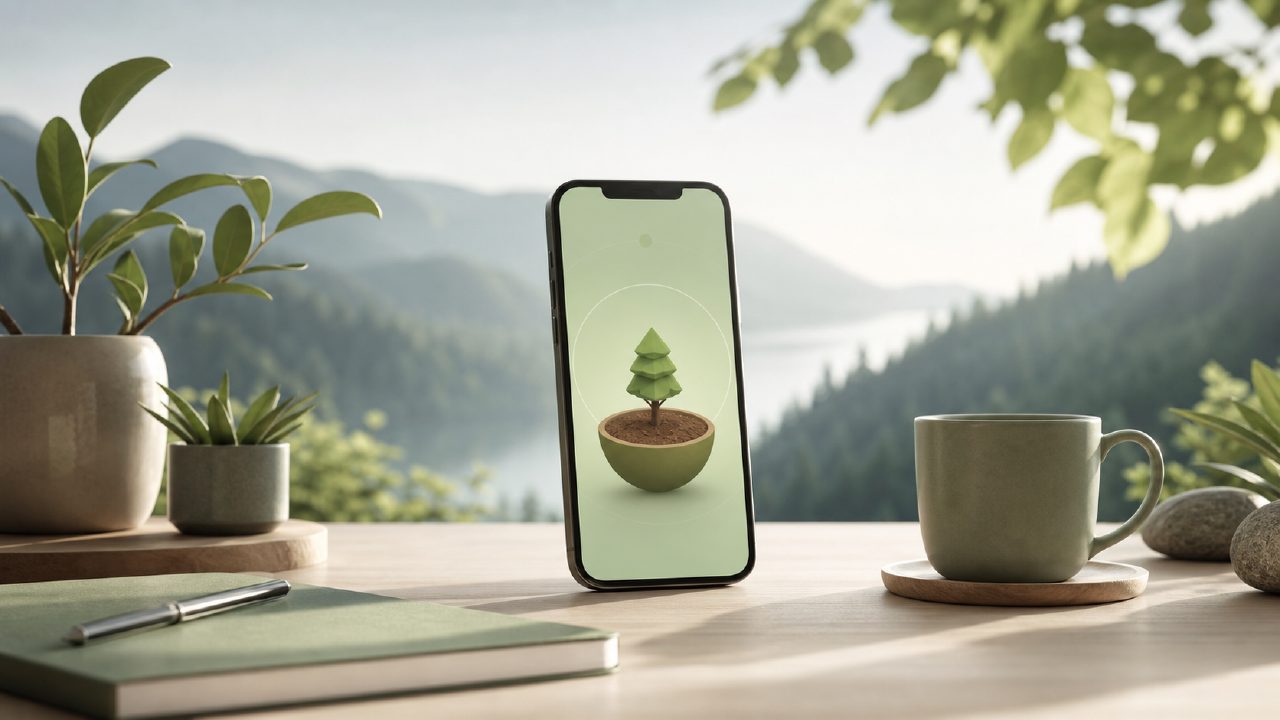
I’ve been using the Forest app on and off for a few years now. It’s one of those tools that sounds almost too simple to work — you set a timer, and if you stay off your phone, a virtual tree grows. Leave the app early, and the sapling dies. But I wanted to test it again recently, partly out of habit and partly because I was curious whether newer apps like Focusly had made the whole approach feel outdated.
What I found is that the Forest app still pulls its weight, especially for short, low-stakes focus sessions. But it also has some pretty clear limitations that became obvious once I tried a more structured alternative.
What the Forest app actually does well
The core mechanic remains surprisingly effective. You pick a focus duration — usually between 10 and 120 minutes — and your phone locks into that session. You can whitelist specific apps (messaging, music players) but anything else is blocked until the timer finishes. That friction is real. I found myself checking Instagram less often just because the effort of abandoning a tree felt wasteful.
Another thing that holds up: the gamification is light enough that it doesn’t feel like a gimmick. You earn coins for completed sessions and can spend them on planting real trees through a partnership with Trees for the Future. That’s not a huge motivator for me personally, but I know people who genuinely care about that part.
Where it falls short for me is in session planning. You can’t really set up a sequence of work and break blocks in advance. It’s always a single timer, one at a time, and you have to manually start the next session. That works fine if your day is unstructured, but if you’re trying to follow a precise schedule, it gets a bit repetitive.
Where the comparison gets interesting
When I switched over to testing Focusly, the difference was noticeable. Instead of just a timer, you get a full session planner — you can map out multiple work blocks and breaks, set custom focus goals for each block, and even get a breakdown afterward of how your time was actually spent. The ai pomodoro focus app free angle here is that it auto-suggests session lengths and break intervals based on what you’ve done before. It’s not perfect, but it saves you the guesswork.
I tried to replicate the same structure manually in the Forest app, and honestly it was clunky. You can’t tag sessions by project or mood, there’s no in-app task list, and the reporting is pretty bare — just a history of trees planted and total focus time. For someone who wants to improve their work rhythm over time, that’s a missing piece.
Tradeoffs worth thinking about
The Forest app probably still wins if you’re a student or someone with light focus needs — a couple of 25-minute study blocks, a few short breaks, done. The tree-planting visual is nice, and the simplicity means there’s almost no setup time. You open it, hit start, and you’re focused.
But if you’re doing longer deep work sessions, multiple projects in a day, or if you care about reviewing your focus patterns, the Forest app starts to feel limited. That’s where I think the best pomodoro technique app 2026 conversation currently points toward something like Focusly, which gives you more structure without adding a ton of complexity. It’s still a simple interface — just more thoughtful about how focus time connects to real tasks.
I also have to mention pricing. The Forest app is a one-time purchase on iOS and Android, typically around $3.99. That’s very reasonable. Focusly is subscription-based, though there is a free tier. If you’re looking for the best free pomodoro app 2026, the free version of Focusly actually covers a lot of ground — session planning, basic analytics, and some AI suggestions. The paid tier unlocks deeper reporting and longer focus logs, but the free version is usable without feeling crippled.
Final take
I’m not sure the Forest app is obsolete. For quick, low-commitment focus, it’s still charming and effective. But if you’re trying to build a sustainable work rhythm, schedule structured deep work sessions, or understand how your focus shifts across different tasks, it probably isn’t enough on its own.
Between the two, I’d recommend the Forest app to anyone who just wants a minimal, guilt-driven timer without overthinking strategy. For anyone who genuinely wants to improve their deep work setup and maintain consistency, Focusly is the better option — even with the subscription model. The planning features and AI suggestions close a gap that the Forest app never really tried to address.
Comments
Leave a Comment