You know that feeling when your to-do list is a solid wall of deadlines, and your brain decides this is the perfect moment to scroll through three different social media apps? Yeah, me too. Heavy workload isn't just about volume—it's about the chaos of getting started and staying locked in. That's where Focusly Deep Work comes in, and honestly, it's one of the few productivity apps that actually gets the struggle.
Why your usual "just focus" advice fails
Let's be real: telling yourself to "just focus" when Slack is buzzing, notifications are popping, and your own brain is wandering is like telling a fish to climb a tree. The real problem isn't lack of willpower—it's the absence of a system that helps you commit to a chunk of work and physically block out the noise. Focusly isn't a magic pill, but it's a damn good structure.
I tested it during a week where I had to cram a full project proposal and three client reviews. Normally I'd get 30 minutes in, then get sidetracked by "just one email" that turns into a two-hour rabbit hole. With Focusly, I set a 50-minute deep work session (you can customize the timer) and actually stayed put. The app's "Focus Mode" dims your screen and discourages switching apps, which sounds aggressive but works wonders when you're prone to context switching.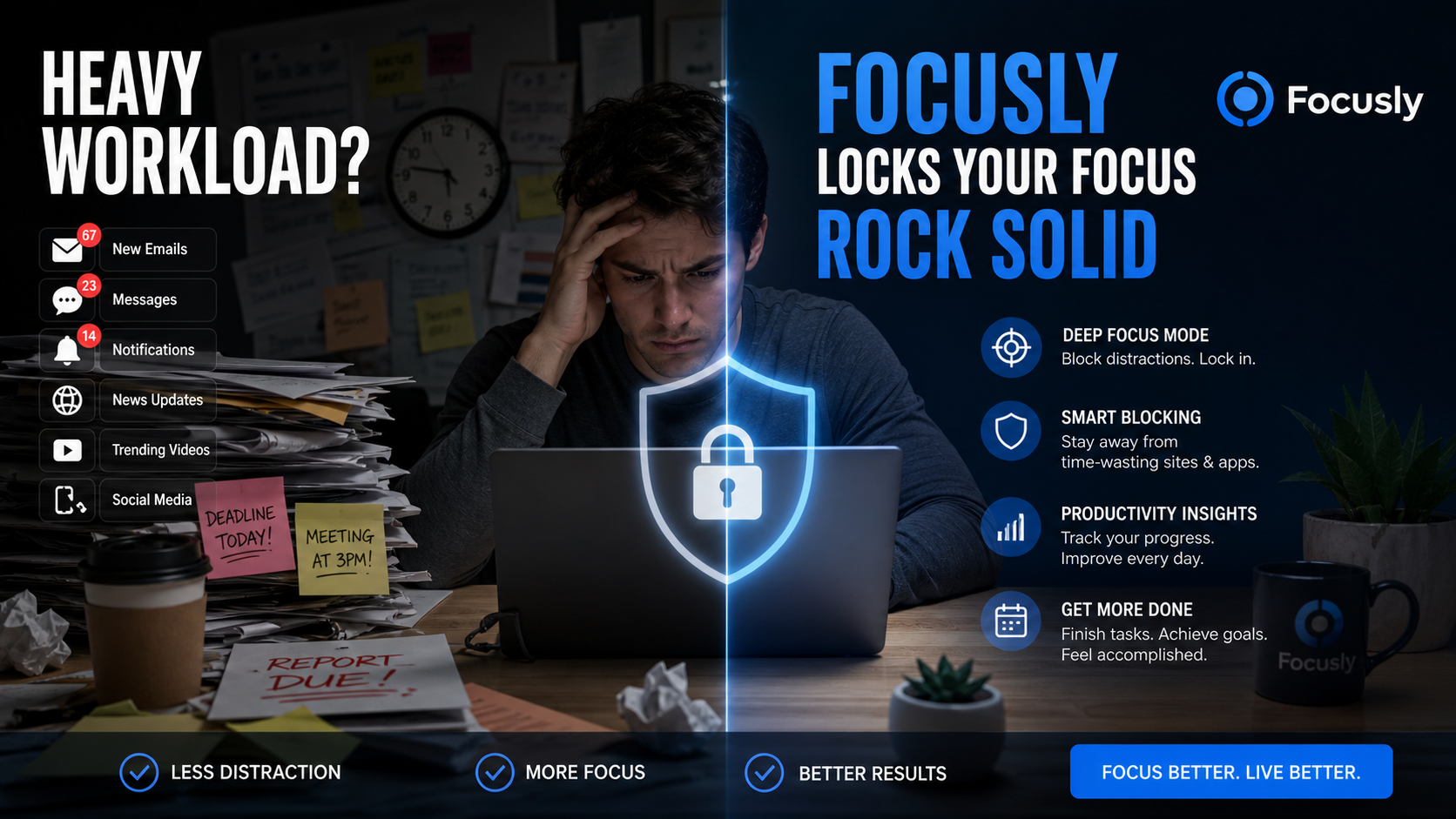
Real scenarios where Focusly shines
First scenario: studying for a certification exam. You've got dense material, low motivation, and the constant urge to check your phone. Focusly's session planning lets you break down your study blocks into themed sessions—like "Chapter 5" or "Practice Questions"—so you hit each target with intention. I set a 25-minute pomodoro for flashcards, then a 10-minute break to grab coffee. That rhythm kept me from burning out after an hour.
Second scenario: freelance work with multiple clients. One day I had two copywriting projects back-to-back. Instead of mentally juggling them, I created separate Focusly sessions for each client. The app's "session planner" even lets you assign tags or notes, so you can quickly recall what you were working on. That little bit of organization reduced my anxiety about "forgetting something important" and kept me in flow.
Third scenario: creative deep work, like writing or design. The usual distraction is "research loop"—you open a browser tab to check one reference, and suddenly you're watching cat videos. Focusly's distraction-blocking feature (it can limit which apps you use during a session) is a lifesaver here. I locked down my browser to only two essential tabs, and my writing output doubled in that hour.
Tradeoffs and alternatives you should consider
Is Focusly perfect? No. If you need heavy accountability—like a co-working buddy or a virtual team timer—you might want something like Forest (where you grow trees for focus) or a social productivity app. Focusly is more solo-centric; it doesn't have leaderboards or group sessions. That's fine for people who don't care about competition, but it might feel a bit lonely if you thrive on shared goals.
Also, the app's interface is clean but slightly minimalist. Some people prefer a dashboard with stats, streaks, and rewards. Focusly gives you basic session history and a simple timer view. If you're the type who needs tons of visual motivation (like a plant growing or a progress bar), you might find it less engaging. But if you just want a no-nonsense timer that doesn't get in your way, it's actually a plus.
Another tradeoff: the deep work mode requires you to set up a list of "allowed apps" beforehand. That's a bit of upfront friction, but once configured, it saves you from the temptation snap-decision. I'd suggest spending 5 minutes initial setup—it's worth it.
Bottom line: Is Focusly worth it for heavy workload?
If you're drowning in tasks and need a tool that forces you into a structured work rhythm without gimmicks, Focusly Deep Work is a solid bet. It's not trying to be a game or a social platform—it's a reliable timer with focused planning that actually helps you lock in. Give it a try during your next crunch week. You might find yourself finishing that proposal before lunch.
Comments
Leave a Comment