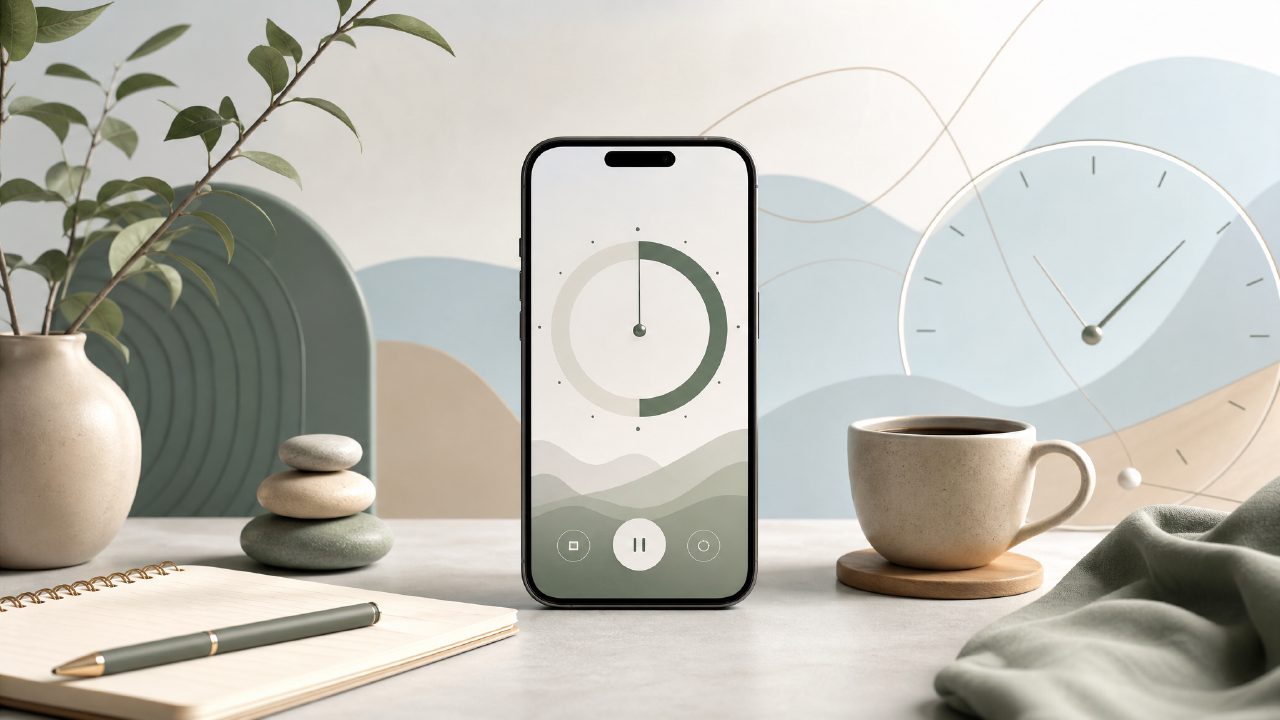
I’ve tried more pomodoro apps than I care to count. Most of them either lock basic features behind a paywall or overwhelm you with gamification and social features you never asked for. So when I stumbled across Focusly, I was skeptical. Another free timer? But the “real time” angle caught my attention—live session tracking without needing to keep the app in the foreground. After using it for a few weeks, here’s what stood out.
Real-time tracking that actually works
Focusly’s main selling point is the live timer that updates even when your phone’s screen is off or you’re in another app. That sounds basic, but a surprising number of free timers fail at this. I tested it during a two-hour study session—switched between a browser, a PDF reader, and a note-taking app. The timer stayed accurate and the session log recorded everything without gaps. It’s a small thing, but for a real time focus timer app free of charge, it’s refreshing.
One catch: the live widget on the lock screen sometimes lags by a second or two. Not a dealbreaker, but if you’re pacing your work to the second, it can be mildly irritating.
What the free version actually gives you
I was prepared for the free tier to be barely usable, but Focusly is surprisingly generous. You can set unlimited custom session lengths, choose between focus and break intervals, and view basic daily stats. There are no forced ads interrupting your flow—just a small banner at the bottom of the settings screen. That’s enough to make it a strong candidate for the best free pomodoro app 2026 if you don’t need advanced analytics.
Where it falls short: the free version limits you to three “focus goals” at a time, and you can’t create recurring session plans. If you’re the type who wants to schedule “Deep Work 9–11 AM” every weekday, you’ll need the pro upgrade. I found myself hitting that limit after a few days, which forced me to either delete old goals or pay up.
Tradeoffs you should know before committing
Focusly’s design is clean—almost too clean. The session log shows only the total time you focused, not a breakdown per project or tag. That’s fine for casual use, but if you’re comparing it to something like Forest or Be Focused, the lack of granular stats feels limiting. I also noticed the “distraction log” feature (where you tap a button when you get sidetracked) is hidden behind a sub-menu. It took me three days to find it, and by then I’d already lost the habit of recording interruptions.
Another friction point: the notification that reminds you to start a session can be oddly persistent. It pops up even after you’ve dismissed it, and there’s no “snooze for today” option. This makes the app feel a bit pushy when you’re genuinely taking a longer break.
Is Focusly the best free pomodoro timer 2026?
That depends on how much you need from a timer. For students or remote workers doing shallow tasks (reading, email, light coding), it’s excellent. The real-time sync across devices (phone and tablet) worked flawlessly for me. For deep work sessions longer than 90 minutes, I’m not as convinced. The timer doesn’t have a “long break” override, so you have to manually restart after four pomodoros. Not a huge issue, but it breaks the flow.
If I were ranking the best pomodoro technique app 2026 options, Focusly would sit in the “solid but not best-in-class” column. It beats the free versions of most competitors because it doesn’t shove ads in your face and the real-time tracking is genuinely reliable. But the lack of recurring schedules and project-level logs means power users will outgrow it quickly.
Bottom line
Focusly is a workable free timer that does what it promises: real-time focus tracking without constant prompts to upgrade. I’m still using it for my morning writing sessions, and I haven’t felt the need to switch yet. Just go in knowing the limits—and that the pro version is probably where the richer features live. If you just need a timer that stays out of your way, this is worth a download.
Comments
Leave a Comment