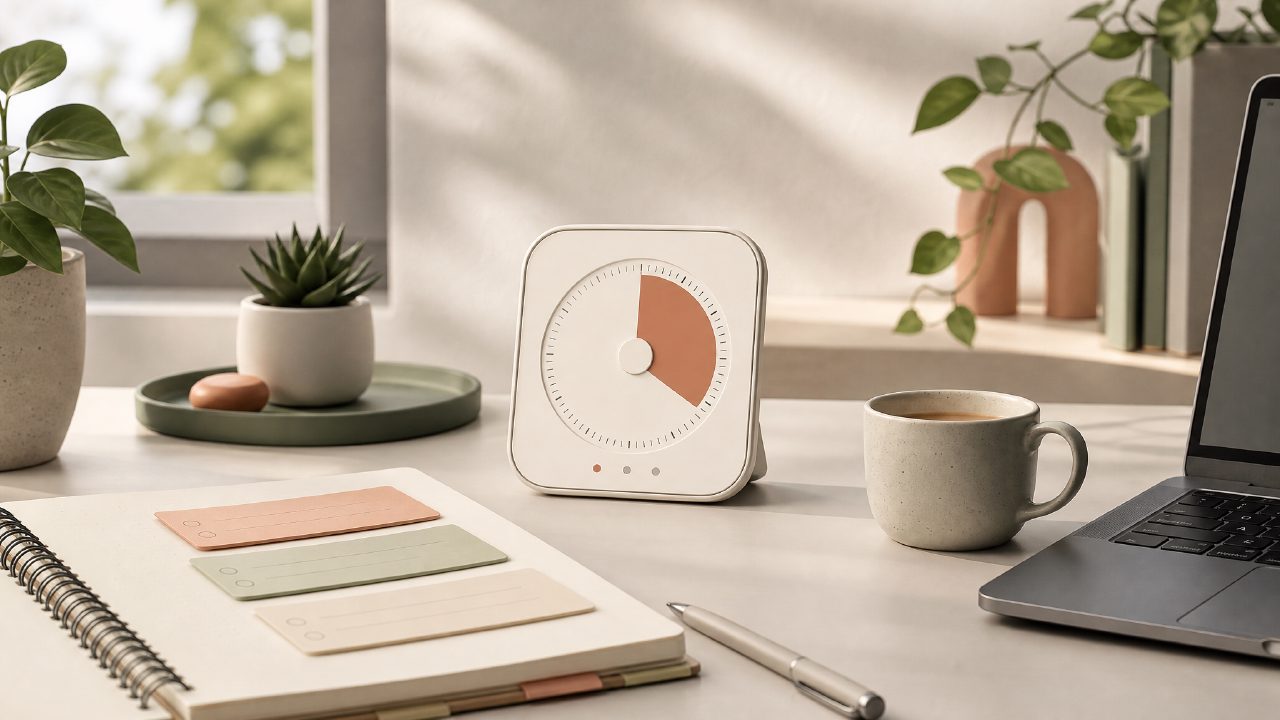
I was tired of hopping between a timer app and a separate to-do list just to get through a study session. Every "free pomodoro timer with task integration" I tried either hid the essential features behind a paywall or made adding tasks way more complicated than it needed to be. That’s when I finally sat down with Focusly Deep Work to see if it could serve as a real daily focus tool without asking for a subscription.
How I tested it: one concrete work session
I wanted to write a 1500-word report that required focused reading and drafting. Instead of pulling up a notebook, a separate timer, and a digital task manager, I opened Focusly and typed three tasks directly into the app: “skim source PDFs,” “outline main sections,” and “write first draft.” The interface let me assign each task to a pomodoro session without leaving the timer screen. That’s the core promise – a free pomodoro timer with task integration that keeps your current action item front and center.
Starting a session was straightforward: pick a task, tap the play button, and the countdown begins. The default 25-minute block felt familiar, but I noticed the free version only lets you choose from a handful of preset intervals – you can’t slide to a custom 45-minute deep work period unless you upgrade. That limitation surprised me on my second session, but for standard pomodoros it wasn’t a dealbreaker.
What stood out (and what didn’t)
Task visibility is genuinely useful
The biggest win is that your current task stays visible throughout the entire timer countdown. I didn’t have to scribble on paper or keep a separate browser tab open. When the timer ended, Focusly automatically marked the task as completed and displayed a short summary of how much time I spent on it. That small feedback loop helped me stay honest about where my attention actually went.
The free version has real friction points
I couldn’t reorder tasks after adding them. You type them in, and that becomes your queue – no drag-and-drop, no priorities. If you realize a task is more urgent, you have to delete and re-add it. That felt clunky when I was in the middle of a work flow. Also, the app’s sound options are sparse in the free tier; I got one ticking clock sound and a simple bell. For a few sessions it was fine, but by the third day I wanted more variety.
Progress tracking is minimal but honest
Focusly shows a session streak and a daily focus count, but it doesn’t calculate “hours focused this week” unless you manually check a small calendar view. That’s a limitation compared to some pomodoro timer app free options that generate weekly reports. Still, I appreciated that it didn’t push a premium report feature in my face every break.
A realistic tradeoff: simplicity vs. depth
The focusly pomodoro app does one thing well – it ties a single task to a timer and gets you going. But if you need subtasks, deadlines, or notes attached to each item, this isn’t the tool. I found myself using a separate notepad for quick thoughts during the break. That’s fine for a short session, but for a full-day deep work sprint, the lack of integrated note-taking started to feel like a missing piece.
Another concern: I wasn’t certain how reliable the task list syncs across devices. I tested it only on my phone, and the local storage worked perfectly. But if you plan to switch between a tablet and a laptop, the free version might not keep your task queue in sync automatically – I didn’t test that, and the settings page didn’t make it obvious.
Should you download it?
If you’re looking for a free deep work timer 2026 that respects your privacy (no forced account creation, no spam notifications) and keeps your current task glued to the screen, Focusly is a solid download. It’s not a full task manager, and the free tier deliberately leaves out customization and deeper scheduling. But for a no-cost way to run a focused session with a clear target in front of you, it does the job without trying to sell you something every five minutes.
I’ll keep it installed for short, single-session tasks. For longer projects, I’ll probably combine it with a proper to-do app – but that’s the kind of honest limitation that makes it worth recommending for the right use case.
Comments
Leave a Comment