Why I tested both apps side by side
If you've searched for a focusly vs focus to do comparison, you're probably trying to pick between two of the most popular pomodoro apps for 2026. I’ve been using Focusly for about two weeks and Focus To Do for longer, so I wanted to see which one actually helps you stay in deep work without getting in the way.
First impressions: interface and setup
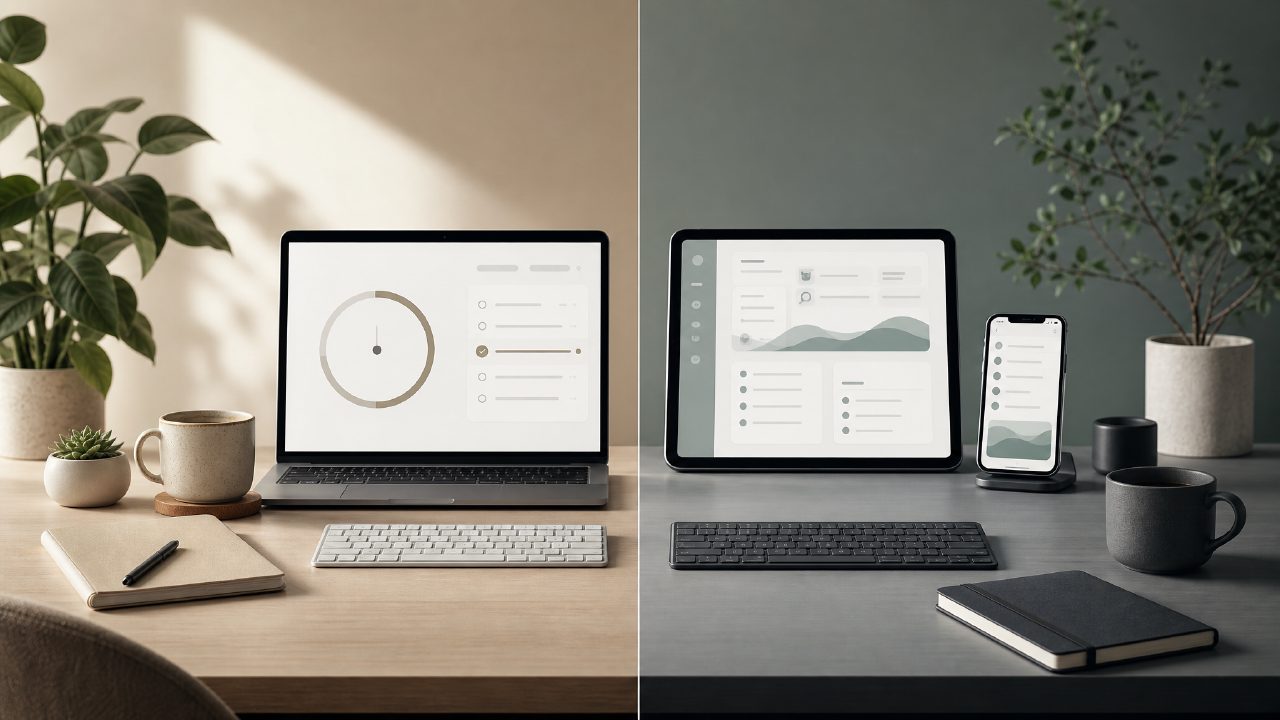
Focusly has a cleaner, more minimal look. The timer face is front and center, and you can start a session in one tap. It feels built for people who just want to work, not fiddle with settings. Focus To Do throws more at you from the start – lists, tags, a built-in project board. That's useful if you want task management built into your timer, but for pure focus sessions it adds friction.
I found myself reaching for Focusly more often when I just needed to block 25 minutes and write. The lack of clutter actually made me start sessions faster. But if you like to plan every minute of your day inside the timer app, Focus To Do might feel more complete out of the box.
Deep work features: blocking distractions
Both apps offer a “focus mode” that stops notifications and lets you lock your phone. Focusly’s version is called Deep Work Mode. It worked as advertised – no incoming message could break my flow unless I force-exited the app. Focus To Do has a similar lock mode, but it also lets you whitelist certain apps (like your music player), which I appreciated. Focusly doesn't offer that granularity currently, so if you need Spotify while working, you’d have to start it before locking the timer.
That’s a real tradeoff. I’m a heavy music listener during focus blocks, and having to remember to start a playlist beforehand felt like a minor annoyance. Focus To Do handled it more flexibly.
Focus sessions and customization
Focusly offers preset session lengths (25/5, 50/10, 90/20) and you can customize them, but the interface for doing that is a bit buried. I had to dig into settings to change the long break interval. Focus To Do makes it easier to tweak each timer length from the main screen.
However, Focusly’s session planning feature – where you set how many pomodoros you want to do in a day – actually kept me accountable. I’d plan 6 sessions, and the app would show my progress as a simple bar. Focus To Do has similar stats, but they’re more scattered across different screens. For tracking daily rhythm, Focusly felt slightly more intentional.
Which one is the best free pomodoro timer in 2026?
Both apps have free tiers. Focusly’s free version includes unlimited sessions, basic stats, and the Deep Work mode. You don’t feel locked out of core functionality. Focus To Do’s free tier also gives you a lot, but the advanced reports and customization are behind a subscription. If you’re looking for a free pomodoro focus app 2026, Focusly is probably the better pick because the paid upgrade feels optional, not necessary. Focus To Do pushes its Pro upsell more aggressively after a few days.
I’m not entirely sold on Focusly’s long-term habit features. The streak tracking and graphs are decent, but Focus To Do gives you more granular data on which tasks you spent time on. If you want to analyze your productivity patterns over weeks, Focus To Do’s free stats are good enough, but the best charts are paid. Focusly’s stats are simpler but fully free.
A cautious note: consistency and polish
I’ll be honest – Focusly sometimes felt a little rough around the edges. The timer notification sound was quieter than I expected, and once the app crashed when I tried to review my session history. Nothing major, but it made me hesitant to rely on it during a critical deadline. Focus To Do has been more stable in my experience, though it has more ads in the free version.
So the choice isn't obvious. Focusly is sleek, distraction-friendly, and generous with its focusly pomodoro app free features. Focus To Do is more feature-rich but noisier and pushier about Pro. If deep, uninterrupted work is your main goal, and you don’t mind a little roughness in exchange for simplicity, Focusly wins. If you need task management integration and more control over allowed apps, Focus To Do edges ahead.
Final thought
Don’t overthink it. Try Focusly for a week if you want to test a minimalist deep-work timer. Keep Focus To Do if you already use it for task tracking. A focusly vs focus to do decision mostly comes down to whether you value simplicity or all-in-one project management more. Both will get you through your next pomodoro session – just pick one and start.
Comments
Leave a Comment