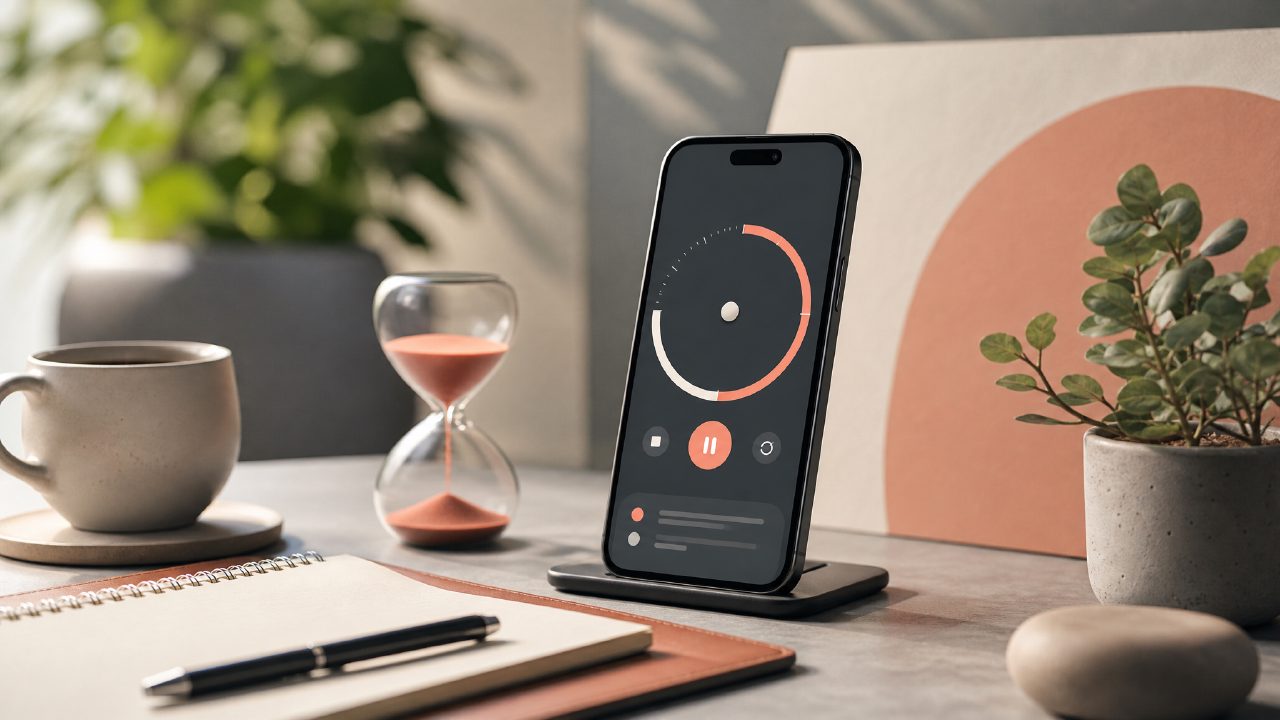
I started hunting for the best pomodoro technique app 2026 after my usual timer setup got stale—I needed something that didn’t just buzz every 25 minutes but actually helped me plan my focus blocks. Focusly Deep Work came up as a candidate, so I spent a couple of weeks running my real work sessions through it. Here’s what I found, broken down as a checklist of what actually matters when you’re picking a pomodoro timer app free or paid.
- Session planning that goes beyond a single cycle
Most free timers just let you start and stop. Focusly lets you map out an entire work block: how many pomodoros, how long each focus and break should be, even what type of work you’re doing. I found myself less inclined to skip a session when the app already knew I was supposed to do three 50-minute deep dives with 10-minute breaks. That structure felt more binding than a generic countdown. - Distraction reduction that actually works
The app has a built-in do‑not‑disturb mode that blocks notifications during focus sessions. I tested it with Slack and email on—it silenced them reliably. One catch: it only works if you grant notification access, which I hesitated about at first. After a few days I caved, and the quiet really did help. Mild friction: setting it up took an extra moment, and I accidentally allowed a calendar alert through on day two. Not perfect, but better than raw willpower. - Progress tracking without the noise
Focusly gives you a daily and weekly view of how many focus sessions you completed and how much total deep work time you logged. I liked that it didn’t gamify everything with streaks and badges—just raw numbers. A tradeoff: you can’t export the data easily, so if you want to cross-reference with a time tracker, you’re stuck with screenshots. - Free tier limitations that feel reasonable
If you’re searching for a pomodoro timer app free, Focusly’s free version lets you use core features: custom sessions, basic tracking, and distraction blocking. The paid tier unlocks advanced analytics and longer session history. I didn’t hit the cap during my test, but heavy users might feel the limit after a month. That’s a realistic concern—some free apps give you everything forever, Focusly nudges you toward a subscription. - Sound and environment options
It comes with a small library of ambient sounds (rain, coffee shop, white noise) that play underneath the timer. I used the rain track for three afternoons. It wasn’t as rich as a dedicated focus music app, but it blended well enough. The click‑through rate for changing sounds is a bit clunky—one extra tap than I’d like.
One cautious observation: Focusly claims to be built for deep work, and it mostly delivers, but I wouldn’t call it a complete productivity system. If you need task management (to‑do lists, project breakdowns), you’ll still need a separate tool. The pomodoro timer app free version is a decent entry point, especially if you’re tired of the 25‑minute default and want to customize lengths.
If you’re trying to decide whether this is the best pomodoro technique app 2026 for you, think about how much you value session planning vs. flexibility. Focusly favors a structured approach. That worked for me during focused writing blocks, but felt too rigid for days when I wanted to switch between short tasks. The focusly app also offers a free deep work timer 2026 version that covers the essentials without cost—worth a try if you’re still figuring out your rhythm.
Final take: it’s a solid timer with real planning features, but the notification block setup and export limits keep it from being a no‑brainer. Test the free version for two weeks. If the structure clicks, the upgrade might make sense. If not, there are other pomodoro timer app free options that let you stay looser.
Comments
Leave a Comment