I've tried maybe a dozen focus timers over the years. The problem is never the timer itself—it's that I ignore the timer five minutes into a session and start checking email. Or I set a 25-minute block, finish early, and immediately switch to Twitter instead of continuing the next task. The structure collapses the second I'm not being watched.
Focusly doesn't try to fix me with gamification or punishing alarms. It just makes the planning part sticky enough that I actually follow through.
Planning that doesn't feel like admin
The main screen is a session planner. You pick how many deep work blocks you want, how long each should be, and what break ratio feels right. 25/5 is the default, but I've been running 50/10 most days because Focusly lets you slide that ratio without digging into a settings menu. That's a small thing, but it means I actually change it when my energy shifts.
Each block has a label—"Write section 2," "Clean up dashboard queries." I wasn't sure I'd bother naming them, but once I did, I stopped treating the sessions as interchangeable. Naming forces a specific commitment, and that commitment is harder to bail on than a generic timer.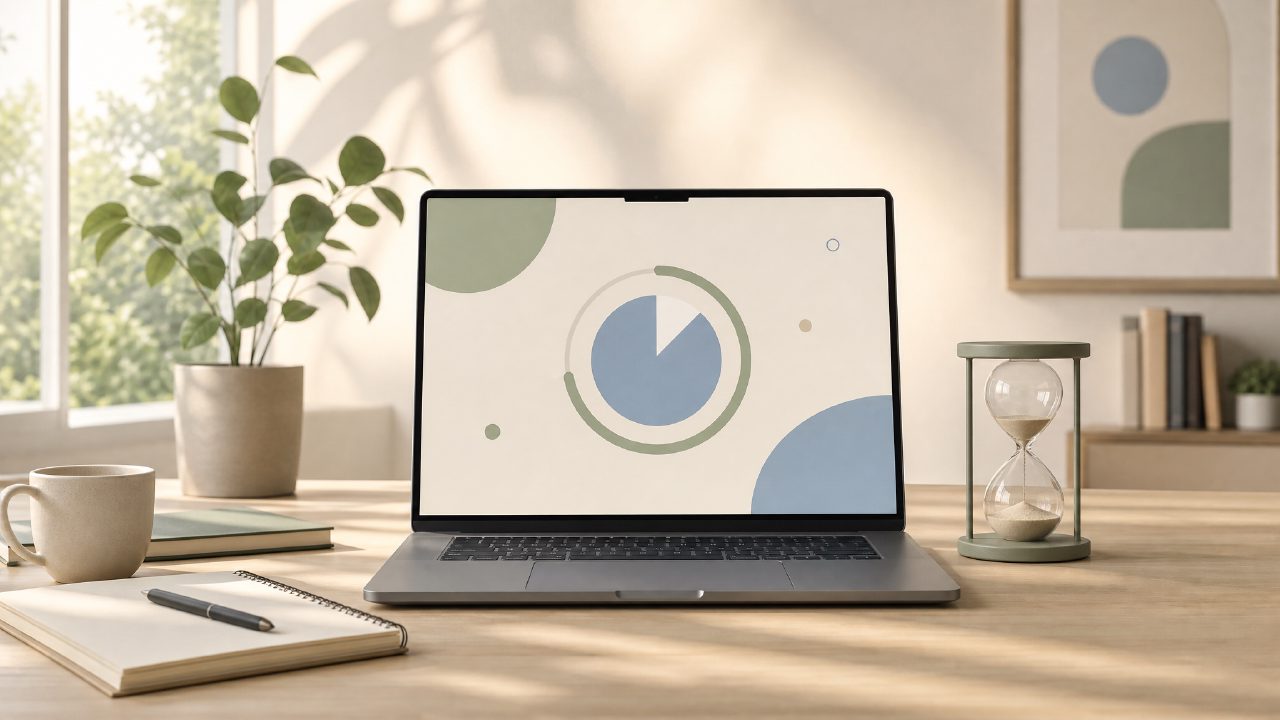
Two real sessions
Yesterday morning I set up three 40-minute blocks with 7-minute breaks. First block: writing. I hit start, Focusly shows a full-screen timer with a soft gray background. No bells, no ticking, no dramatic countdown animation. It's calm enough that I forgot the timer was running until the vibrate alert. That silence matters—most timers add ambient friction.
Second block: coding. I had a query that was acting weird. Focusly doesn't block websites, so I still had Slack and browser open. But the timer sitting there, labeled with the task, makes me think twice before opening Slack. The distraction reduction is self-policing, not app-enforced, which works better for me because I hate being blocked.
Afternoon was different. I used 25-minute blocks instead because my concentration was shot after lunch. The adjustment took two taps. Focusly saves the session template, so I can reuse or modify it.
What it doesn't do (and that's okay)
Focusly isn't a full productivity suite. No calendar sync, no task manager, no distraction blocker. If you need an app to physically lock you out of Reddit, this won't replace Freedom or Cold Turkey. What it does well is force a deliberate start to each block. The act of planning—picking the duration, naming the task—shifts my brain from reactive to intentional.
Tradeoff: the data tracking is minimal. You get a daily count of completed blocks and total focus time. No per-task breakdown, no trend charts. I'd love a weekly summary, but I also know that absence keeps me from obsessing over stats instead of working.
Who should try it
If your problem is not knowing where to start or drifting between tasks without completing anything, Focusly will help. If your problem is pure internet addiction, you'll need a separate blocker either way.
I've been using it for three weeks. I'm not suddenly a productivity monk, but I'm finishing more writing sessions before noon. That's worth more than any flashy feature set.
Comments
Leave a Comment