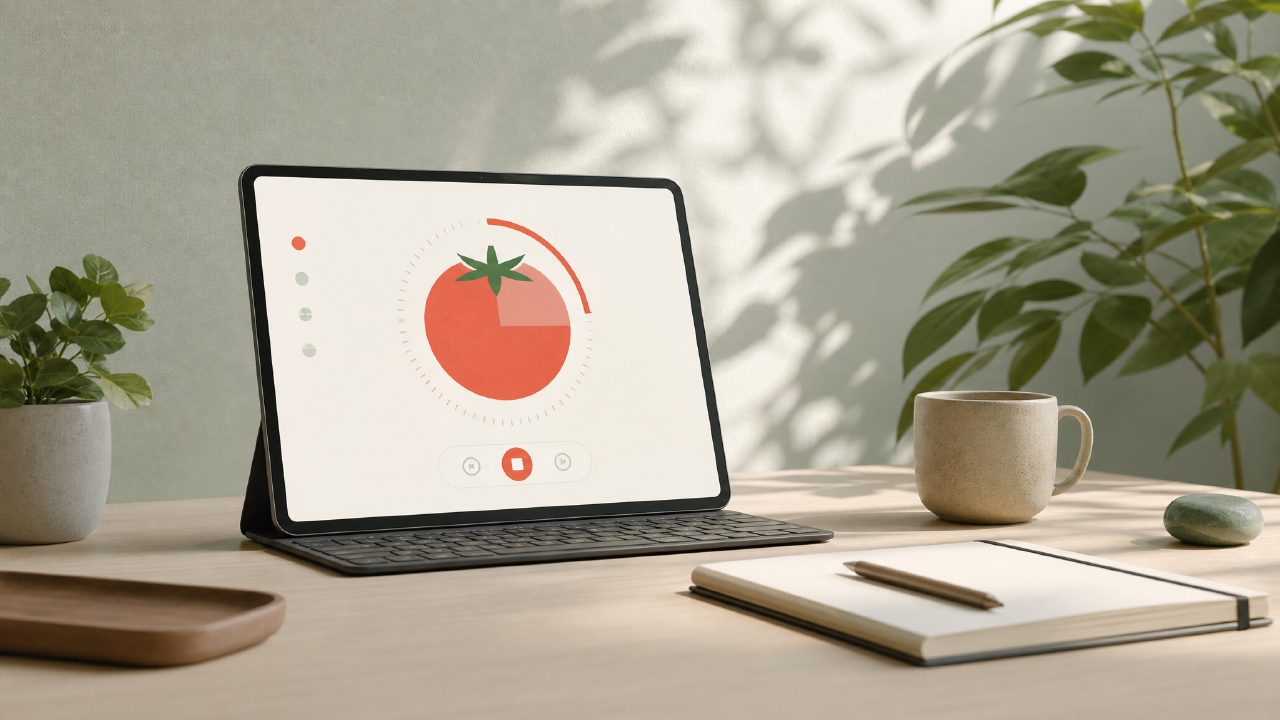
If you’ve tried a dozen Pomodoro timers and still end up checking your phone every ten minutes, the problem might not be you — it’s the app. Most focus apps pile on features that actually pull you away from work. I started testing Focusly because I wanted a timer that stays out of the way. After a few weeks of using it for writing sessions and study blocks, here’s what I found — written as answers to the questions you probably have before downloading anything.
Frequently Asked Questions About Pomodoro Focus Apps
Is Focusly really the best pomodoro focus app for distraction free work?
That depends on what “distraction free” means to you. For me, it means an app that doesn’t feel like a social media feed. Focusly’s interface is intentionally bare — no streaks, no leaderboards, no animated rewards. You pick a session length, start the timer, and it quietly runs. I appreciated that I didn’t have to fight notifications or endless settings. But I also noticed that the free version only offers three preset session lengths (like 25, 45, and 60 minutes). If you want custom intervals or longer deep work blocks, you’ll need the paid plan. So yes, for basic, no-nonsense timing, it’s a solid contender. But if you need flexible intervals without paying, look at other free pomodoro focus app 2026 options first.
How does the focusly pomodoro app handle breaks and resets?
Breaks are automatic if you let them be. After a work session, the app switches to a short break timer (default is 5 minutes). One thing that tripped me up: the first time I used it, the notification to start the break didn't pop up because I’d blocked permissions. The app didn’t warn me, so I sat there wondering why the timer had stopped. After fixing that, it worked smoothly. The break screen is minimal — no suggestions to stretch or drink water. That’s fine for people who already have a routine, but if you rely on prompts, you might find it a little bare.
Can you plan sessions in advance with Focusly?
Yes, and this is where the app stands out from many pomodoro timer app free options. You can create a series of sessions — for example, four 45-minute deep work blocks with breaks in between. The app walks you through each one. I used this to plan a full afternoon of report writing, and it helped me stay on track without constantly checking the clock. The downside is that you can’t label sessions or set goals per block in the free version. The paid version adds that, but I’m not sure it’s worth the upgrade unless you’re a heavy planner.
Does Focusly work for group or team focus sessions?
No. This is a clear tradeoff. The focusly pomodoro app is built for individual use only. There’s no shared timer, no co-working rooms, no accountability features. So if you’re looking for a tool to use with a study group or remote team, this isn’t it. I tried convincing a friend to use it at the same time, and we just had to start our own timers manually. That worked fine, but it’s not the same as a sync feature. Keep that in mind if collaboration is part of your workflow.
What’s the biggest limitation you noticed?
The analytics are basic. Focusly shows you how many sessions you completed in a day and your total focus time, but that’s about it. No breakdown of which projects you spent time on, no trend graphs, no comparisons. I found that useful enough to track overall effort, but not detailed enough to improve my planning. For example, I could see I did five sessions yesterday, but I had to remember myself that three were interrupted. If you want deep productivity insights, you might need a companion tool. That said, for a lightweight tracker that doesn’t overcomplicate things, it works.
Is Focusly worth downloading in 2025?
I think it depends on your baseline. If you currently use no timer at all, Focusly is a great starting point — it’s clean, reliable, and won’t distract you. If you’re coming from a feature-heavy app and feel overwhelmed, the simplicity here can be a relief. Just know that the free version has limits, and the paid features aren’t revolutionary. I’d suggest trying the focusly pomodoro app for a week with its preset sessions. If the lack of customization bothers you, there are other free pomodoro focus app 2026 alternatives that offer more flexibility for zero cost. But if quiet, distraction-free timing is your priority, Focusly does it well enough that I still have it on my phone.
Comments
Leave a Comment