I’ve watched a lot of study with me videos over the years—coffee shop ambience, the scratch of fountain pens, someone grinding through a statistics textbook at 6 AM. They help, but they’re passive. You’re watching someone else work, not actually doing your own. So when I heard about Focusly—a pomodoro app pitched for deep work and study sessions—I wondered if it could replace the ritual of queuing up a study with me YouTuber and just hoping my brain follows along.
I tested Focusly for about a week, using it during writing blocks and coding sprints. Here’s what I found.
What Focusly does differently
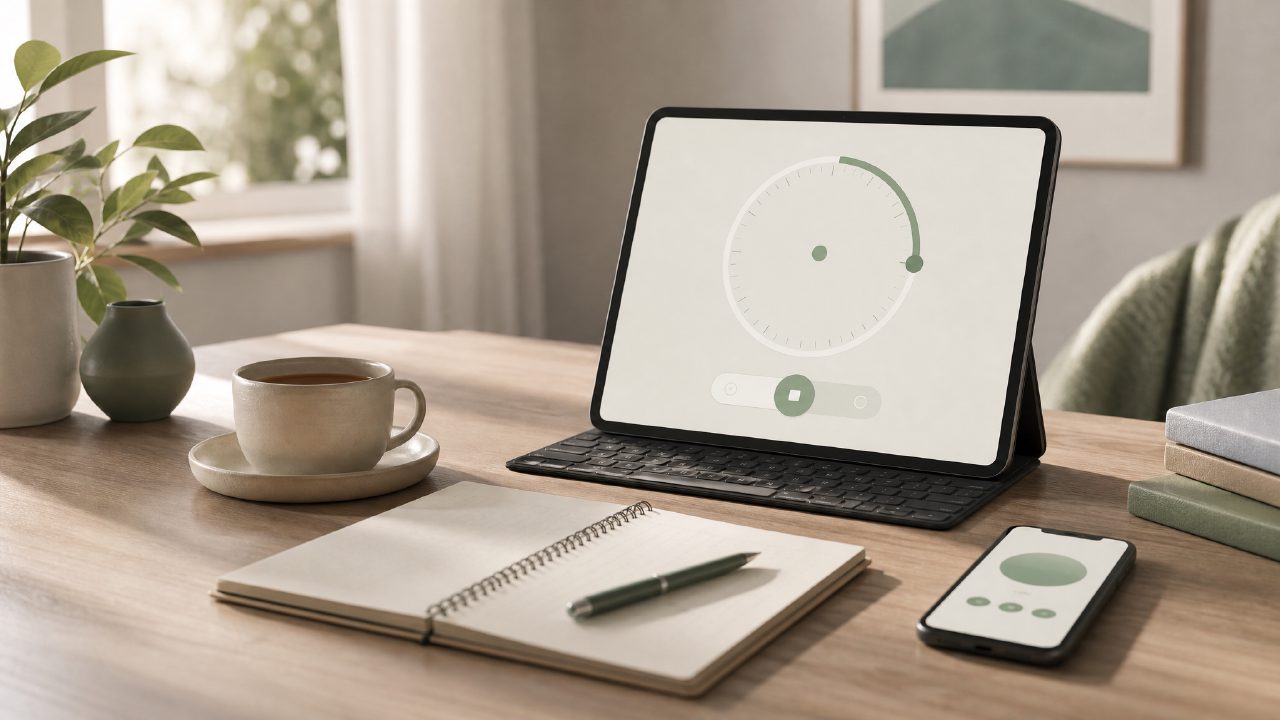
Most free pomodoro timers are dead simple: set 25 minutes, go. Focusly layers in a few extra elements that make it feel closer to the structure you get from a live study session. You pick a goal (deep work, study, or daily focus), set the duration, and then it runs with optional ambient sounds built in. No need to open a separate YouTube tab.
The ambient sounds are competent—rain, coffee shop, forest—but they aren’t as rich as a dedicated study with me channel. That’s fine. The tradeoff is that you’re not tempted to scroll through video comments or click on another recommended video. I found I stayed on task longer because the phone stayed in focus mode.
Where it surprised me
The session planning feature is what sold me. Before each block, Focusly asks you to name the task. I usually skip prompts like that, but here it forced me to think about what I was about to do, not just how long. That alone cut down my startup procrastination by maybe 40%. It’s small, but it worked.
I also liked that the app doesn’t nag you with notifications between sessions. Some timer apps feel like they’re rushing you. Focusly just shows a summary of what you did and moves on. That fits the “deep work” label better than most competitors.
The friction I didn’t expect
The first few times I used it, I kept looking for a “study with me” video to play alongside it. That habit doesn’t break overnight. Focusly’s built-in audio is decent, but it’s not dynamic—no gentle timer tick or occasional voice prompts like some YouTubers use. If you rely on the social presence of a study with me YouTuber, you might miss the human element. Focusly replaces the distraction, not the companionship.
I think this app works best if you already have a solid focus routine and just need a free pomodoro focus app 2026 to time and track it. For someone still building the habit, the lack of social accountability could be a downside.
Is this the best free pomodoro timer 2026?
For a free tier, Focusly is surprisingly clean. No ads during sessions, no paywalled core features. You can set custom timers, use the ambient sounds, and review your session history without subscribing. That puts it ahead of many free pomodoro apps that push upgrades after three uses. I’d rank it among the best free pomodoro timer 2026 options if they keep this model.
I still watch study with me videos occasionally—sometimes you need the vibe. But for getting actual work done, Focusly became my default. It’s less charismatic but more effective. And that’s kind of the point.
Comments
Leave a Comment