We all know the feeling. You sit down to write a report, open a blank document, and suddenly you're checking Slack or refreshing your feed. Your attention span has eroded to the point where even 15 minutes of uninterrupted focus feels like a marathon. This is exactly where Focusly steps in. It’s a pomodoro timer app built around the premise that you can actually train your attention span, rather than just passively watching the clock tick while your mind wanders.
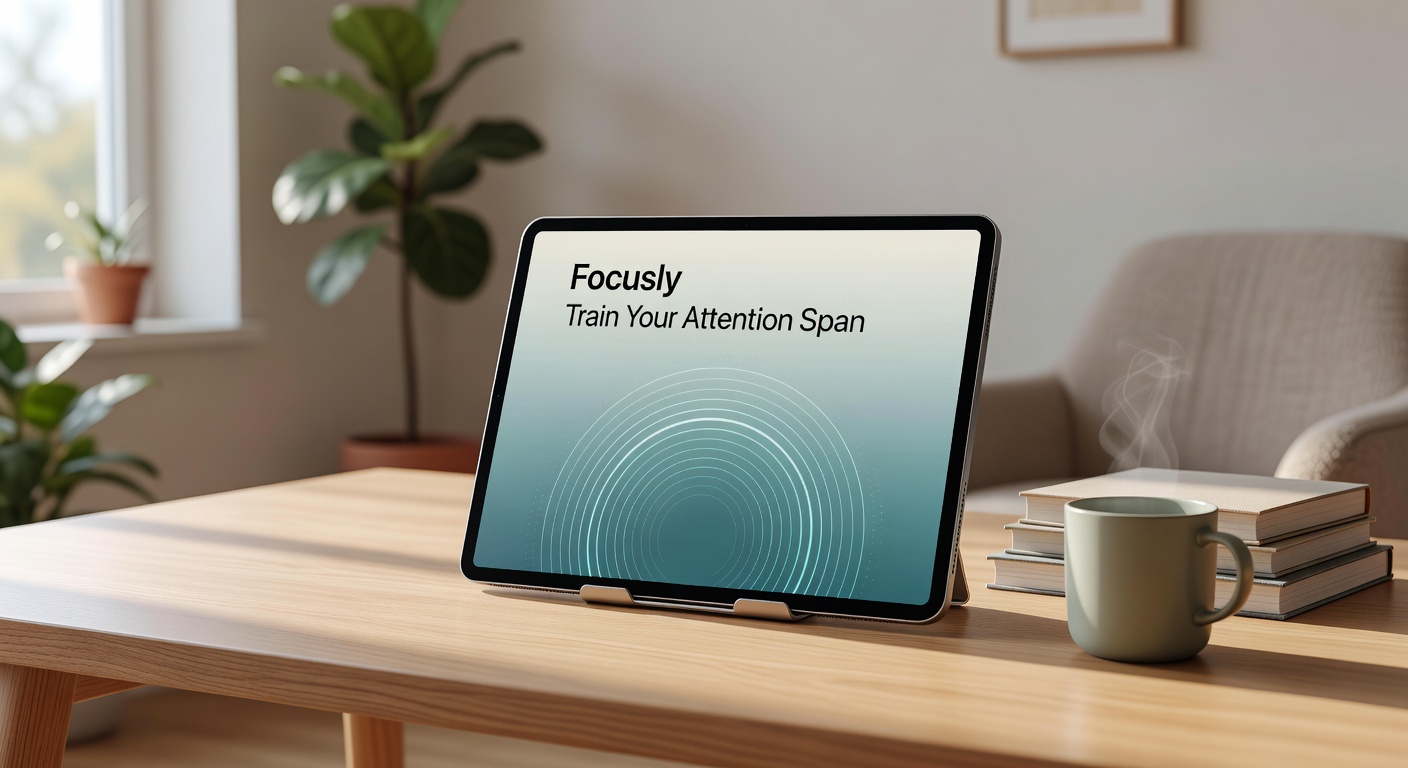
How Focusly Forces You to Plan Before You Work
Most timer apps just hand you a start and stop button. You decide when to begin, and the app counts down. Focusly takes a different approach by making session planning the core of the experience. Before you start a deep work block, you map it out—say, three 25-minute pomodoros with 5-minute breaks in between—and commit to the structure. This pre-planning is where the actual attention training happens. You aren't just reacting to a timer; you're setting a deliberate intention for your next hour.
Once the session starts, the app pushes you to stay in the moment. The interface strips away anything that isn't the current task, and it actively works to reduce distractions. It feels less like a stopwatch and more like a hard boundary you set for yourself. By locking you into the plan you just made, it removes the micro-decisions—"should I take a break now?"—that usually derail your focus.
Real Scenarios Where Focusly Clicks
Let’s say you’re drafting a long-form proposal. Normally, you’d hit a wall around the 20-minute mark and instinctively switch tabs to escape the friction. With Focusly, that ticking timer creates a psychological contract. Knowing you only have five minutes left in the block makes it easier to push through the urge to context-switch instead of breaking your rhythm.
Or take studying. If you’re working through dense academic material, the built-in session planning helps you break a four-hour study grind into manageable, pre-planned chunks. You aren't burning out by hour three because the app forces you to step away during the long breaks, keeping your retention higher.
Even for coding, where flow states are notoriously fragile, having a silent, pre-planned structure prevents the "just one more line" trap. The enforced break gives your eyes and brain a necessary reset, which often solves the bug you’ve been staring at for the last 45 minutes.
The Tradeoffs: When Rigid Focus Fails
Focusly is rigid by design. Training your attention requires discipline, and the app enforces it. But that rigidity comes with real tradeoffs. If your daily work is highly interruptive—like a project manager fielding constant urgent requests or a support engineer jumping into live tickets—a strict 25-minute pomodoro might cause more stress than relief. You’ll end up abandoning sessions halfway, which defeats the purpose of the structure and leaves you feeling like you failed the timer.
In those cases, alternatives might serve you better. A flexible time-blocker that lets you pause and resume without penalty makes more sense for chaotic schedules. If you need emotional stakes to stay off your phone, an app like Forest gamifies the experience by growing a virtual tree—die and the tree dies. Focusly, on the other hand, is bare-bones and serious. It doesn't reward you with points or animations; it just gives you a quiet, distraction-free space to work. If you need gamification to stay engaged, Focusly might feel too dry and punishing.
Training your attention span isn't a hack; it's repetitive, sometimes frustrating practice. Focusly removes the excuses and the digital noise, leaving you with just the work and the timer. If your days are constantly fragmented by context-switching and you actually have the autonomy to block out 90 minutes of uninterrupted time, this pomodoro timer app gives you the framework to rebuild your focus. It won't do the work for you, but it makes sitting down and starting a lot less painful.
Comments
Leave a Comment