You know those days when your to-do list is a solid wall of tasks, and your brain just refuses to cooperate? That's been my reality for the past few months. Between meetings, Slack pings, and the constant temptation to check my phone, I was getting through the day without actually getting anything done. I'd sit down to write a report, and somehow end up reading about vintage watches.
I've tried pomodoro timers before. The basic ones work fine, but they never seemed to click for me on a busy day. When your schedule is already fragmented, adding another timer that just beeps at you feels like noise, not help.
How Focusly changes the rhythm
Focusly is a pomodoro timer app, but it's built around something most timers ignore: the way your energy actually flows during a real workday. Instead of a rigid 25-minute block, you plan your sessions based on what you're doing. A deep writing session might get 50 minutes. Reviewing emails gets 15.
What surprised me most was how it handles the transitions. Most apps just ding and reset. Focusly gives you a brief, deliberate pause between sessions. It sounds minor, but when you're deep in complex work, that little buffer keeps you from burning out by noon. I found myself finishing my second session and actually wanting to do a third, instead of feeling drained.
I also appreciate that it doesn't punish you for interruptions. If someone knocks on your door or a urgent message comes in, you can pause the timer without feeling like you've "failed" your focus session. That matters more than you'd think when you're working in a real environment, not a perfectly quiet room.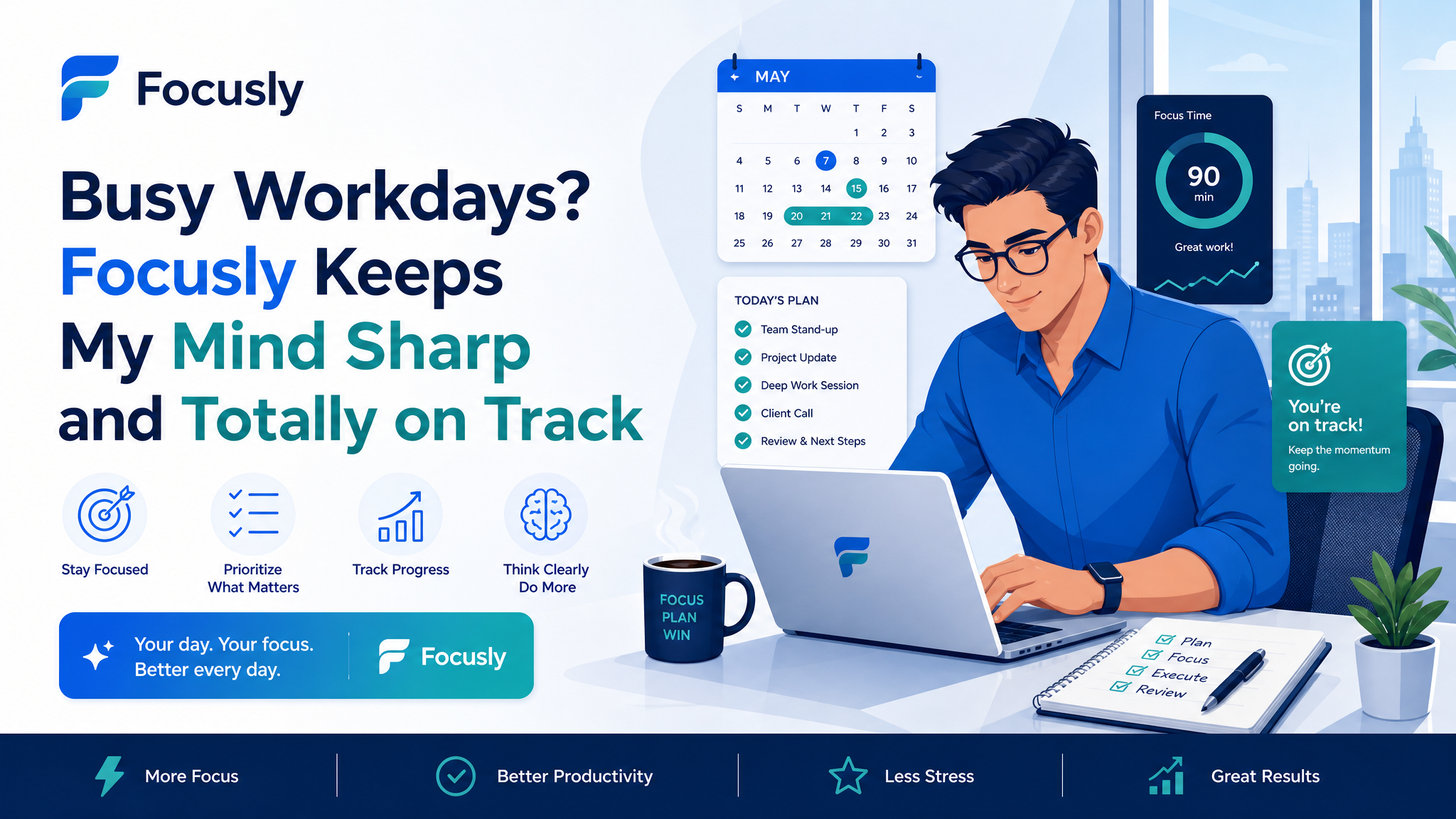
Where it actually helps (and where it doesn't)
Let me give you two concrete examples from my own week.
Scenario one: Tuesday morning, I needed to finish a client proposal that required deep concentration. I set a 45-minute Focusly session, put my phone face down, and started. The app's sound design is intentionally minimal — just enough to mark the start and end without pulling you out of flow. I got through the entire first draft in one session. Normally, that would have taken me two hours with half a dozen distractions.
Scenario two: Thursday afternoon, I had five small tasks — a few emails, a Slack follow-up, a quick edit, two approvals. I didn't even bother with the timer. Focusly felt too heavy for that kind of fragmented work. I just knocked them out manually. So no, it's not perfect for every part of your day. It's for the work that needs uninterrupted focus, not the quick-hit stuff.
Should you try it, or are you fine with what you have?
If your workdays are already calm and you have no trouble focusing, Focusly probably won't change your life. A simple timer app or even a physical kitchen timer would do the same job for free.
But if your days are chaotic, if you're constantly jumping between tasks and feeling like you're working hard without making progress, this app addresses that specific pain. The structured planning, the gentle buffers, the way it accommodates real-life interruptions — those aren't gimmicks. They're features designed for people whose attention is constantly under siege.
There's also a tradeoff to consider: the planning itself takes a moment. Setting up your sessions requires a few seconds of intentionality. If you're too rushed to even do that, you might find yourself skipping it. I've definitely had days where I opened the app, looked at the session setup screen, closed it, and just worked without it. That's fine. It's a tool, not a religion.
For my own workflow, Focusly has become part of my morning routine for the tasks that matter most. It doesn't solve every problem, but it makes the deep work part noticeably easier. On busy workdays, that's exactly what I need.
Comments
Leave a Comment