You sit down to write that report. Three minutes later, you check your phone. Then an email notification pops up. Then you remember you should look up that one thing. Suddenly, an hour is gone and you've written two sentences.
This isn't a discipline problem. It's a structural problem. Your brain craves quick hits of dopamine, and your devices are designed to deliver them. Fighting that with willpower alone is like trying to push a boulder uphill with your nose. It works for a while, then it doesn't.
That's where Focusly comes in. It's a Pomodoro timer app, but "Pomodoro timer" makes it sound simpler than it actually is. What Focusly really does is give your scattered attention a container.
How Focusly Actually Changes Your Session
A typical Pomodoro timer just counts down. Focusly adds two things that make a genuine difference: pre-session intention setting and a visual progress layer.
Before you start, you tell the app what you're working on. A single task. Not "emails" but "respond to client email about the budget." Not "study" but "review chapter 4 on neural networks." This forces you to make a decision, which is half the battle.
I've started using it for writing. During a 25-minute block, my phone stays face-down, and Focusly runs on my laptop. That little timer, combined with knowing exactly what I'm supposed to be doing, stops me from spiraling into Wikipedia holes. At the end of the block, I have something—not everything, but something.
Another scenario: study sessions. I had a friend in grad school who would open a textbook and drift off to social media within five minutes. With Focusly, he sets sessions by subject. 25 minutes on statistics, five-minute break, 25 minutes on Python. The break timer actually buzzes, which prevents the classic "micro-break" that becomes 40 minutes of YouTube.
For daily focus tasks—the admin stuff, the filing, the email sorting—I use shorter blocks. 15 minutes. Just enough to clear a queue without feeling like a marathon.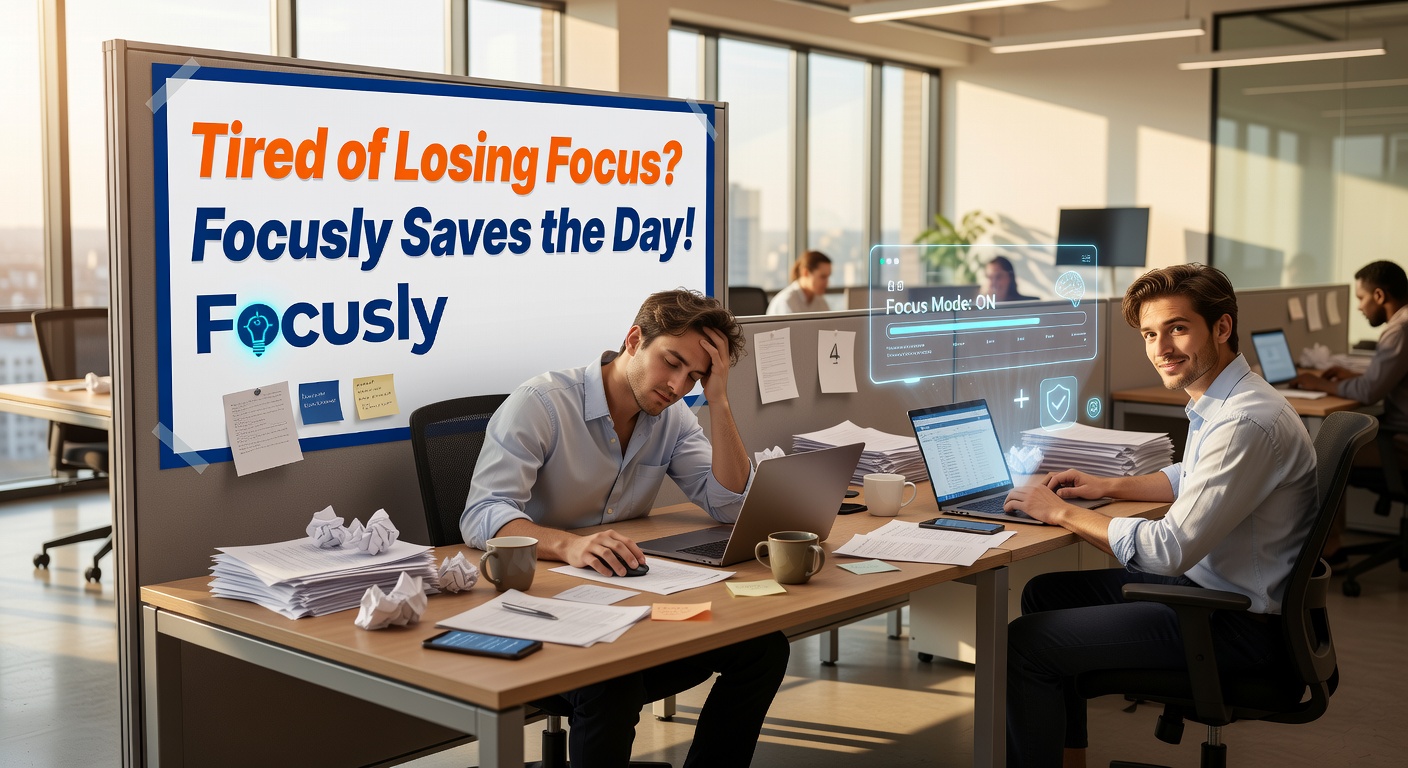
Where It Fits and Where It Doesn't
Focusly works best for work that requires continuous, directed attention for finite periods. Writing, coding, studying, data analysis, editing, reading dense material. It's less useful for creative flickering where you need to bounce between ideas, or for meetings and collaborative work where external interruptions are the whole point.
It also has a ceiling. If you're someone who already works in deep focus for hours at a stretch, the fixed interruption might feel annoying. You don't want a bell telling you to stop when you're in flow. Focusly lets you extend sessions or skip breaks, so that's solvable, but it requires you to override the default. That's friction.
The alternative, by the way, is nothing. Or a basic countdown timer on your phone. Both work, but they don't force the pre-session decision-making that Focusly does. And the visual feedback—seeing a chain of completed blocks—does build a rhythm. It's not magic, but it's not nothing either.
A practical concern: if you work in a noisy or interruption-heavy environment, Focusly can't fix that. It can tell you to focus, but it can't make your coworkers stop asking questions or your kids stop yelling. For that, you need headphones, a door, or a different schedule. Focusly amplifies concentration; it doesn't create it out of thin air.
Should You Try It?
If you've taken three hours to do 20 minutes of work more than once this week, yes. Download it. Use it for three sessions. If it doesn't help, delete it. There's no cost except 60 seconds of setup.
The real test is whether, after two weeks, you notice a difference in how much actually gets done. I did. Not because Focusly is revolutionary, but because it makes the simple act of not switching tasks slightly easier—and that's usually enough.
Comments
Leave a Comment