Most of us don't have a focus problem; we have a friction problem. You sit down to study, set a generic 25-minute timer on your phone, and then spend the first ten minutes deciding what to actually work on. By the time the timer rings, you’ve barely started. Standard Pomodoro setups tell you when to stop, but they do nothing to map out the actual work. That’s where Focusly Deep Work tries to step in—it’s a pomodoro timer app that handles the session planning so you can just execute.
Planning Sessions Instead of Just Counting Down
The core difference with Focusly is how it treats time blocks. Instead of just hitting "start" and hoping for the best, you lay out your entire study or work session before the clock begins. Let’s say you have a three-hour block before an exam. You can stack a 50-minute deep review block, a 10-minute break, two 25-minute practice problem blocks, and a final 15-minute recap. The app runs the sequence automatically.
This removes the decision fatigue mid-session. When the break ends, Focusly just pushes you into the next task on the list. You don't have to fiddle with the timer settings or debate whether you should do another round. It forces a work rhythm that doesn't rely on your own willpower to restart.
Reducing Distractions Beyond the Timer Beep
Focusly also tries to cut down on the usual screen wandering. During an active block, the interface stays minimal. You aren’t toggling between a calendar, a task list, and a timer. It’s just the countdown and the current session label.
In practice, this works well for specific scenarios. If you’re drafting a long essay and keep instinctively checking messages between paragraphs, having a persistent, full-screen countdown on your phone or tablet serves as a decent visual anchor. It’s not a hard firewall like a dedicated app blocker, but the physical act of seeing the ticking clock often makes you second-guess picking up another app.
The limitation here is obvious: Focusly is a timer, not a digital leash. If your discipline is genuinely terrible and you open social media every time you hit a mental wall, the app won’t physically stop you. It just gives you a structured timeline to ignore if you choose to.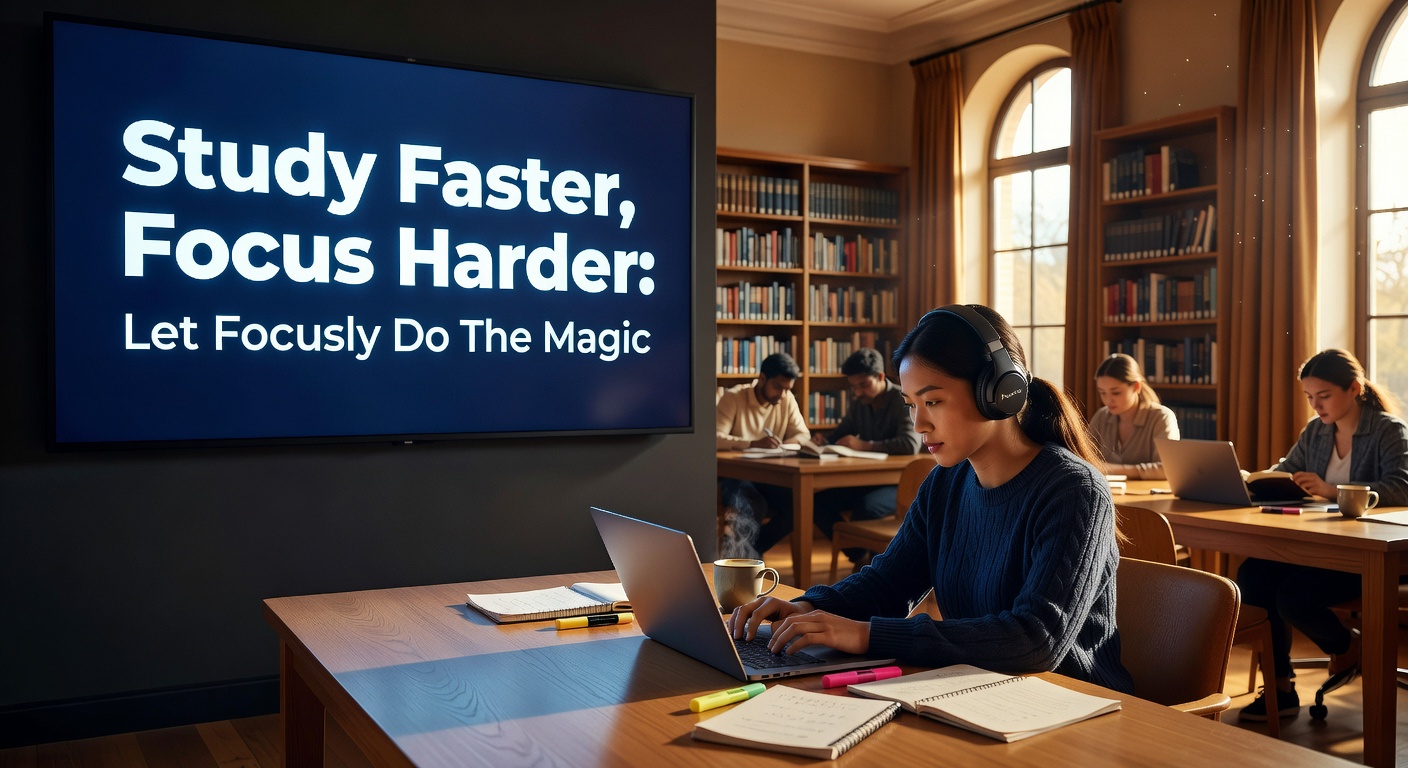
Evaluating the Fit: When Focusly Works and When It Doesn't
Choosing a timer app usually comes down to what kind of procrastination you fight. If you struggle with task switching and need a rigid, pre-planned structure to get through a study session, Focusly Deep Work hits the mark. It’s built for people who can focus once they start, but hate the setup phase.
However, the tradeoffs are real. Compared to something like Forest, Focusly lacks the gamified guilt-trip of killing a virtual tree if you leave the app. If you need that emotional stake to stay off your phone, Focusly’s calm interface won’t do much. And compared to a basic free timer, Focusly asks you to invest time in planning your blocks—which is pointless if your work is highly reactive and constantly interrupted by incoming calls or urgent messages.
For deep work, thesis writing, or dedicated exam prep, the pre-planned session stack is a massive advantage over standard timers. For chaotic, interrupt-driven workdays, it might feel too rigid.
The Bottom Line
Focusly Deep Work won't magically make you love studying, and it won't lock your phone down. What it does is remove the friction of planning and restarting. By stacking your pomodoro intervals into a single, automated sequence, it eliminates the micro-decisions that usually derail a focus block. If your main hurdle is getting the clock set and sticking to the plan, Focusly handles the mechanics so you can actually get the work done.
Comments
Leave a Comment