My mind wanders. I sit down to draft a document, and five minutes later I'm researching obscure trivia or staring out the window. Unstructured time is basically an invitation for the brain to drift, especially when you're working alone without a manager hovering nearby. That's exactly where Focusly, a pomodoro timer app built for deep work, steps in.
The Daydream Trap and the Pomodoro Fix
The standard 25-minute pomodoro technique isn't new, but the way Focusly enforces it feels different. It’s not just a silent countdown running in the background; it’s a hard boundary. When that timer is active, the implicit contract is "do this one thing right now." The ticking clock creates a micro-deadline. If I catch myself slipping into a daydream, the active timer sitting there on the screen is a visual cue to snap back to the task.
A basic phone timer can count down 25 minutes, but it doesn't hold you accountable. Focusly logs what you planned versus what you actually completed. That gap is where the daydreams live. Seeing the data makes the drifting tangible, which is the first step to actually fixing it.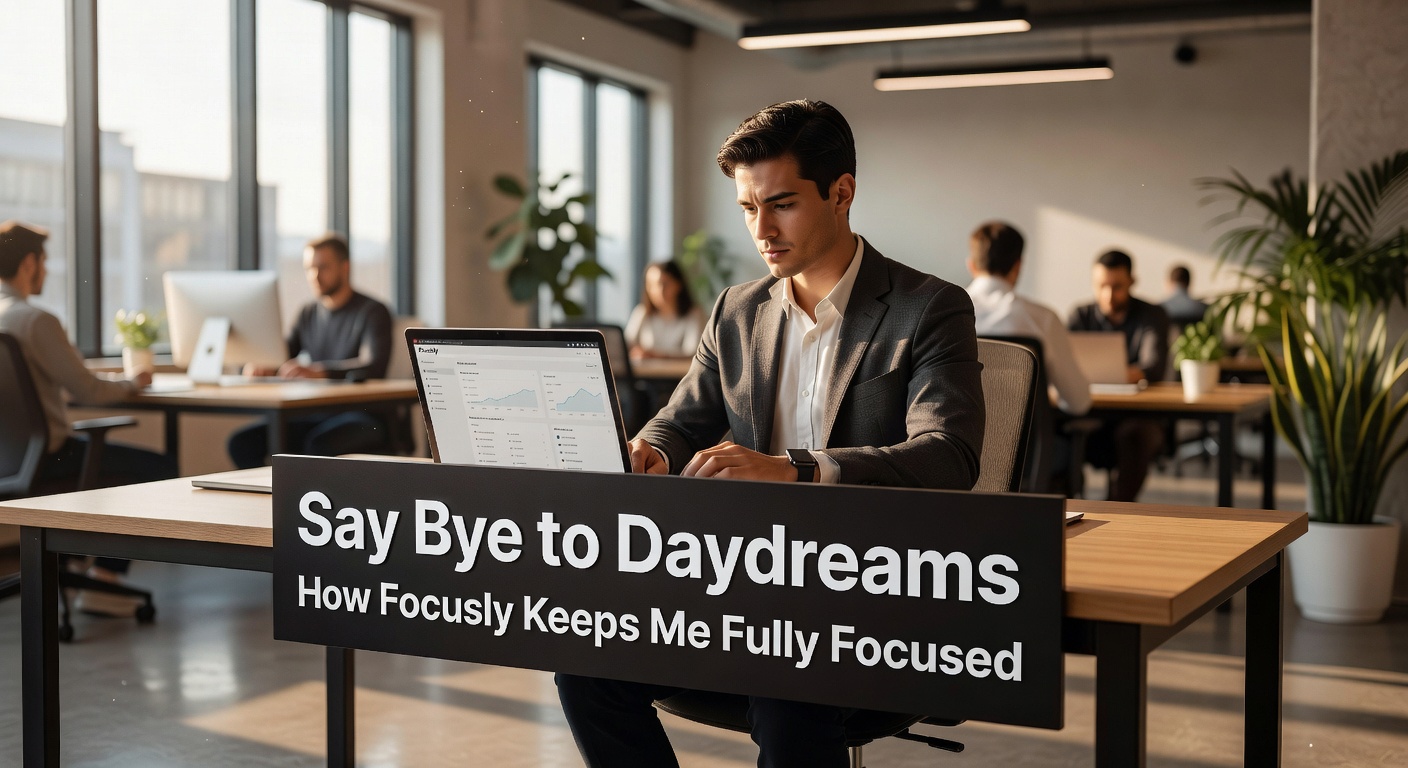
Planning Sessions vs. Just Tapping Start
Most timer apps let you just hit "start" and figure out the rest later. Focusly wants you to plan the session first. You map out your work blocks and break intervals before you actually begin working. This pre-commitment is weirdly effective. If I know I have four 25-minute blocks queued up for a report, I’m far less likely to abandon ship after the first one gets tough.
The app takes the decision-making out of the middle of your workflow. You aren't constantly pausing to ask yourself "should I do another round?" or "how long should I break?"—it's already scheduled. You can customize the intervals too. The classic 25/5 split doesn't work for everything. If I'm doing deep reading, I prefer a 50-minute block with a 10-minute break, and Focusly lets me set that structure upfront.
Where Focusly Actually Makes a Difference
Writing rough drafts. The hardest part is keeping the fingers moving without stopping to self-edit. Focusly keeps me locked in the document. I don't switch tabs to check messages because the break hasn't started yet. The urgency of the countdown forces forward momentum.
Reading dense material. Normally, my eyes glaze over by page five of a technical PDF. Setting a dedicated focus block forces me to actively process the text instead of passively skimming while thinking about lunch.
Debugging code. When you hit a wall on a tricky bug, frustration kicks in and opening Reddit feels like a relief. The running timer keeps me staring at the screen, trying different solutions, until the scheduled break actually arrives.
Evaluating Fit, Tradeoffs, and Alternatives
Focusly isn't perfect for every workflow. If your work is highly collaborative or requires rapid, unpredictable context switching—like customer support or slack-heavy team coordination—rigid pomodoro blocks will just frustrate you. You can't tell a client to wait 18 minutes until your timer rings. It’s built for solo deep work where you control your own schedule.
Then there's the question of gamification. Compared to something like Forest, which grows virtual trees while you focus and kills them if you quit, Focusly is stripped down and utilitarian. It doesn't reward you with pixels; it just gives you the raw structure and the data. If you need visual gamification to stay on task, Focusly might feel too dry. But if gamification feels gimmicky to you, and you just want a clean tool that forces rhythm, this stripped-back approach is a strength.
Daydreaming happens when there's empty space in your schedule and no immediate consequence for drifting. Focusly fills that space with structure. It’s a pomodoro timer app that relies on pre-planning and strict boundaries to keep your brain from wandering off. It won't make the work itself easier, but it makes drifting away a lot harder to justify.
Comments
Leave a Comment