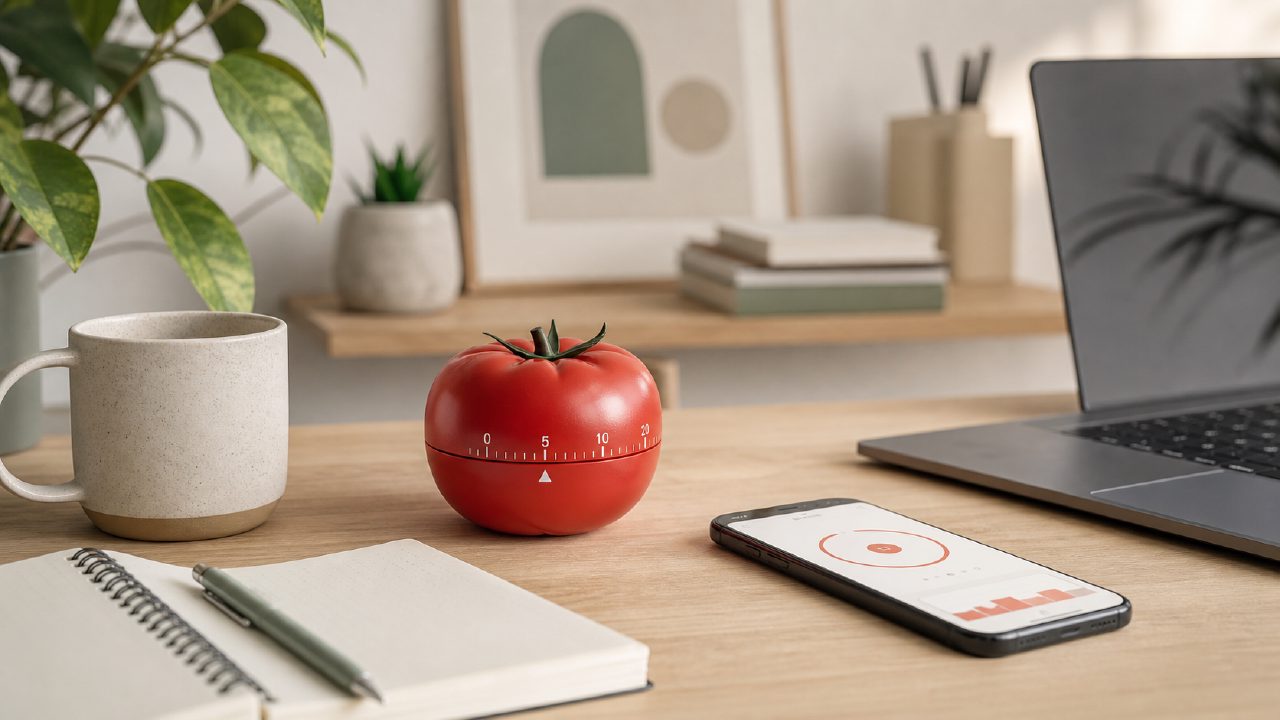
I’ve tried the pomodoro technique on and off for years, but it never really stuck until I found an app that didn’t get in the way. Most timers are either too noisy or too rigid. I wanted something that let me adjust the rhythm without breaking focus. That’s when I started testing Focusly as a dedicated deep-work companion for my daily sessions. Here’s what I learned about what actually makes the pomodoro technique work – laid out as a practical checklist you can use to evaluate any tool, including this one.
Checklist for a Pomodoro Technique App That Actually Works
- Customizable session lengths – The classic 25-minute focus / 5-minute break isn’t one-size-fits-all. I code, and 25 minutes feels too short when I’m deep in a refactor. Focusly lets you adjust both focus and break durations down to the minute. I settled on 40/10 for writing tasks and 25/5 for quick email sprints. If an app locks you into the default, you’re fighting the technique instead of using it.
- Distraction management that isn’t overbearing – Focusly includes a “deep focus mode” that briefly blocks notifications and dims the screen. It’s subtle – it doesn’t try to block websites or apps (which I actually prefer because I use separate tools for that). The friction point: if you need hard site blocking, you’ll still need another layer. But for reducing phone nudges, it works. I noticed fewer impulse checks during a session after the first week.
- Session history with actionable data – After a few days, Focusly shows you how many sessions you completed and how your focus time trended. The data is clean but basic – I wish it showed which time of day I was most productive, or let me tag sessions by project. Still, seeing a streak of eight completed sessions pushed me to keep going. That visual nudge is more useful than I expected.
- Long break scheduling – After four pomodoros, a longer break (15–30 minutes) is essential to avoid burnout. Focusly defaults to 15 minutes, which works for me, but you can extend it. One weekend I tried 20 minutes and found I bounced back faster. Most free timers skip this entirely.
- It’s genuinely free (with limits) – Focusly offers a free tier that covers unlimited sessions and basic customization. That’s rare among pomodoro apps in 2026. The paid upgrade adds analytics and themes, but the free version is enough to test if the technique fits your workflow. A cautious note: the free tier doesn’t sync across devices, so if you switch between phone and desktop, you’ll lose continuity unless you pay.
- Sound and notification choices – I hate jarring alarms. Focusly uses a soft chime that fades in – no sudden panic when the timer goes off. You can also set it to vibrate only. For deep work, that matters more than you’d think. The one annoyance: the break-end notification is the same chime, making it hard to distinguish without looking at the screen.
When the pomodoro technique doesn’t work (and what to do about it)
Honestly, the technique can fail if you’re in a creative flow and the timer interrupts you. I’ve lost momentum multiple times. Focusly doesn’t have a “snooze” or “extend current session” button – you have to stop or restart. That’s a real limitation for writing or design work. The tradeoff is structure vs. stretch. If you absolutely cannot be interrupted, maybe the pomodoro technique isn’t for you, or you need a tool that allows ad‑hoc extensions.
Another corner case: if you’re doing collaborative work (pair programming or meetings), the timer can feel antisocial. Focusly isn’t built for team use – it’s purely personal. That’s fine for individual deep work, but don’t expect shared timers or group stats.
So, is it worth using the pomodoro technique with Focusly?
If you’re looking for the best free pomodoro timer in 2026 that doesn’t clutter your life with features you won’t use, Focusly is a solid pick. It’s not the deepest app, but it covers the core habits: adjustable intervals, minimal distraction handling, and a simple session log. I’ve been using it for three weeks now, and my average focused time per day went from about 90 minutes to 140 minutes. That’s not revolutionary, but it’s real.
Start with the default 25/5 and tweak after a week. If the technique still feels like a chore, the problem might not be the app – it might be that you need longer focus blocks. In that case, look for a free pomodoro focus app 2026 that handles extended intervals well. Focusly does, but it’s a personal tool. Judge it by how much more you actually finish, not by how many features it has.
Comments
Leave a Comment