You open your laptop, coffee in hand, ready to dive into that report. But instead of starting, you check email, scroll Twitter, and suddenly 20 minutes are gone. The gap between "I should work" and actually working feels like a chasm. That's where the promise of a one-click productivity boost becomes irresistible.
Focusly pitches itself as that single click. Tap the app, choose a focus session length, and start. No onboarding maze, no login gate. In my testing, from tapping the icon to a running timer took under three seconds. That speed matters when your motivation window is fragile.
What the "one click" actually does
Focusly isn't a full project manager or distraction blocker. It's a focused Pomodoro timer that leans hard on reducing friction. The core flow: you see a clean screen with preset durations (15, 25, 45, 60 minutes). Tap one, and the timer starts. A subtle tick plays. That's it.
I used this for two weeks across three scenarios:
- Morning deep work block: I set 45 minutes. The timer forced me to commit to one task. The ticking sound became a cue: "no switching now."
- Afternoon slump recovery: I used 15 minutes just to break the inertia. That short sprint often stretched into an hour once I started.
- Late-night study session: 25 minutes with breaks. The simplicity kept me from fiddling with settings when I should be reviewing notes.
The one-click claim holds up because there's virtually no configuration. But that simplicity is also a tradeoff.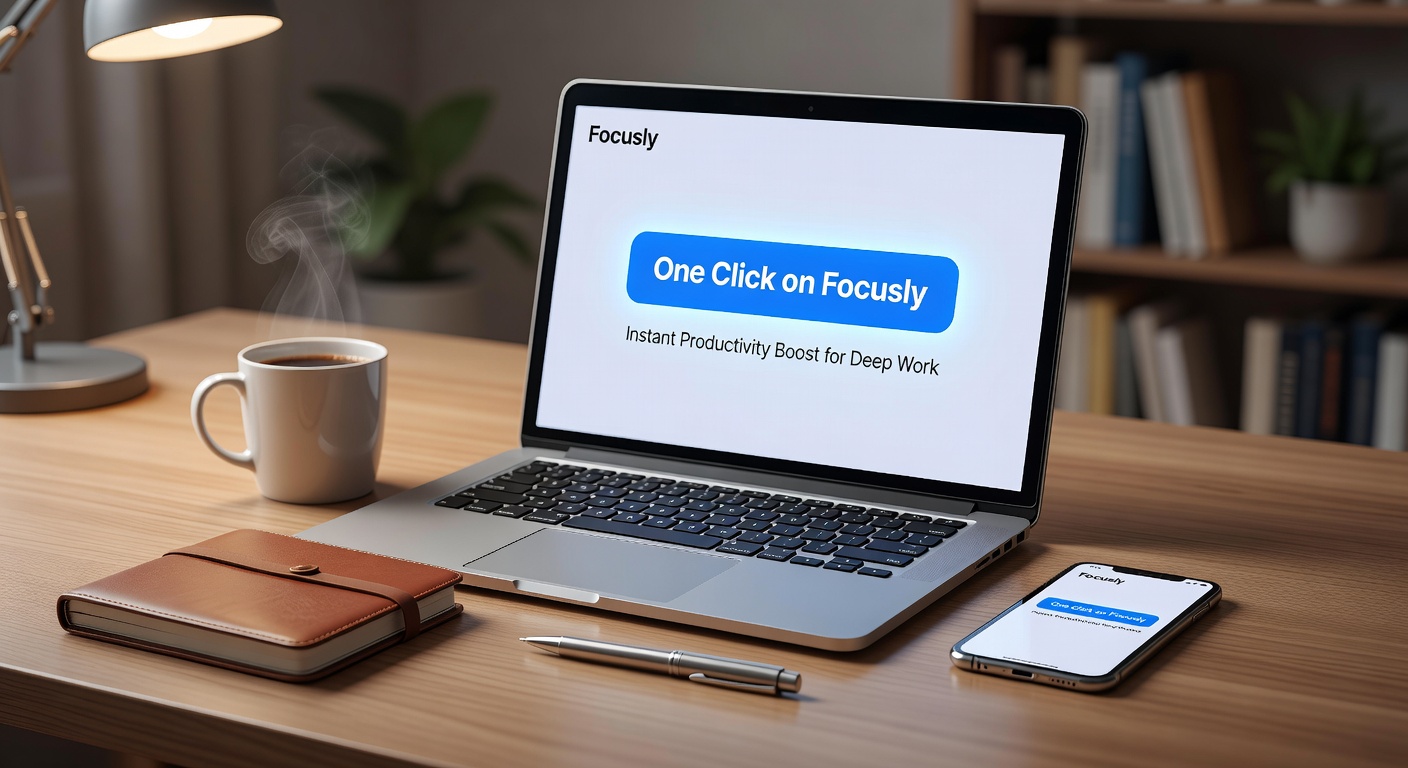
Where Focusly falls short
After using a full-featured Pomodoro app like Forest or Toggl Track, Focusly feels sparse. There's no task list integration, no statistics beyond basic session count, and no gamification. If you need to track which project you spent time on or review weekly trends, you'll be frustrated.
Also, the five-second rule: you can't pause or extend a session once it starts. Planned for 25 minutes and your brain is on a roll? You either let it finish or lose the session. That constraint is intentional for discipline, but it can feel rigid.
Who should actually use this
Focusly is ideal if your main productivity bottleneck is starting. You don't need deep analytics, you need a clean timer that kicks you into gear with minimal fuss. Writers, students, or remote workers with short attention spans will benefit most.
But if you already use Todoist or Notion for time blocking, or if you want data-driven insights about your focus patterns, look elsewhere. Focusly won't replace a full productivity stack. It's a focused tool for a specific problem: the resistance to begin.
One more practical concern: the app's "deep work" branding implies it blocks distractions, but it doesn't. No app lock, no website blocker. It relies entirely on your discipline once the timer starts. That's honest, but worth knowing before you expect a magic fix.
Bottom line: Focusly's one-click promise is real for the first step. If you're tired of apps that require five clicks before you work, this is worth trying. Just don't expect it to do the actual work for you.
Comments
Leave a Comment