Some days the browser has twelve tabs open, the to-do list keeps growing, and an hour disappears before anything actually gets done. That's the specific problem Focusly is built around — not productivity in the abstract, but the moment-to-moment drift that kills a work session before it starts.
What Focusly Actually Does
At its core, Focusly is a Pomodoro timer. You set a focus block, work through it, take a short break, repeat. But the app adds session planning on top of that rhythm, so you're not just timing yourself — you're deciding in advance what the block is for. That small step of naming the task before starting it does more than it sounds like it should.
The distraction-reduction side is straightforward: fewer prompts to check other things, a clean interface that doesn't compete for attention, and a structure that makes it slightly awkward to abandon a session halfway through. Not impossible, just awkward enough to pause.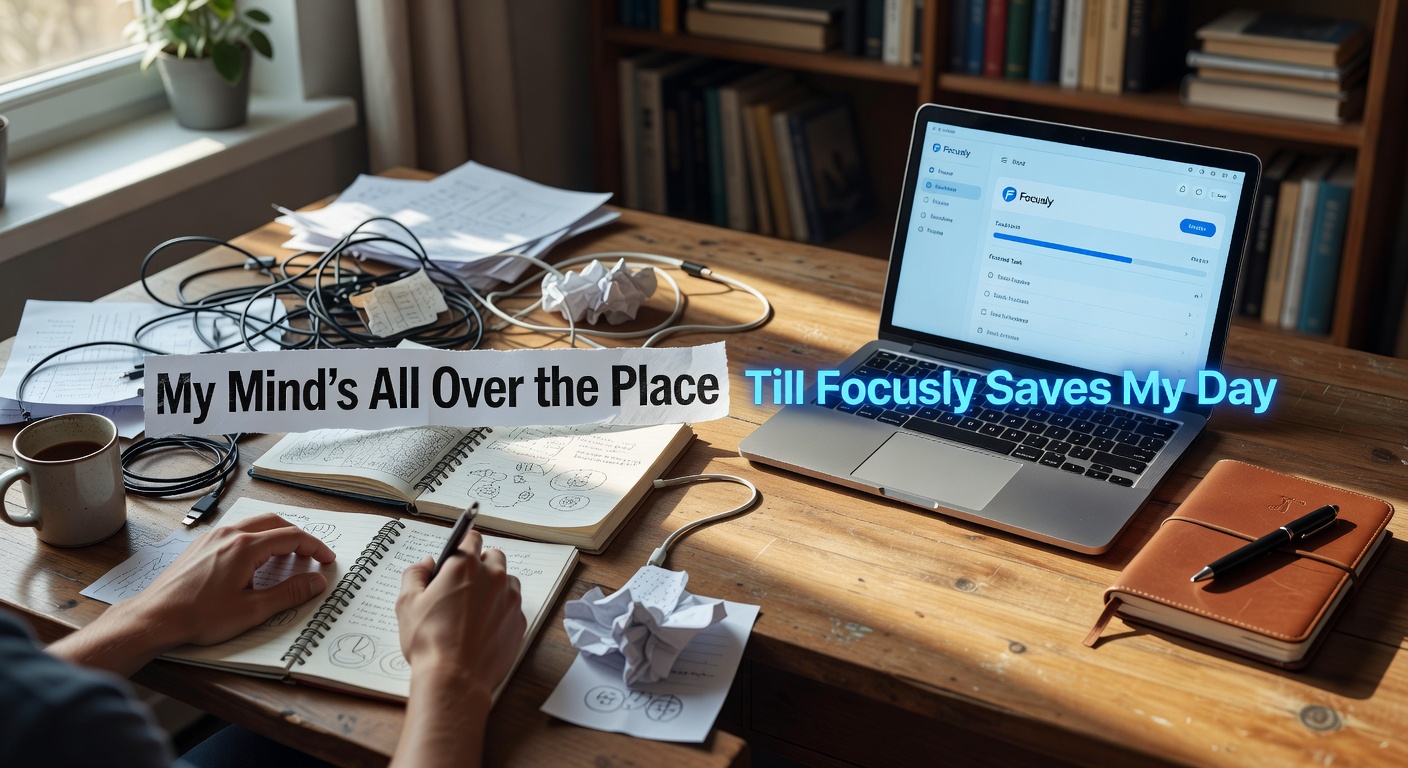
Where It Holds Up and Where It Doesn't
For study sessions with a clear scope — reading a chapter, working through a problem set, drafting a section of something — Focusly fits well. The fixed-length blocks match that kind of work naturally. You know roughly how long a chapter takes, you set the timer, you go.
Deep work that's more open-ended is trickier. If you're in the middle of something that's finally clicking, a timer going off is just friction. Some people pause and restart; others find the interruption breaks the thread entirely. Focusly doesn't solve that tension — it's a structural tool, not a cognitive one.
It's also not a task manager. If your problem is that you don't know what to work on, Focusly won't help with that. It assumes you've already made that decision and just need help staying in the session.
Who It's Actually Useful For
The app works best when the problem is follow-through rather than planning. If you know what needs doing but keep drifting — checking messages, switching tasks, losing the thread — the Pomodoro structure gives that drift something to push against. The session planning feature reinforces this: you're not just running a timer, you're making a small commitment at the start of each block.
If you already have a tight system and strong focus habits, Focusly probably adds more overhead than value. It's most useful when the workday feels scattered and you need something external to anchor it.
The app won't fix a chaotic schedule or a noisy environment, but for building a steadier work rhythm over time — especially across study sessions or solo deep work — it's a practical starting point that doesn't require much setup to use.
Comments
Leave a Comment