Let’s be honest — you’ve probably tried the Pomodoro thing before. Set a timer, work 25 minutes, break 5 minutes. Sounds simple. But if you’re like most knowledge workers, the reality looks different: you forget to restart the timer, get pulled into Slack, or end up taking a 20-minute “break” on Instagram. That’s not a focus system — that’s just time passing.
Enter Focusly. It’s a pomodoro timer app, but calling it just a timer undersells what it actually does. After testing it for two weeks across writing sessions, deep coding blocks, and even online classes, here’s how it fits into real workflow — and where it might not.
Three scenarios where Focusly feels built for actual work
1. The “deep work block” that always gets interrupted
You schedule 90 minutes for a report. By minute 12, your phone buzzes — email. You check it. By minute 35, you remember you haven’t replied to that one message. Before you know it, the block is gone and you’ve done maybe 20 minutes of real work. Sound familiar? Focusly’s session planner lets you set work/break ratios beyond the standard 25/5. I used 50/10 for writing and found the session reminder — a gentle nudge when time is almost up — actually helped me finish paragraphs instead of checking Twitter.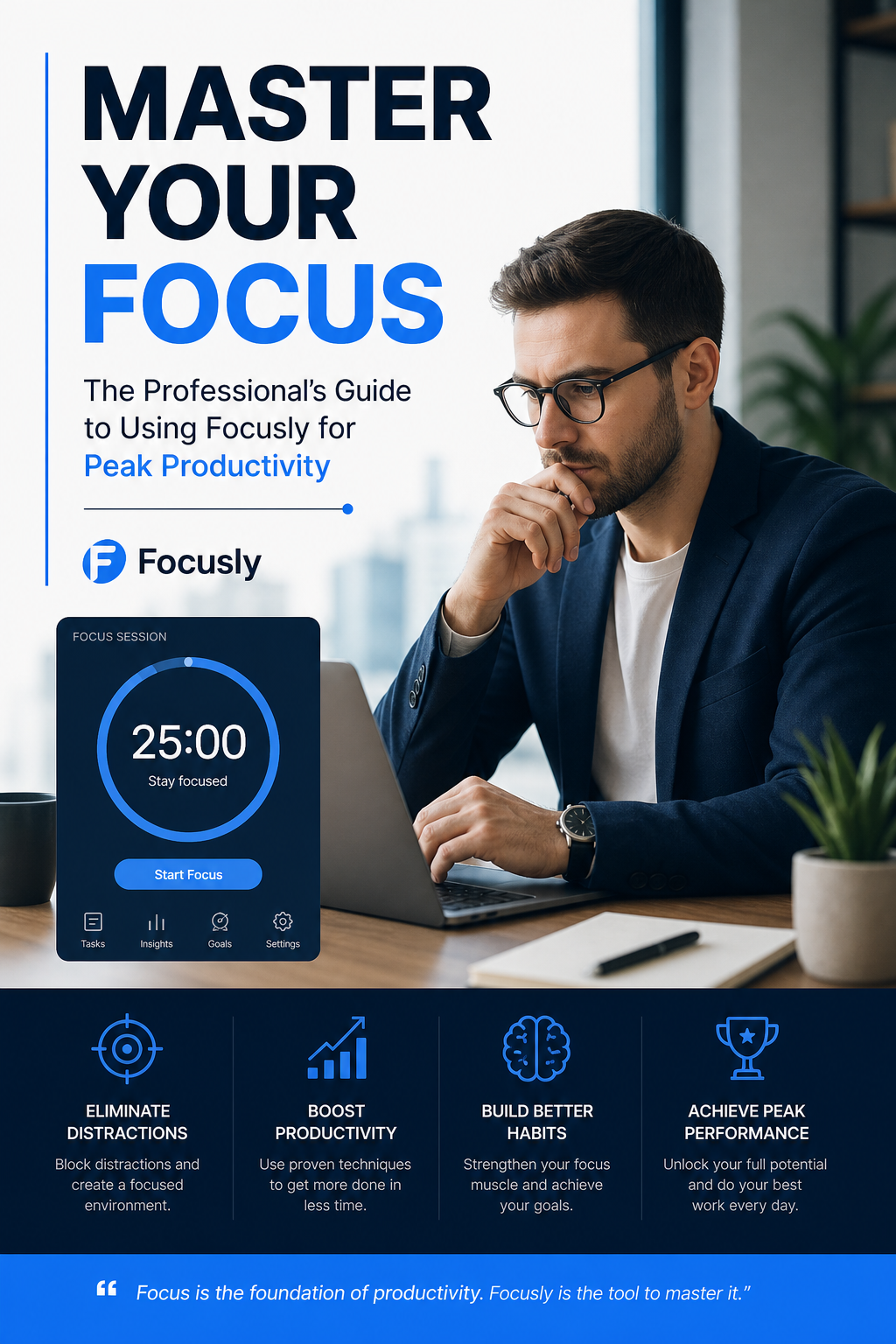
2. Studying with low motivation
Not every session needs to feel like peak productivity. Sometimes you just want to sit down and do the thing. I had a friend test Focusly during exam prep. Her honest feedback: the simple interface didn’t distract her, and the session history (you can see what you accomplished day by day) gave her a weirdly satisfying sense of progress. She said it felt “less punishing” than other apps that nag you for a missed day.
3. When task-switching becomes your enemy
Freelancers know this one well. You switch between client work, emails, and admin — and by noon you’re exhausted but haven’t moved any priority forward. Focusly lets you label sessions (like “client project A” or “admin catch-up”), so at the end of the day you see where the hours actually went. That visibility alone changed how I scheduled my mornings.
The honest fit: who should (and shouldn’t) use Focusly
Here’s the truth: Focusly works best if you already know you need structure but haven’t found a tool that sticks. It’s not magic — it won’t remove distractions for you. What it does well is provide a rhythm and a visual record of where your time goes. If you’re someone who does well with clear sessions and a simple reward structure (work → break → repeat), this will feel natural.
But it’s not for everyone. If you need heavy app blocking, full website restrictions, or deep integration with project management software, Focusly stays on the lighter side. It’s a focus timer with good session design, not an all-in-one productivity suite. Also, if you’re highly reactive to notifications — meaning any buzz breaks your flow — you’ll still need to put your phone on Do Not Disturb. The app can only reduce distractions, not eliminate them.
A practical takeaway from two weeks of testing
What surprised me most wasn’t a feature — it was how little I thought about the app after the first few days. That’s the sign of a good habit tool. I didn’t fight the timer; I just followed it. And over time, my work sessions naturally got longer without feeling more draining.
Focusly won’t fix a broken work environment, but if you’re looking for a clean, no-gimmick pomodoro timer to build a stronger rhythm, it’s worth trying. Start with a 45/15 split, label your sessions, and see how your focus changes by the end of the week.
Comments
Leave a Comment