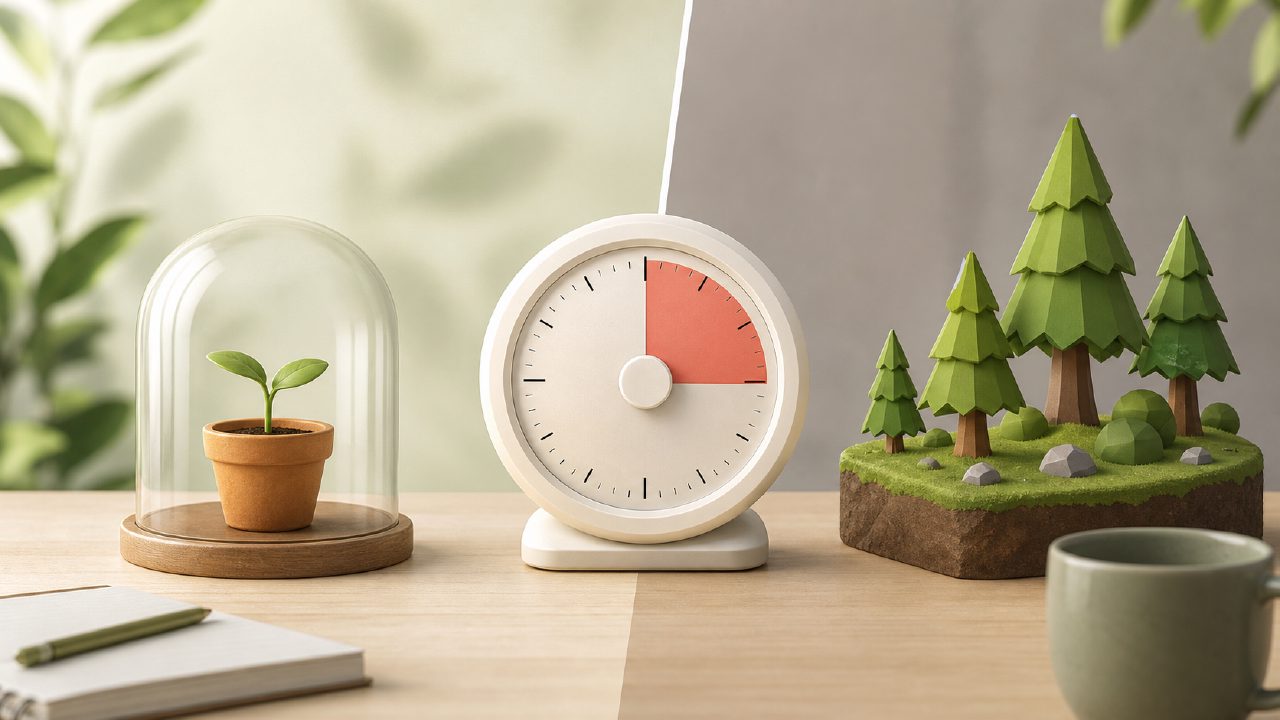
You search for "best free pomodoro timer better than Forest" and you get a dozen lists that all recommend the same few apps. Most of them are not actually free—they shove ads in your face, lock focus modes behind subscriptions, or drain your time with setup before you can start a single session. I started testing with a clear question: can a free timer actually keep me as focused as Forest did, without making me pay or watch ads every 25 minutes?
I tried several, and focusly was the one that came closest. But there are real pitfalls here, and if you just grab the first app you see, you're going to hit the same frustrations that made you leave whichever timer you used before. This piece walks through the common mistakes people make when switching timers—and what Focusly gets right, and where it trips up.
Mistake 1: Assuming "free" means fully featured
Most free pomodoro apps give you exactly what you pay for: a bare-bones timer with a start button and nothing else. Focusly is different—it offers session planning, focus sounds, and a quick-start option without requiring an account. That sounds great until you realize the free plan limits you to three saved session templates. If you need different settings for deep work, study, and creative burst, you'll either edit every time or consider the upgraded version.
The second time I used it, I wanted to switch from a 50/10 deep work block to a 25/5 study block. I had to manually adjust the timer instead of just picking a saved template. It's a small friction, but it stands out because the basics work so smoothly otherwise.
Mistake 2: Ignoring what replaces the forest mechanic
Part of Forest's appeal is visual: you see your tree grow, you feel bad if it dies. Focusly doesn't have that. It uses focus streaks, cumulative stats, and a simple progress bar. For some people that's enough. For me, it felt less immediate. I didn't feel the same "I don't want to kill my plant" motivation. After a few sessions, I realized I was checking the streak number more than actually staying in flow. That's a tradeoff worth knowing about before you switch.
If you rely on guilt or tree-collecting to push through a session, Focusly's approach might not hold you. However, if you prefer minimal visuals and just want to know how many minutes you actually worked, the simplicity is a benefit.
Mistake 3: Over-relying on the AI suggestions
Focusly markets itself as an AI pomodoro focus app free of fluff. It learns your focus patterns and suggests break lengths accordingly. In testing, it worked okay—after a week it started recommending 7-minute breaks instead of 5. But it wasn't always accurate. One afternoon I had a terrible focus session caused by an external interruption, and the app adjusted my next break to be longer, which I didn't need. I ended up ignoring its suggestions and setting everything manually.
The AI is not magic. It's a simple pattern tracker, and it can misinterpret a bad day as a need for more rest. If you want full control, you'll probably override it often. That's not a dealbreaker, but it's not the hands-free experience some reviews imply.
What actually works (and what doesn't)
Where Focusly shines is in its core timer experience. No ads during a session. Clean design. Easy to start with one tap. The white noise options are genuinely good—rain, café hum, ocean—and they loop without glitches. After using it for two weeks as my default timer, I can say it's probably the best free pomodoro technique app 2026 offers in terms of raw session quality.
But it's not the best for everyone. If you need cross-platform sync without paying, you're out of luck. The free version does not sync between devices, so your phone and laptop data lives separately. That's a big miss if you switch workstations.
Also, the focus session history export is locked in the paid plan. If you like to analyze your productivity weekly and compare with other apps, you'll hit a wall.
Bottom line before you download
The search for a best free pomodoro timer better than forest often ends with Focusly—but only if you accept its limits. It is genuinely free, no ads, no hidden time bombs. But the template limit, the device sync gap, and the lightly flaky AI are all reasons to check your expectations.
Try the app for three days with manual settings. Ignore the AI suggestions at first. See if the streak-based motivation works for you. If you find yourself constantly tweaking templates or missing Forest's gamification, keep looking. If you just need a clean timer that stays out of the way, Focusly might be exactly what you want—and it won't ask you to grow a digital tree you don't care about.
Comments
Leave a Comment