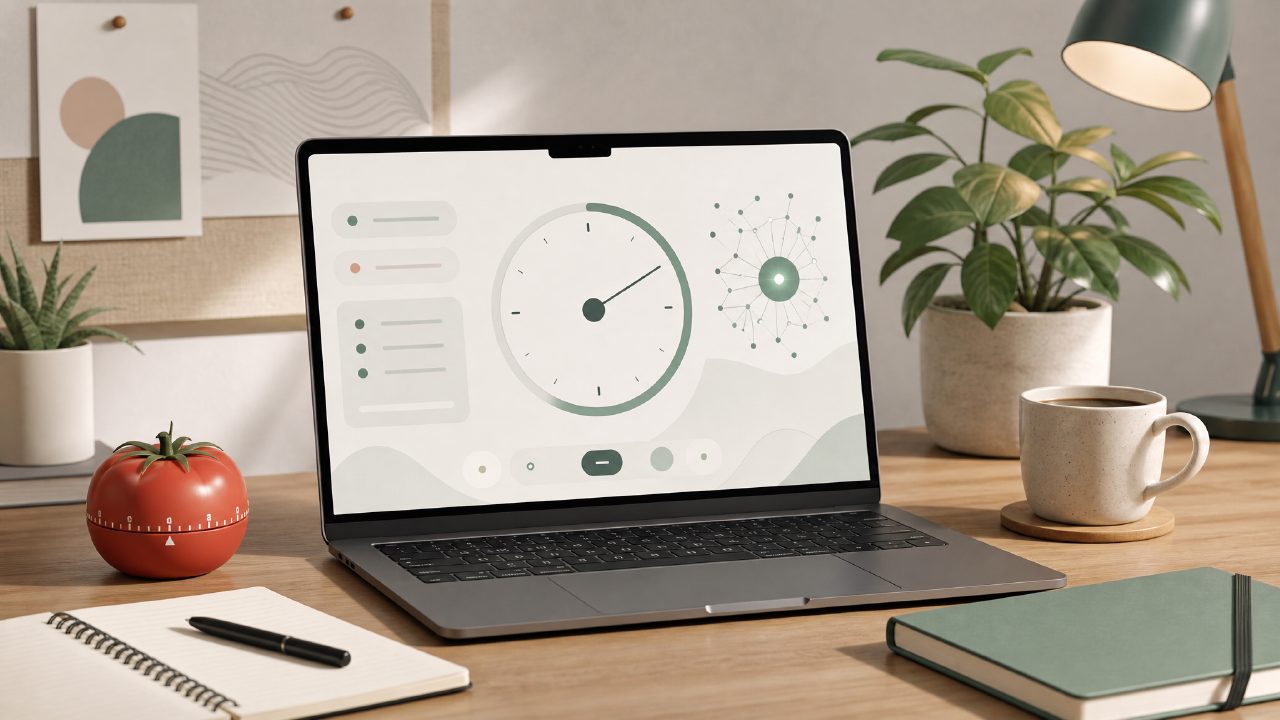
I’ve been testing a bunch of free pomodoro apps lately, mostly because I needed something that doesn’t nag me with upsells every five minutes. Most of the well-known timers are either buried in subscriptions or feel too barebones to actually help with deep work. That’s how I ended up trying Focusly, a pomodoro timer app that markets itself as “AI-powered” and offers a free tier. I wanted to see if the AI part actually made a difference or if it was just another timer dressed up in buzzwords.
What makes this different from a basic timer
Focusly isn’t the first free pomodoro timer I’ve used, but it does one thing that stood out during my first few sessions: it tries to plan your workload before you even start the clock. Instead of just picking a 25-minute round and hoping for the best, the app asks what kind of work you’re doing and how long you expect it to take. Then it suggests a session structure — work blocks, short breaks, and a longer break after four cycles. I tested this on three different days: one writing session, one data cleanup task, and one reading-heavy research block. The AI suggested different ratios each time. For the writing session it recommended 30-minute blocks; for the reading block it went with 40 minutes. That felt more thoughtful than most timers I’ve tried.
Another observation that surprised me was the distraction blocking feature. Focusly includes a built-in white noise and ambient sound mixer — not revolutionary, but the free tier gives you a decent selection without forcing you to upgrade. I used the “rain and coffee shop” blend during a late-afternoon work block, and it genuinely helped me stay in flow longer than silence did.
The AI part is hit or miss
Here’s the cautious part: the AI session planning isn’t magical. It works well if your tasks fit into typical “deep work” categories, but when I tried to plan a session that was part research, part writing, and part admin clean-up, the app got confused and suggested a single 50-minute block. That’s not a bad suggestion per se, but it missed the nuance of switching contexts mid-session. I ended up overriding the suggestion and setting three shorter blocks manually. So the AI is helpful for straightforward work, but if you’re juggling mixed tasks, you’ll still need to adjust.
Another tradeoff: the free tier limits you to a certain number of AI-generated plans per day. I hit that limit after four sessions, which felt a bit restrictive. You can still use the timer manually without the AI planning, but then you lose the main feature that separates Focusly from every other free pomodoro app out there.
Realistic concerns and mild friction
One thing that annoyed me was the push notification cadence. The app sends an alert when your session starts, a separate one when the session ends, another for the break, and another for the break end. That’s four notifications per cycle. By the third cycle it started to feel like noise. I turned off the break-start notifications, which helped, but it should be smarter by default — maybe only buzz at the end of a work block and let the user check the time naturally.
Also, the free tier doesn’t sync across devices. That’s not unusual, but if you split your work between a phone and a tablet (or a laptop if you use the web version), you’ll lose your history. I logged a few sessions on my phone and later opened the web app expecting to see them, but nothing showed up. That’s a limitation worth noting if you’re considering this as your daily driver.
Who should use this free pomodoro focus app?
If you’re looking for an AI pomodoro focus app free that actually tries to help you structure your time — not just count minutes — Focusly is worth testing. It’s especially good for people who do one main type of work per session (writing, coding, studying) and want a little AI nudging to keep them on track. If you need cross-device sync or heavy customization on the free plan, you might bounce off. But as a free pomodoro timer app for 2026, it’s one of the more thoughtful options I’ve tried so far.
Comments
Leave a Comment