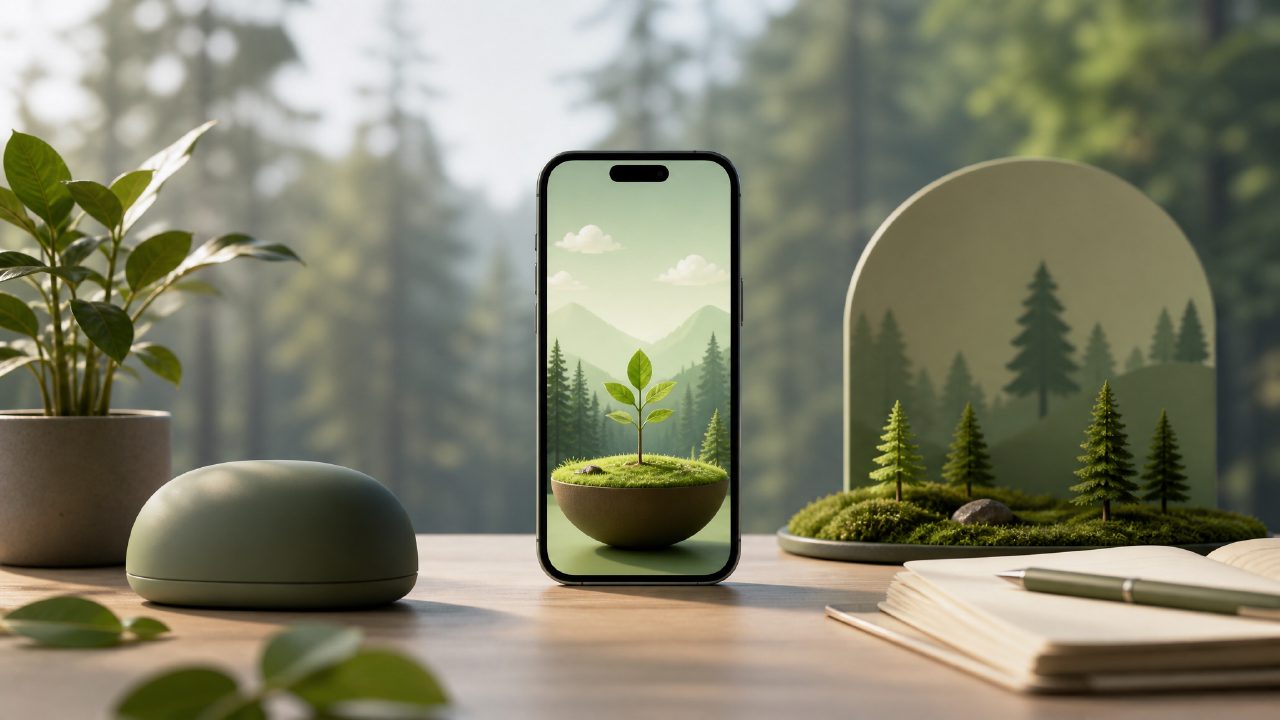
I’ve been using Forest on and off for years. It’s a solid app, but by 2026, the free tier has gotten noticeably stingier, and honestly, I got tired of the tree guilt trips when my phone rang and a sapling died. So when someone mentioned Focusly as a forest app alternative free 2026, I figured it was worth a proper test run to see if it could replace the habit without me having to pay.
What Focusly Actually Offers (and What It Doesn’t)
Focusly is a pomodoro timer app with a cleaner, less gamified approach. You set a focus session timer, label it (study, writing, coding, etc.), and go. No coins, no unlockable species, no social leaderboard. That stripped-back design is kind of refreshing if you’ve bounced off Forest’s aesthetic pressure. But it also means there’s not a lot to fall back on if the timer alone doesn’t keep you honest.
I tested it across three days of real work: two writing blocks, one research session, and one afternoon of admin catch-up. Here’s what stood out.
The Timer Setup Is Actually Fast
Launching Focusly and starting a session took about 4 seconds once the app was open. That’s noticeably quicker than Forest’s current free flow (which makes you sit through a tree selection animation even on the free version). I liked that I could just pick a duration and go. No fluff. For a best free pomodoro timer 2026 test, this matters more than I expected.
The Focus Mode Blocking Felt Reliable—Mostly
Focusly includes a built-in focus mode that blocks incoming notifications and hides certain distractions while a session is running. On both Android and iOS, it correctly suppressed WhatsApp pings and Slack previews without me having to fiddle with settings. But—and here’s the cautious part—it doesn’t let you whitelist specific apps on the free tier. So if you need Slack open for a work emergency, you either end the session or let the blocker do its thing. That’s a limitation worth knowing.
Where Focusly Surprised Me (for the Better)
The session history view is genuinely useful. After each completed block, the app logs the label, duration, and a rough “focus score” based on how many times you interrupted or checked your phone. I didn’t expect to care, but after three days, I found myself checking the history to see which labels produced the highest scores. Writing sessions averaged around 87%; admin tasks dropped to 71%. That kind of low-key tracking is more instructive than a graveyard of dead trees.
Another win: you can label sessions with custom tags. That is not unique in 2026, but Focusly surfaces the tag breakdown cleanly in a weekly view. I realized I was spending more time than I thought on “research rabbit holes” versus actual drafting. That data nudged me to adjust my workflow.
The Tradeoffs You Should Know About
Focusly doesn’t have a “plant a tree” gimmick. If the visual reward of growing something is what kept you returning to Forest, Focusly will feel sterile. There’s no digital garden, no friendly chime when a tree blooms, no sense of accumulation. It’s utilitarian. I missed that at first, but after a few sessions, I stopped caring. Still, for some users, the lack of game-like dopamine hits means they check their phone anyway.
Also, the free tier limits you to 60-minute sessions. If you regularly do 90-minute deep work blocks, you’ll have to split it into two timers or upgrade. The pro tier is affordable (around $3.99 one-time last I checked), but if you’re specifically looking for a free pomodoro focus app 2026 with no caps, Focusly’s 60-minute limit is a real constraint.
Who Should Consider Focusly (and Who Probably Won’t Love It)
I think focusly pomodoro app is best suited for people who already have decent self-control but want a lightweight timer with honest tracking. It’s less about forcing you to stay on task and more about showing you where your time went. If you’re the kind of person who needs external pressure or a visible reward system, Focusly might feel flimsy.
For a student who just needs a reliable, no-nonsense timer for study blocks and doesn’t care about virtual trees, Focusly is probably the better call. For someone who relies on Forest’s guilt mechanism (killing a cute plant) to stay off their phone, Focusly won’t replicate that.
Final Take (No Cheerleading)
Focusly is a solid forest app alternative free 2026 for anyone who values function over gamification. It’s fast, records useful focus data, and doesn’t push in-app purchases aggressively. But its free tier has limits, the blocking is all-or-nothing, and it might not hook you the way Forest does. I’m keeping it installed for now. Whether it sticks depends on whether the data alone keeps me honest.
Comments
Leave a Comment