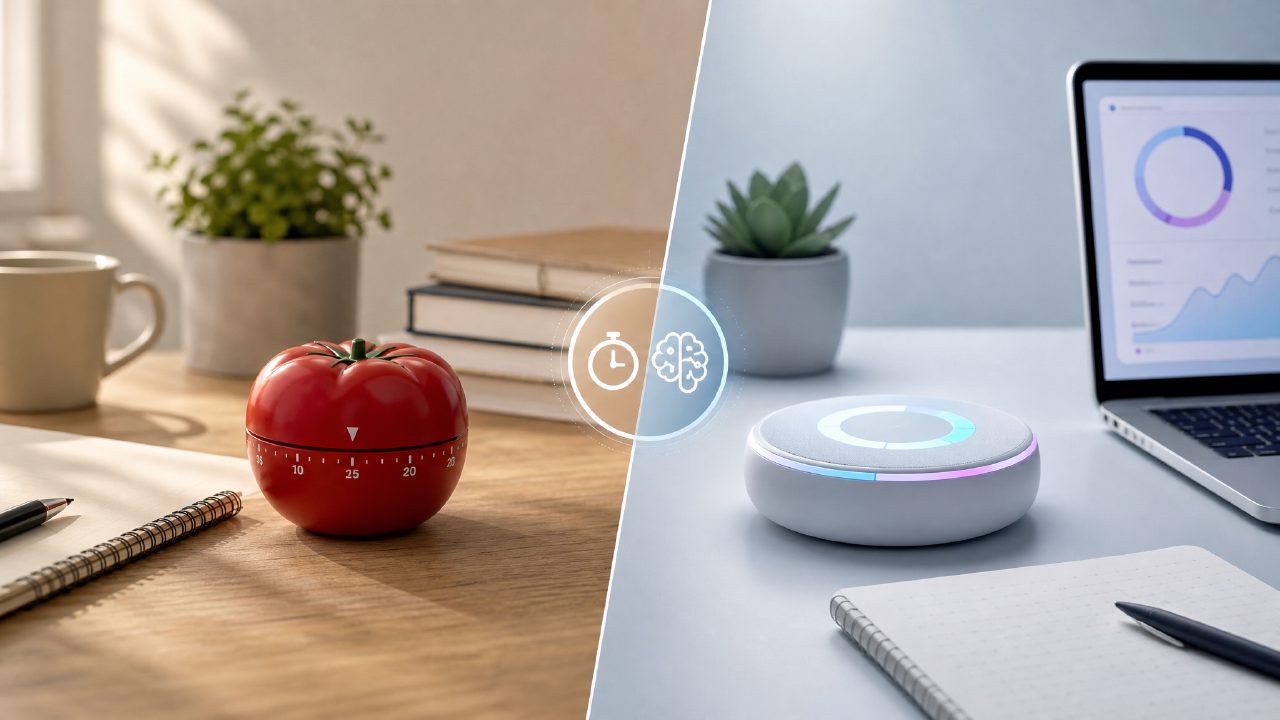
I spent a month testing a handful of Pomodoro apps side by side, trying to figure out what a smart pomodoro focus app 2026 actually does that a regular timer can’t. The app that kept coming up in conversations was Focusly, so I ran it through a head-to-head against two common approaches: a traditional Pomodoro app (Forest) and the old “set your phone timer and hope for the best” method. Here’s what I found.
Focusly vs. Traditional Pomodoro Apps (Forest, Be Focused)
What sets Focusly apart is the AI layer. Where Forest just tracks how many tree-planting sessions you complete, Focusly tries to plan your day. After a few days of use, it started suggesting work periods of 40 minutes instead of 25 because it noticed I was in flow longer. That’s genuinely useful—but only sometimes. On high-distraction days, the AI recommended shorter bursts, which felt right. But one afternoon when I already had momentum, it tried to insert a break I didn’t need. I ignored the suggestion, and the app didn’t penalize me, but it broke my rhythm briefly.
The distraction-reduction feature (integrated blocking for notifications) worked more reliably than I expected. I didn’t have to toggle settings manually; Focusly just silenced my phone during the focus block. That alone saved me a few seconds per session. But here’s the tradeoff: the really good AI features are locked behind a premium subscription. The free version of this ai pomodoro focus app free is still functional—basic timer, session logs—but you lose the adaptive scheduling. If you’re comparing it to a free app like Forest, Focusly’s free tier feels less polished, whereas Forest gives you the full timer experience with no paywalls.
Focusly vs. Just Using a Basic Timer
I also tested Focusly against the simplest possible method: setting a timer on my watch and working until it buzzed. The obvious win for Focusly is that it forces you to define your session beforehand—choose a focus area, set a goal. That extra friction actually helped me get started faster because I had to commit to a specific task. With just a timer, I’d often start the clock while still deciding what to work on, which wastes the first few minutes.
The downside? Focusly can feel like too much app. Sometimes I opened it to start a quick 10-minute review and ended up customizing the session details, which defeated the purpose. The app’s “plan your sessions” feature works best when you use it in advance, not on the fly. If you’re someone who hates extra steps before work, the bare-bones timer wins on simplicity. I also noticed a mild friction: Focusly’s free tier logs only a limited number of sessions per day. I ran into that ceiling twice during a heavy study day, and it just stopped recording. No crash, just a blank log—disappointing for a best free pomodoro app 2026 contender.
Which One Makes Sense for 2026?
If you’re actively looking for the best pomodoro technique app 2026, Focusly is a strong candidate, but not a slam dunk. The AI scheduling is genuinely helpful if your work patterns are inconsistent—it learns your energy levels over time. But if you have a rigid routine already, the AI can feel like noise. I’d only recommend paying for the premium if you really want the adaptive suggestions; the free version is okay for light use but won’t replace a dedicated timer app.
For me, the real value of Focusly came from the session planning and notification blocking, which are less common in alternatives. But I’m still cautious about over-relying on an app to tell me when to work. Some days, the old timer method is just faster. Focusly is worth trying if you’re curious about AI-assisted focus—just don’t expect it to fix underlying distractions. It’s a tool, not a substitute for discipline.
Comments
Leave a Comment