You sit down to write a report. Twenty minutes later, you've checked Slack, replied to a non-urgent email, and watched a short video someone sent you. The report has exactly one sentence. This isn't a time management problem—it's an attention problem. Most productivity apps try to organize your tasks, but very few actually try to fix the broken rhythm between your brain and your work. That's the gap Focusly: Train Your Attention Span attempts to fill.
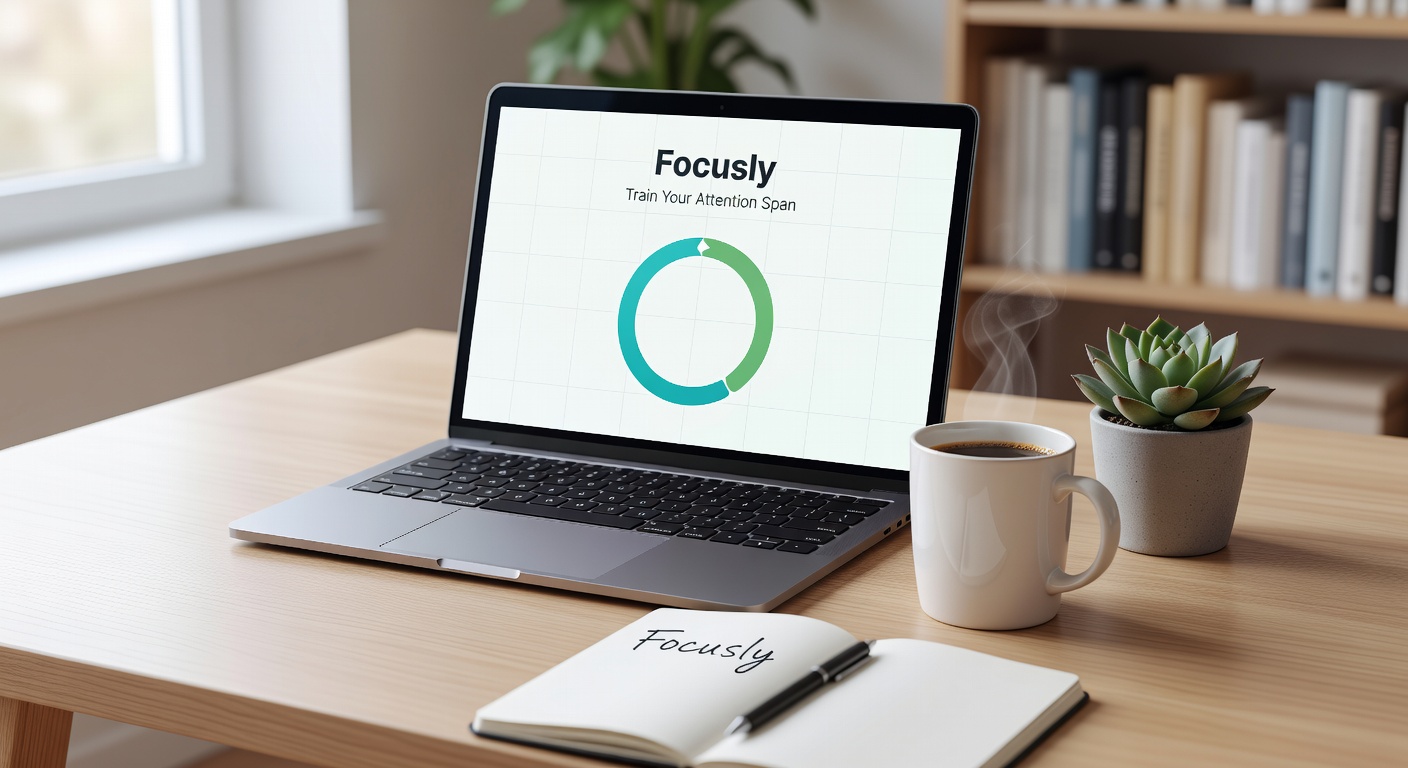
What Focusly Actually Does Differently
Focusly is a Pomodoro timer, but calling it just another timer misses the point. The core idea is that you don't just start a 25-minute countdown and hope for the best. You plan your session first—what you're working on, how many cycles you intend to complete, and what counts as a legitimate interruption versus what's just your brain looking for an escape. Then you commit to that structure before the clock starts.
This pre-session planning step is small but surprisingly effective. When you've already declared "two Pomodoros on the quarterly deck, no phone," you're not negotiating with yourself mid-focus. The decision is made. You just have to follow it. Focusly locks that intention in place before you have a chance to drift.
Using It in Real Work Situations
I tested Focusly across a few different scenarios over two weeks. The first was a morning writing block—usually my worst time for distractions. Normally I'd hit some friction on a paragraph and immediately open a browser tab. With Focusly running, that friction still showed up, but the timer on screen made it visible that I was only eight minutes into a cycle. Quitting at eight feels different than quitting at "some point." I finished the block most days.
The second scenario was a long afternoon of grading papers. Repetitive tasks are where I lose focus fastest because the work itself doesn't pull you in. Focusly's session tracking helped here not because the timer was magical, but because I could see I'd completed three cycles and had two left. That progress display gave me something to push toward instead of just enduring the pile.
The third was evening reading—technical material I needed to absorb but kept skimming. Short 15-minute Pomodoros with Focusly forced me to stop and actually process instead of letting my eyes glide over paragraphs while thinking about dinner.
Where It Falls Short
Focusly is lean by design, and that lean approach has tradeoffs. There's no integration with task managers like Todoist or Notion. You type your session goal into Focusly itself, but that goal doesn't sync anywhere. If your workflow depends on tasks living in one central app, you'll end up duplicating effort or ignoring Focusly's planning step entirely—which defeats its main advantage.
The app also doesn't track what distracted you. It records completed and abandoned sessions, but it can't tell you whether you broke focus because of a Slack notification or because the work itself was unclear. For someone trying to diagnose their attention patterns over time, that's a meaningful blind spot. You know you drifted, but you don't know why.
Should You Try It, or Stick With What You Have?
If you already use a timer app—Forest, Be Focused, or even your phone's built-in clock—and you actually follow through on most sessions, Focusly won't change your life. The difference is in the pre-commitment step. If you're someone who starts timers and then immediately rationalizes checking one message "just for a second," that planning phase is worth testing.
For people who need rich analytics on their focus patterns, something like RescueTime or Toggl Track will give you more data about where your attention goes. Focusly keeps it simpler: you planned this, you either did it or you didn't. That binary approach is either clarifying or frustrating, depending on what you're trying to learn about your own habits.
Students and freelancers with self-directed schedules will probably get the most out of Focusly. When nobody is structuring your day for you, the app's session planning acts as a lightweight scaffold. Office workers in constant-communication environments might find it harder to protect the full Pomodoro cycles—the app can't silence your team's urgency culture.
Training Attention Is Slow Work
Focusly: Train Your Attention Span doesn't make focus effortless. No app can. What it does is make the moment of choice more visible. When you're eight minutes deep and the urge to switch tabs hits, the timer sitting on your screen asks a simple question: is this distraction worth breaking the session you committed to? Sometimes the answer is yes. Most times, it isn't. Focusly makes you actually answer instead of just drifting. That's not a hack—it's practice, and practice is how attention span actually grows.
Comments
Leave a Comment