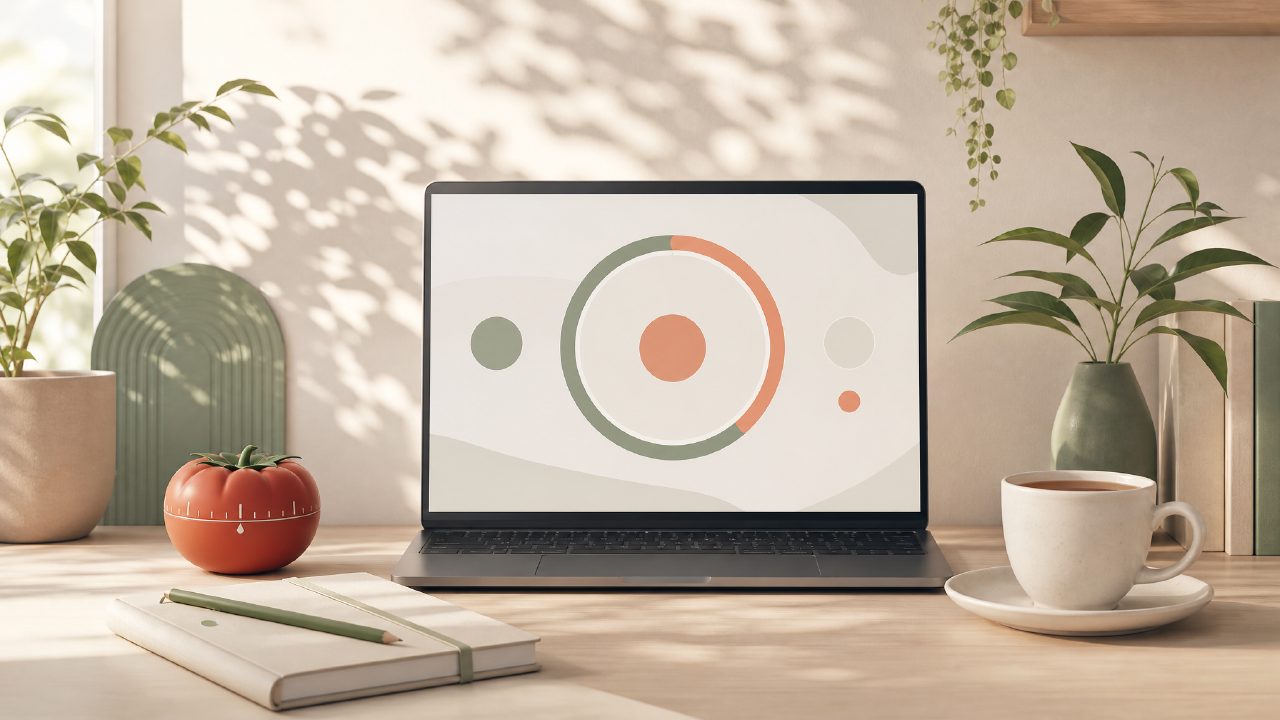
I’ve been hunting for a solid pomodoro timer to keep me on track during long writing sessions. Most free apps either hide key features behind a paywall or make you jump through hoops just to start a session. So when I came across Focusly—marketed as a deep work app with session planning and distraction reduction—I figured it was worth a closer look. After using it for about a week across different tasks, here’s what stood out, what didn’t, and whether it might be the best free pomodoro app 2026 has to offer so far.
Session planning that actually helps
Focusly lets you plan your work sessions ahead of time. You pick the number of pomodoros, set custom focus and break lengths, and it creates a rough schedule for the day. I tested this on a Monday afternoon when I had three separate writing deadlines. The planning screen is straightforward—no bloat, no onboarding wizard. I set each block to 25 minutes with 5-minute breaks, and the app laid out my afternoon in a clean timeline view.
What surprised me: it didn’t throw notifications at me between sessions. It just quietly moved to the next pomodoro once I confirmed. That’s a nice touch if you’re easily derailed by pop-ups. However, I noticed the planning only covers the current day. You can’t build a weekly schedule or save templates. For a deep work tool, that feels a bit limited.
Distraction reduction: hits and misses
One of Focusly’s selling points is reducing distractions. The app offers a focus mode that dims the screen and shows only your current timer. It also has a whitelist of allowed apps (on desktop) so you can block social media during a session. I tested this while writing a research draft. The whitelist worked reliably—I couldn’t open Twitter unless I ended the session early. That’s more commitment than I expected from a free app.
But the mobile version feels less polished. On my phone, the focus mode only hides notification banners; it doesn’t block app access. If you’re using Focusly as a free pomodoro focus app 2026 on your phone, you might still find yourself tapping into Instagram out of habit. The app can’t enforce restrictions there—it relies on your willpower, which kind of defeats the purpose.
Interface and day-to-day feel
The design is minimal: muted colors, simple timer, a small stats tab. No animations or gamification. At first, I found it refreshing. After a few days, it started to feel a bit sterile. There’s no way to customize the sound (a soft bell is the only option) or change the ambient theme. That’s fine if you just want a timer, but if you’re comparing it against other free pomodoro timers, the lack of personality might make it easy to forget about.
On the plus side, the app is pomodoro timer app free with no ads. I didn’t see any upsells for the first ten sessions. A small “upgrade to pro” badge sits in the corner but never blocks anything. That’s rare for a productivity app these days. For someone looking for the best free pomodoro timer 2026 without being nagged to subscribe, Focusly is a strong candidate.
Tradeoffs and realistic concerns
After a week, I’m not sure if Focusly actually improves deep work or just structures your time. The app assumes that setting a timer equals focused work. But we all know you can sit through a full pomodoro while daydreaming. The app doesn’t track what you’re doing or nudge you if you’ve been distracted. If you’re after a tool that holds you accountable, this isn’t it.
Another limitation: the stats are basic. You get a count of completed sessions per day and an estimate of total focus hours. No timeline graphs, no trend analysis, no session tags. For a focusly pomodoro app that claims to help build a stronger work rhythm, the analytics are too shallow to tell you whether you’re actually improving. You’ll need to keep a separate log if you care about patterns.
Who should try Focusly
If you want a simple, ad-free pomodoro timer that lets you plan your day and block desktop distractions, Focusly does the job. It’s especially useful for students or writers who work in fixed blocks and don’t need fancy reporting. But if you need cross-platform sync, deep analytics, or mobile app blocking, you’ll hit its limits quickly.
I’ll keep it on my phone for now—it’s lightweight and gets out of the way. Just don’t expect it to magically give you laser focus. That part is still up to you.
Comments
Leave a Comment