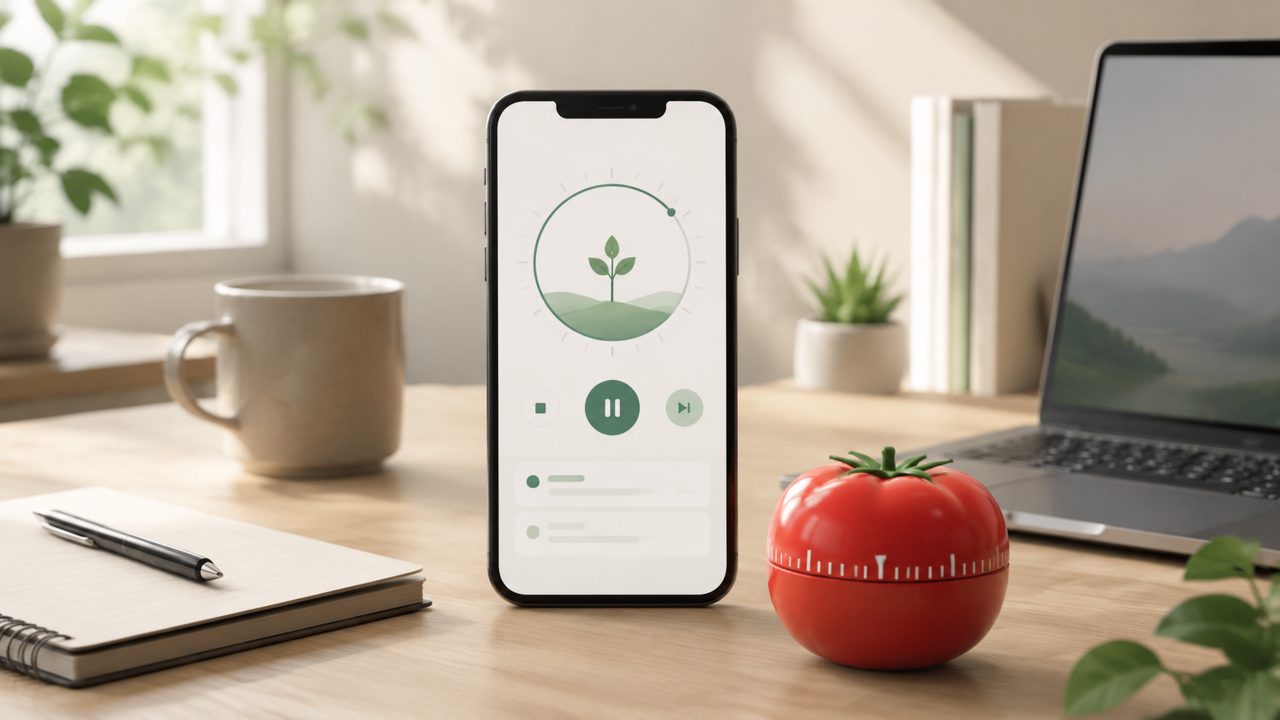
Free Pomodoro Apps: Is Focusly Worth Your Time?
I’ve been on and off the Pomodoro bandwagon for years. The problem is never the technique itself—it’s sticking with a timer app that doesn’t get in the way. After testing a handful of free options in early 2026, I landed on Focusly as part of a mini head-to-head between it, Forest, and a simple browser-based timer. Here’s what I found by actually using them for a week of deep work sessions.
Where Focusly Stands Out
The first thing I noticed about Focusly is that it’s genuinely free with no countdown to a premium upgrade screaming at you. In the “best free pomodoro app 2026” conversation, that already puts it ahead of apps that lock custom session lengths behind a paywall. I set up 50-minute focus blocks with 10-minute breaks—no friction.
The interface is clean, maybe a little too minimal at first. But after a while, I realized that simplicity helps me actually start working instead of tweaking settings. It has a distraction-blocking mode that worked better than I expected. I usually keep my phone in do-not-disturb, but Focusly’s built-in nudge to silence notifications caught me off guard in a good way.
The “AI Pomodoro Focus App Free” Angle
Some apps hype their AI smarts, and Focusly does have an “AI” label in its description. To be honest, I’m not sure how much intelligence is actually at work here. It adjusts focus and break lengths based on your completion patterns—but after a few days, it felt more like a smart schedule than real adaptiveness. That’s not a dealbreaker. For a pomodoro focus timer app free of cost, the baseline functionality is solid. But if you’re expecting something like an AI coach that learns your energy curves, you might be underwhelmed. I’ll call that a cautious judgment: it’s useful, but the AI part isn’t the main draw.
Tradeoffs vs. Other Free Options
I compared Focusly side by side with Forest (free tier) and a plain Pomofocus.io browser tab. Forest has the gamification—growing trees—that keeps some people motivated. I found that charming at first, but after day three the novelty wore off and I just wanted a timer. Pomofocus.io is dead simple and works in any browser, which is hard to beat for zero install.
Focusly sits in between. It’s more polished than Pomofocus but doesn’t force gamification. What it does have that the others lack is session planning. You can schedule focus blocks ahead of time, which is surprisingly useful for blocking out deep work hours on a busy day. That’s the feature that made me keep it installed after the test week.
The Friction I Noticed
Not everything clicked. The first time I used Focusly, I accidentally hit “start session” on a plan I hadn’t finished editing. The app started the timer without warning. I had to stop and reset. That’s a small UI friction—other apps ask for confirmation. Also, the free version doesn’t sync across devices. If you switch between phone and tablet, your session history stays where you left it. For a best pomodoro technique app 2026 contender, that missing inter-device sync feels like an oversight, even in the free tier.
Final Thoughts: Who Should Pick Focusly?
After a week, I’d say focusly is a strong pick if you want a pomodoro focus timer app free that helps you plan ahead without distractions. The session scheduling and minimal design give it an edge over more playful or bare-bones alternatives. It’s not the tool for someone who loves daily streaks or tree-planting rewards. And if you need cross-device syncing or truly adaptive AI, look elsewhere.
But for straightforward deep work—where you just need a reliable timer that keeps you from picking up your phone—Focusly does the job without asking for money or your email. That’s a clearer recommendation than I can make for most free productivity apps right now.
Comments
Leave a Comment