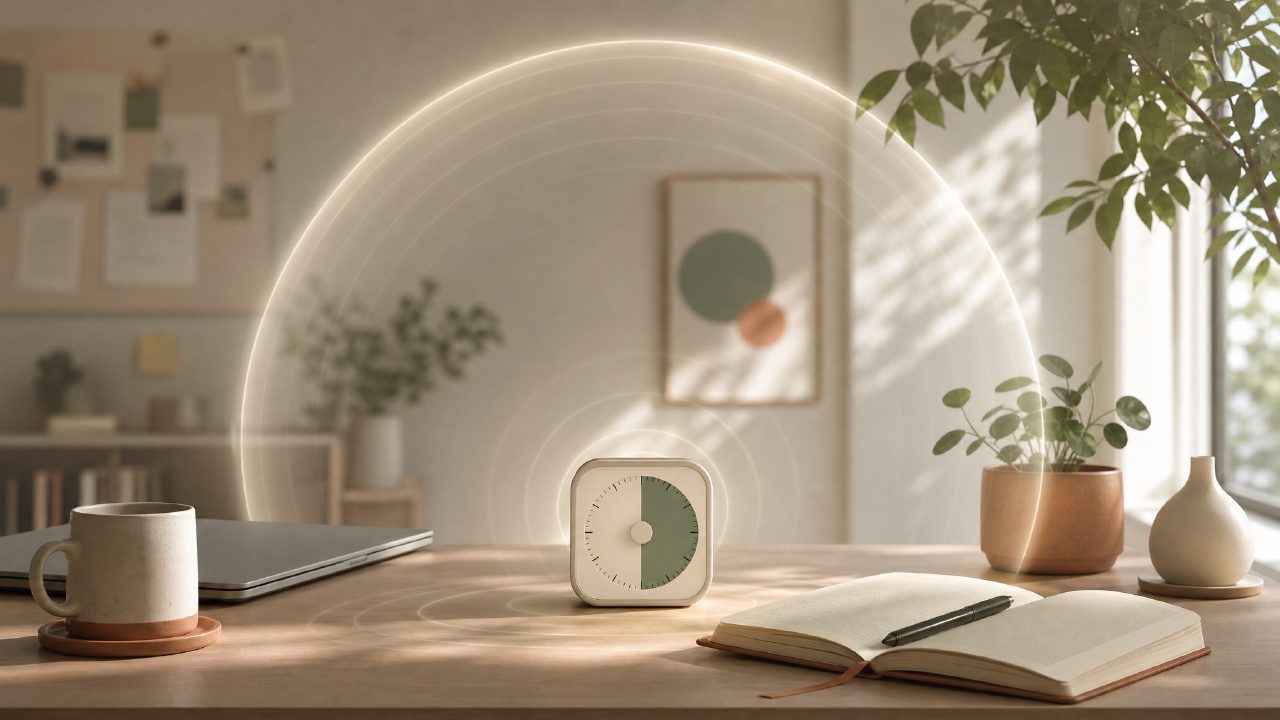
I’ve been bouncing between free Pomodoro apps for a while now, and I started testing Focusly specifically because I wanted something that leaned more into the deep work mindset than just a basic interval timer. A lot of these apps slap a tomato emoji on a countdown and call it a day. I was curious whether Focusly actually helps you build a better work rhythm or if it’s just another pretty pomodoro timer free for 2026.
First impressions: more than a timer
The app opens straight to a session planner, which is a detail I didn’t expect to appreciate as much as I did. You pick a task, set a focus length, and it logs what you actually worked on instead of just beeping at you every 25 minutes. That may sound minor, but for someone who regularly forgets what they were supposed to be doing between breaks, it makes a difference.
I also liked that Focusly doesn’t bury the “deep work” concept under gamification or social leaderboards. There’s no fake urgency. The sound design is clean — a gentle chime at the end of a session, not a five-alarm siren. That matters when you’re in a library or a shared workspace.
What actually worked during testing
- Session planning is frictionless. Tapping in a task and setting a timer took maybe two seconds. I was able to chain four 45-minute blocks in a row without the app nagging me to take a break.
- The distraction list feature is honest. It lets you write down what pulled you away instead of just resetting. After a week, I noticed a pattern: my phone notifications were way more disruptive than I gave them credit for. That level of self-awareness is rare in a pomodoro timer app free tier.
- Background mode works reliably. I tested it on Android and iOS, and the timer kept running even when I switched apps or locked the screen. That’s a basic requirement, but you’d be surprised how many apps in this space fail at it.
Where Focusly stumbles a bit
The app has a “daily focus score” that tries to quantify your session quality. I’m not sure it adds real value. The data it uses — completion rate and interruption count — is useful on its own, but the composite score felt arbitrary. I kept checking it out of curiosity, then realizing it didn’t tell me anything I couldn’t already see.
Another thing: the free version limits the number of saved task templates. If you’re the type of person who wants to pre-save “writing sprint,” “code review,” and “data analysis” all at once, you’ll hit the ceiling quickly. The premium upgrade removes that limit, but for a best free pomodoro app 2026 candidate, that cap is noticeable if you plan several distinct work types each day.
I also had a brief moment of confusion with the timer adjustment. By default, it suggests 25-minute intervals, but if you switch to, say, 52 minutes once, the app remembers it — which is good — but it doesn’t clearly indicate that it saved the preference. I ended up setting it three times in one day before realizing it was already set. Minor UI hiccup, but it broke flow.
Does it actually help with deep work?
That’s the tricky question. The term deep work carries a lot of weight. Cal Newport’s original concept involves not just focused time but also resisting shallow tasks, structuring your entire day around priorities, and sometimes disconnecting from communication tools altogether. Focusly handles the focused-timer part well, but it’s not a system. It won’t stop you from checking email between sessions or deciding to scroll social media during a break.
What it does do is give you a lightweight container for each session. If you already know what deep work means to you, Focusly is a solid tool to keep you honest. If you’re hoping the app will teach you deep work from scratch, you might be disappointed. The feature set assumes you already have some discipline — it just reinforces it.
Tradeoffs vs. other free Pomodoro timers
Compared to something like Forest (paid) or the basic Microsoft Focus Sessions, Focusly sits in a middle ground. It gives more structure than a raw timer but less than a full project manager. The free pomodoro focus app 2026 landscape has several options, and Focusly stands out mostly because of the session planner and the distraction log. That said, if you don’t care about tracking what distracted you, you’re paying for features you won’t use.
Another tradeoff: the design is clean but minimal. There’s no white noise or lo-fi beats built in, no pomodoro alarm customizations. Some people like that simplicity; I personally wished for at least one optional background sound. I ended up running a rain sounds tab in my browser alongside Focusly, which sort of defeated the “one app” benefit.
Bottom line
Focusly is a good deep work timer if you already know how to structure your focus and just need a low-drama Pomodoro app to track it. It’s not the most feature-packed free option, and the daily score feels gimmicky, but the session logging and distraction tracking make it more reflective than most. For a free pomodoro timer 2026 choice, it’s worth testing for a few days. You’ll know pretty quickly whether the planner format clicks or whether you’d rather use a simpler clock and a notebook.
I’m still using it after the first test week, but I’ve stopped checking the score. The habit is enough.
Comments
Leave a Comment