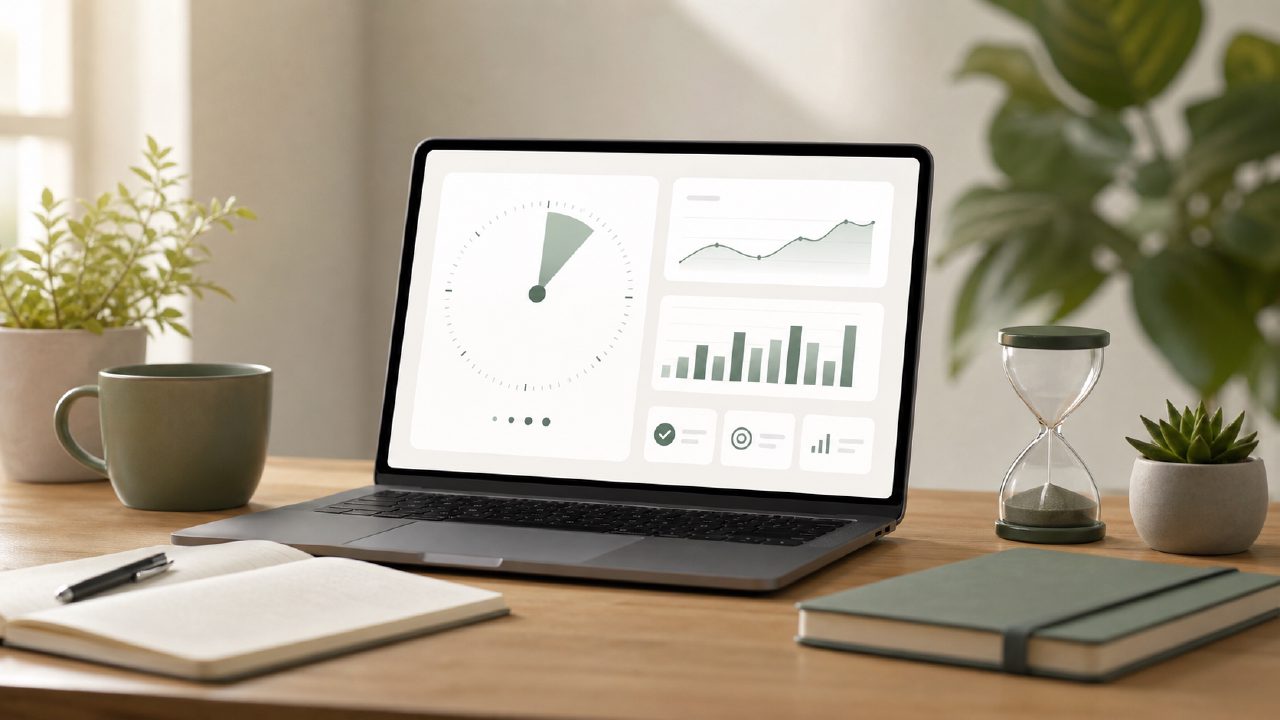
I’ve tried a dozen focus timers over the years, and most of them do the same thing: beep at you every 25 minutes and show a cute little tomato icon. That gets old fast. What I actually needed was a pomodoro technique app with progress tracking that would show me whether I was actually improving or just going through the motions. So I spent a week testing Focusly—specifically the deep work mode—on a real, messy editing project to see if it held up.
Setting up a session that actually matched my work
I opened Focusly planning to just jump into a default 25-minute sprint, but the app lets you customize the session length per block. For the first pass on a long document, I set a 45-minute focus block with a 7-minute break. That felt right. The interface stayed out of the way—no flashing animations, no motivational quotes plastered over the timer. Just the countdown and an option to start a session.
One thing that surprised me: you can adjust the session length mid-stream without resetting. That’s minor, but it saved me from abandoning a session when I realized I needed five more minutes to finish a paragraph. Not every timer app lets you do that.
Blocking distractions without the gimmicks
Focusly includes a built-in distraction blocker that works across the whole phone, not just inside the app. During a session, notifications get silenced and certain apps get locked out. I set it to block everything except calls from my editor. It worked, but I did have to manually whitelist a few apps on the second day because the default block list was a bit aggressive. That took maybe two minutes to fix, but it's worth noting if you rely on Slack or Spotify while you work.
The blocker is part of the premium tier. The free version does let you run pomodoro sessions and see basic progress, but you lose the distraction blocking and some of the deeper analytics. That's a tradeoff I'd flag upfront if you're looking for the best free pomodoro app 2026 has to offer—Focusly's free tier is functional, but not full-featured.
Where the progress tracking actually helped
This was the main reason I tested Focusly. The pomodoro technique app with progress tracking promise lives in its "Insights" section. After three days of use, I could see a graph of how many focus minutes I logged per session, plus a breakdown of when I was most consistent. For me, the data showed I focus best between 9 AM and 11 AM and again around 3 PM. That's not shocking, but seeing it confirmed in the app helped me plan my editing blocks more intentionally.
The app also tracks streaks—consecutive days with completed sessions. That part is less useful for someone like me who doesn't work every day, but I can see it being motivating for daily study or habit building.
The one gap I noticed: the progress tracking doesn't tag sessions by project type. So if you switch between coding, writing, and reading, all your focus data gets lumped together. I'd like a future update that lets you tag sessions—"writing," "deep editing," "admin"—so the reports feel more specific. Right now, you get trends, but not context.
A few things that gave me pause
Focusly is clearly built for dedicated deep work, not casual or flexible use. If your work pattern involves frequent context switching or unpredictable interruptions, the rigid session structure might feel like a constraint rather than a support. I had one day where I could only do four 15-minute sprints between calls, and the app treated that as a "low focus day." That felt a bit judgmental for a tool that's supposed to adapt to you.
Also, the onboarding could be clearer. I spent a few minutes searching for how to adjust the break length—it's hidden in the session settings, not the timer screen. Once you know where it is, it's fine. But the first impression was a little clunky.
Who should actually use this
If you're a student preparing for exams, a writer with deadlines, or anyone doing focused solo work for multiple hours a day, Focusly is worth testing—especially if you want a best pomodoro technique app 2026 contender that treats progress tracking as a core feature rather than an afterthought. For the free version, you get solid session management and basic stats. For the paid tier, the distraction blocking and deeper analytics add real value.
I wouldn't recommend it for collaborative teams or for people who need flexible, multi-hour timers. For a straightforward best free pomodoro timer 2026 option, you could also look at Focus To-Do or ClearFocus. But Focusly does one thing carefully: it helps you see if your focus is actually improving—and that's a rare feature to find done right.
Comments
Leave a Comment