Some days my to-do list looks like a group chat with no mute button—everything’s screaming for attention, and I end up jumping between tabs, replying to DMs, and somehow still not finishing the one thing that actually matters. Sound familiar?
I’ve tried the whole “just focus harder” thing. It doesn’t work. What does work is having something external that forces me to commit to a block of time. That’s where Focusly comes in.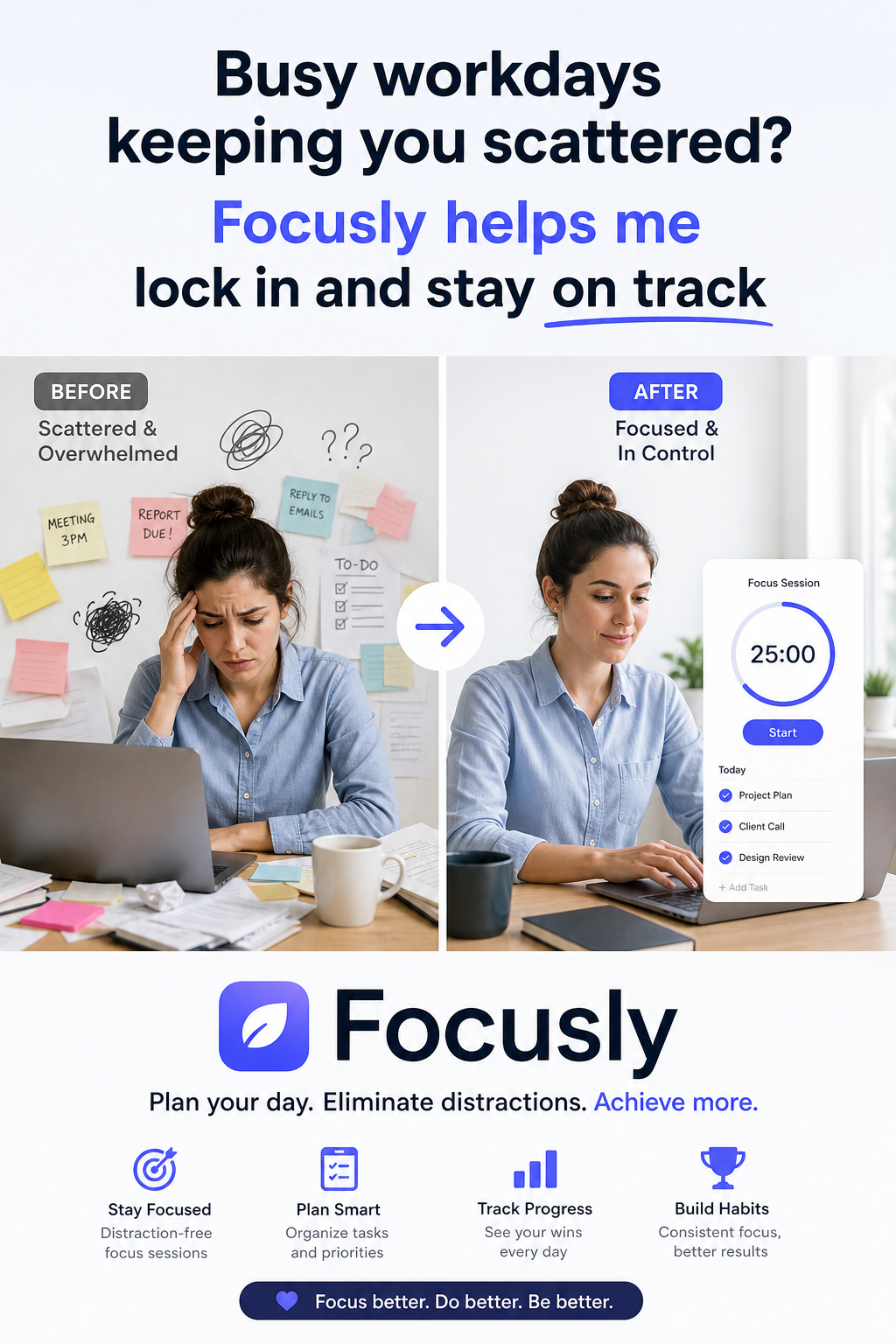
What Focusly actually does
It’s a Pomodoro timer app, but with a few twists that make it feel less like a kitchen timer and more like a productivity sidekick. You plan your sessions ahead—pick the duration, set a goal for that block, and then go. The app keeps track of your streaks, gives you gentle nudges, and tries to keep your phone out of your face while you work.
The core loop is simple: decide what you’re working on, start a timer, work until it rings, take a break. The difference is that Focusly makes the “decide” part intentional. You can’t just hit start and wing it—you have to name your session. That tiny extra step, honestly, is what stops me from treating it as a background noise app.
Real-life moment: The 3 PM slump
It’s 3 PM, my brain is half-checked out, and I’m scrolling Instagram for “just two minutes.” Two minutes becomes fifteen. I open Focusly, set a 25-minute session titled “finish deck outline,” and put my phone face down. The timer runs, no notifications break through (unless I deliberately allow them), and when it ends, the deck is done. Not perfect, but done. That’s a win I wouldn’t have gotten without the structure.
Another scenario: Study sessions that drag
I’m trying to pick up some front-end basics after work. Without Focusly, I’d start, get distracted by a work email, reply, then lose the thread. With the app, I batch my study into 45-minute blocks with 10-minute breaks. After three blocks, I’m genuinely surprised how much I’ve covered. It’s not magic—it’s just forcing a rhythm that works for my brain.
Where it stumbles
No app is perfect. Focusly’s not great if you need super flexible, non-timer-based focus. Some days I just want to get into a flow state without a clock ticking in the background. If you’re the kind of person who finds timers stressful rather than helpful, this might not be your tool.
Also, the app works best when you actually set up sessions in advance. If you just open it randomly and start a quick timer, you’re basically using a stopwatch with extra steps. The value comes from the planning layer.
Is Focusly for you?
If your workday feels like a series of interruptions stitched together, and you want to reclaim some deep focus time without buying a fancy app or rearranging your whole life, Focusly is worth trying. It’s not a productivity miracle—it’s a tool that helps you build the habit of intentional work blocks.
But if you hate structure, or if you already have a solid Pomodoro routine with a simpler timer, you probably don’t need it. It’s for people who know they should focus better but need a gentle system to actually follow through.
Focusly helped me lock in on days when my brain wanted to do anything but work. And honestly? That’s enough for me to keep using it.
Comments
Leave a Comment