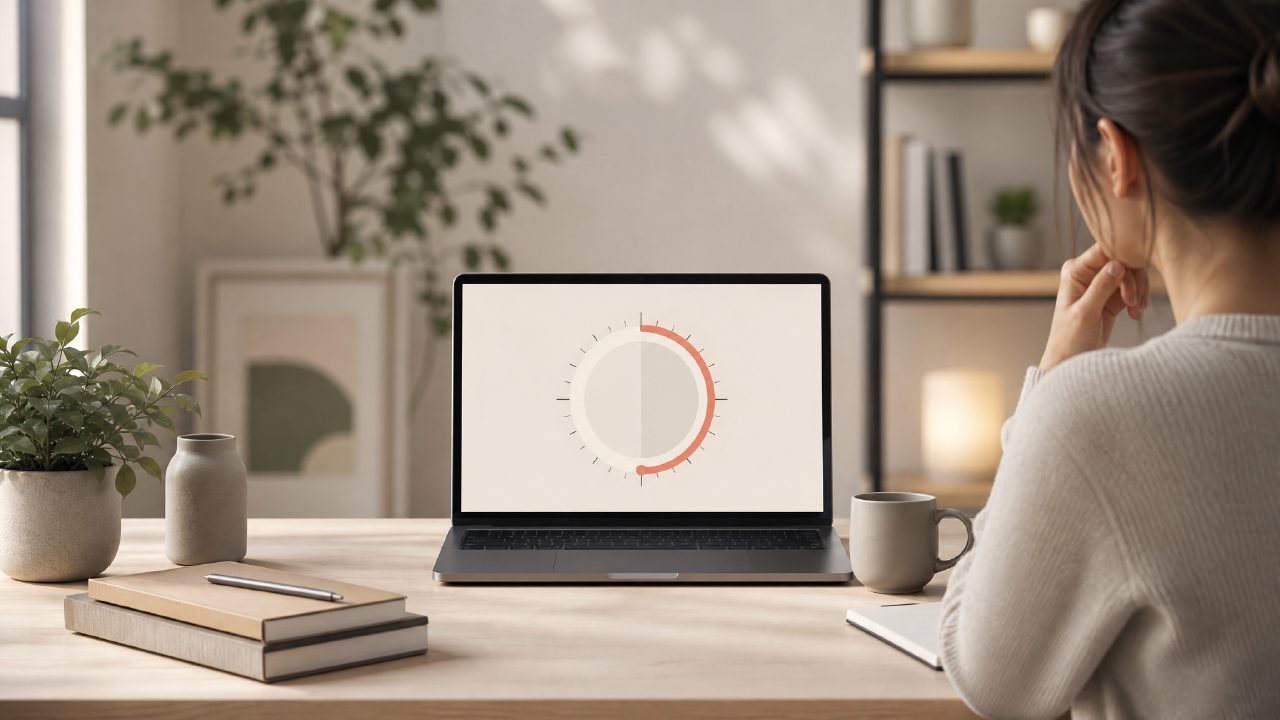
I’ve tried a handful of Pomodoro apps over the years, mostly because I’m always hunting for a setup that actually helps me stay in deep work without making the app itself a distraction. When I saw Focusly described as a “deep work” companion, I figured it was worth testing for a couple of weeks of real writing and study sessions. Below are the most common questions I had before starting, answered from what I actually experienced.
What is Focusly and how does it help with deep work?
Focusly is a Pomodoro-style timer app built around the idea of planning focus sessions intentionally. Instead of just starting a generic 25-minute timer, you set up a session goal, duration, and break pattern before you begin. The idea is that you enter the work block with a clearer intention, which makes it easier to stay in a state of deep work. I found that spending 30 seconds naming my session (“finish draft of FAQ article”) did make me less likely to wander after five minutes.
Is Focusly a completely free pomodoro focus app for 2026?
The core timer and session log are free, which probably makes it one of the more usable free pomodoro focus app 2026 options out there. However, some features like advanced analytics, custom soundscapes, and extended session history sit behind a subscription. For just doing focused work sessions, the free tier was enough. But if you wanted to review your patterns in detail, the free version gives you only a week of history. That felt like a reasonable tradeoff for not paying, but worth knowing upfront.
How does the session planning work in Focusly pomodoro app?
Before each session, you pick a focus type (deep work, study, quick task), set a timer length (usually between 25 and 90 minutes), and choose a distraction level—things like blocking notifications or muting the phone. I tested the session planner on a three-hour writing block, splitting it into two 75-minute deep work sessions with a 10-minute break. The app actually held me to the break length, which I needed more than I expected. The planning screen is clean, not cluttered, so you don’t spend time fiddling.
Does Focusly actually reduce distractions?
It offers a “focus mode” that locks you into a timer and blocks other app notifications if you give it permission. On Android, it worked reliably for muting Slack and Gmail. On iOS, the permission handling is more limited, so it couldn’t fully block incoming messages—something I noticed during a test session. The friction there is real: if you’re on iPhone, you’ll still need to manually silence other apps. So Focusly reduces distractions for most people, but it’s not a silver bullet for every device setup.
What are the tradeoffs or limitations of using Focusly?
I’ll list a few things that gave me pause:
- The free version only lets you customize breaks minimally. I wanted longer breaks on deep focus sessions but couldn’t adjust them without upgrading.
- The app encourages daily streaks, which is motivating until you miss a day and feel like you “broke” the rhythm. That gamification isn’t for everyone.
- Setting up the focus mode permissions took a few tries. It’s not hard, but the instructions could be clearer.
None of this made the app unusable, but if you want a set-and-forget experience, Focusly asks for a little more upfront effort than a basic pomodoro timer app free alternative like Pomofocus or Forest.
How does Focusly compare to other free pomodoro timer apps?
Compared to plain timer apps, Focusly’s session planning and distraction controls add structure that actually supports deep work. But compared to more mature apps like Forest (which gamifies focus with tree planting), Focusly feels more utilitarian—less fun, but more direct. I found it better for work than for studying, because the session logs helped me see when I was actually productive vs. just sitting at a desk. That practical feedback loop was the main reason I kept using it past the first week.
Honest take: Focusly won’t force you into deep work, but it gives you a clean container for it. If you’re already motivated to focus and just need a timer that respects your session boundaries, it’s worth trying. Just go in knowing that the free version has limits, especially on iOS, and that the app works best when you commit to planning each session rather than just hitting “start.”
Comments
Leave a Comment