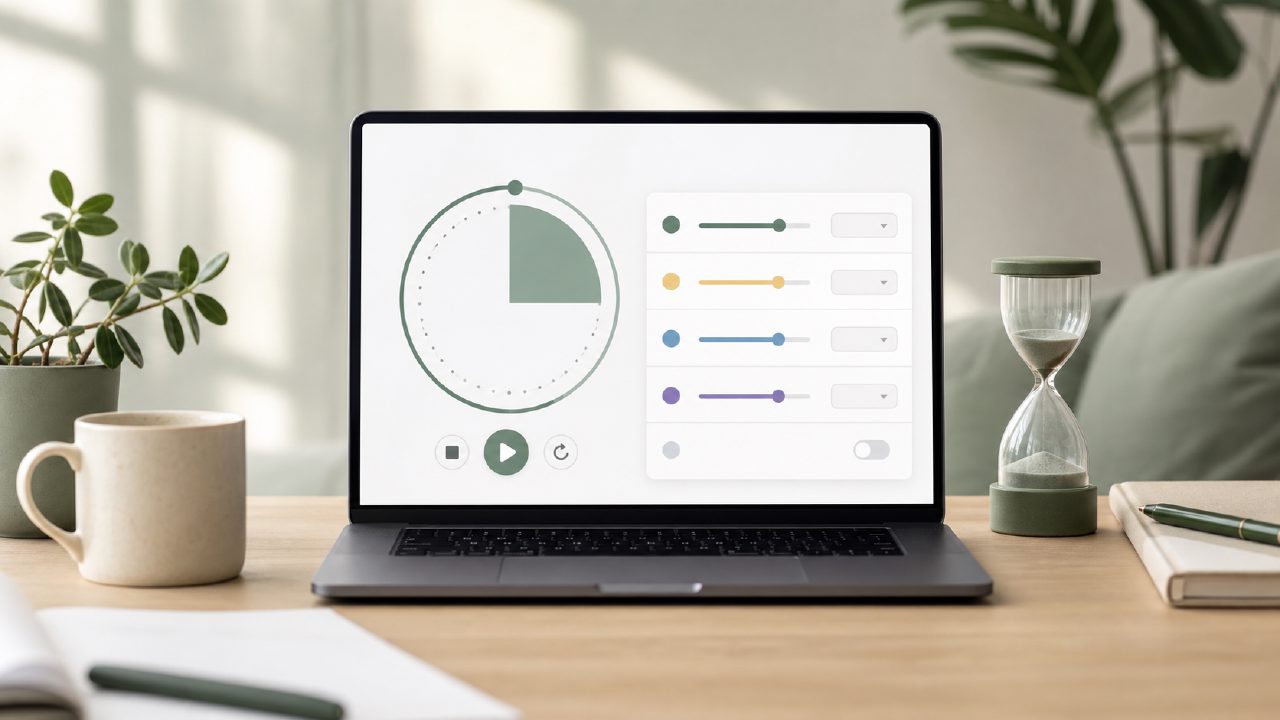
I’ve been bouncing between productivity apps for years, and the one thing that always frustrates me is when a pomodoro timer app locks session customization behind a paywall. I don’t need fancy gamification or team dashboards — I just want to set my own focus and break lengths without upgrading. That’s what drove me to test Focusly, a free pomodoro timer app that claims to let you customize sessions without a subscription. Here’s how it held up after a week of daily use.
What customizable sessions actually look like
The core pitch is simple: you choose your focus duration, break time, and number of cycles. And Focusly delivers on that immediately — no sign-up required, no hidden premium timer. I set a 50-minute focus block with a 10-minute break, which most free timers I’ve tried either force into 25/5 or offer only as a paid feature. The interface is clean: a big timer, a start button, and a settings icon. It felt refreshingly direct.
But “customizable” can mean different things. Here, you get sliders for minutes (1–120 for focus, 1–60 for breaks) and a selector for number of cycles. That covers the basics. There’s no option for pre-scheduled sessions or secondary “long break” interval unless you manually reset. That’s fine for most users, but if you wanted automatic switching between work/break/long break sequences, you’d have to build it yourself session by session.
Three things that stood out
- No registration barrier: I launched the app, tapped the gear icon, adjusted the time, and started. That’s rare in 2026. Most free focus apps demand an email or push you through a tutorial.
- The timer stays visible: On my Android phone, the notification bar kept the remaining time and allowed pause/resume. On iOS, the Live Activity widget worked reliably. That may sound small, but with other free pomodoro focus app 2026 options I’ve tested, notifications often lag or dismiss early.
- Minimal distraction design: The app blocks out most UI during a session — no ads popping up mid-timer, no motivational quotes. It just runs. I found I actually focused longer because there was nothing else to tap.
A tradeoff: simplicity vs depth
Focusly’s strength is also its limitation. The session customization is straightforward, but there’s no built-in analytics or project tracking. If you want to see how many pomodoros you completed this week or tag tasks, you’re out of luck. I had to manually log my progress elsewhere. For someone who just wants a timer and nothing more, that’s perfect. For anyone evaluating best free pomodoro timer 2026 options with growth features, Focusly might feel too bare.
I also noticed that the free version has a small banner ad at the bottom of the settings screen. It’s not intrusive, but it’s there — and during a session it disappears entirely, so no complaint during actual work. That’s a reasonable tradeoff for zero cost.
Where I’m less certain
After using Focusly for a week, I’m still not sure it’s the long-term tool for me. The lack of any data export or backup worries me — if I uninstall or switch phones, all my session history (which the app does store locally) is gone. The app also crashed once when I tried to adjust the timer while it was running. I restarted and it worked fine, but that kind of friction makes me hesitant to rely on it for critical work deadlines.
Is it the best free pomodoro timer 2026? It’s certainly one of the most direct. But “best” depends on whether you value customization flexibility over other features like integration or deep stats. For now, I’m keeping it installed as my go-to for simple focus blocks. If you need something that just works with your own timings and nothing extra, Focusly earns a solid try.
Comments
Leave a Comment