Studying feels like a chore when your phone keeps lighting up and your brain keeps wandering. Focusly tries to fix both problems at once—it blocks distractions while turning focus sessions into something that doesn't feel like punishment.
The app uses a standard Pomodoro setup: 25-minute work blocks with short breaks. But instead of just running a timer, Focusly adds a layer that actually stops you from opening distracting apps during those 25 minutes. You can't just swipe over to Instagram mid-session unless you manually override it, which creates just enough friction to keep you on track.
What Makes It Less Boring Than a Regular Timer
Focusly gamifies the process without going overboard. You earn points for completed sessions, unlock themes, and track streaks. It's not revolutionary, but it works better than staring at a plain countdown. The visual progress feels more rewarding than checking off a to-do list.
The AI scheduling feature suggests when to start sessions based on your past patterns. If you usually focus better in the morning, it'll nudge you then. It's not perfect—sometimes it suggests times when you're clearly busy—but it does help if you struggle with starting.
The Distraction Blocking Actually Works
This is where Focusly separates itself from basic timer apps. During a session, it can block specific apps or websites you choose. The free version lets you block up to five apps, which covers the usual suspects: social media, news, games.
The blocking isn't foolproof. You can disable it if you really want to, and it doesn't work on every browser or app. But the point isn't to create an unbreakable prison—it's to add enough resistance that you think twice before breaking focus.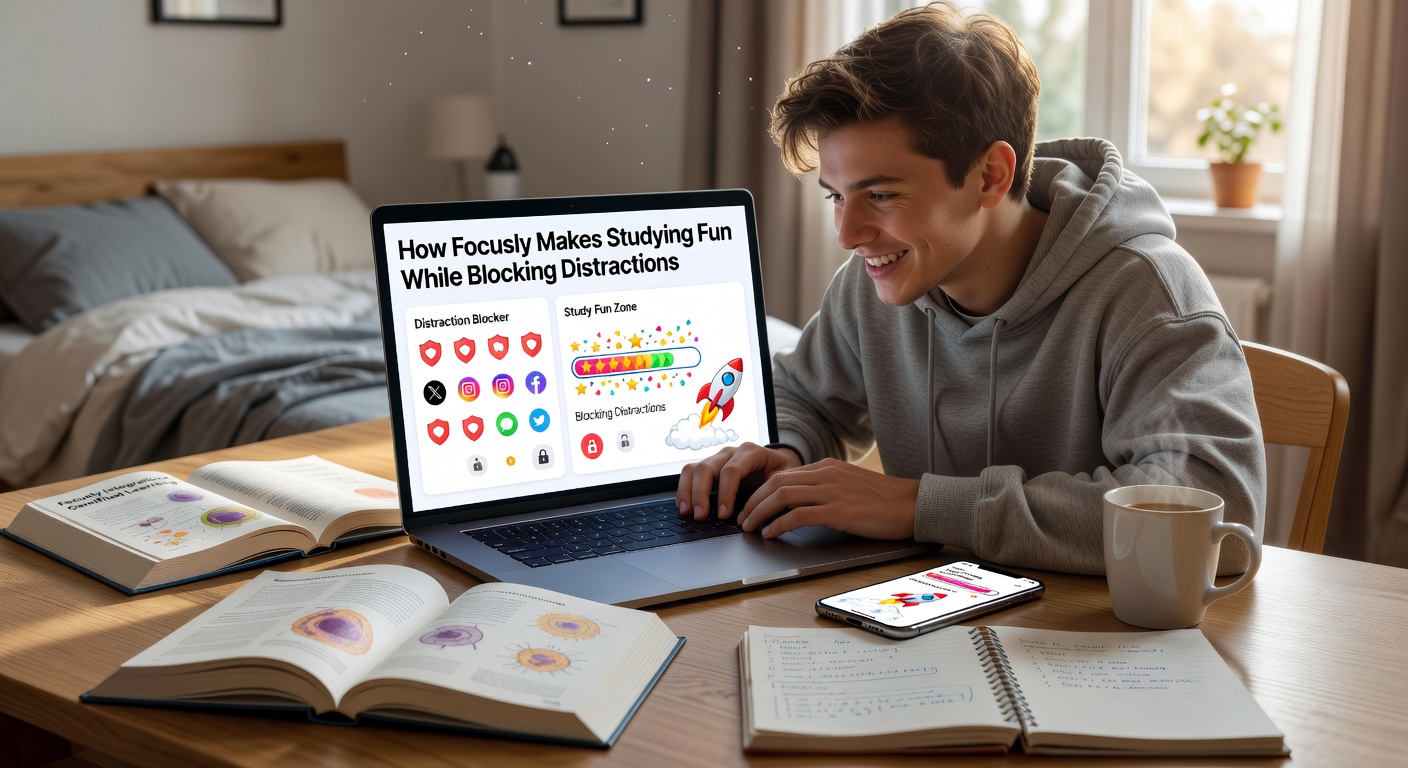
Where It Falls Short
The free version is functional but limited. You only get basic themes, five app blocks, and no detailed analytics. The premium version ($4.99/month) unlocks unlimited blocking, better stats, and custom session lengths. That's reasonable, but some competitors offer more in their free tiers.
The app also assumes you want 25-minute sessions. You can adjust this in settings, but the default experience pushes you toward standard Pomodoro intervals. If you prefer 50-minute deep work blocks, you'll need to reconfigure things manually.
Who Should Actually Use This
Focusly works best if you're already familiar with Pomodoro but keep failing because distractions derail you. It's also solid for students who need external accountability—knowing the app will block TikTok makes it easier to resist.
If you're someone who needs complete silence and zero notifications, pair this with Do Not Disturb mode. Focusly handles app blocking, but it won't silence every ping unless you configure your phone separately.
For people who prefer longer focus sessions or don't care about gamification, a simpler timer might be enough. Focusly adds value when the distraction blocking and progress tracking actually change your behavior. If you're already disciplined, the extra features might just feel like clutter.
Comments
Leave a Comment