If you keep starting work and then somehow ending up on YouTube fifteen minutes later, the problem usually isn't willpower. It's that there's no structure telling your brain when to focus and when to stop. That's the gap Focusly is built for.
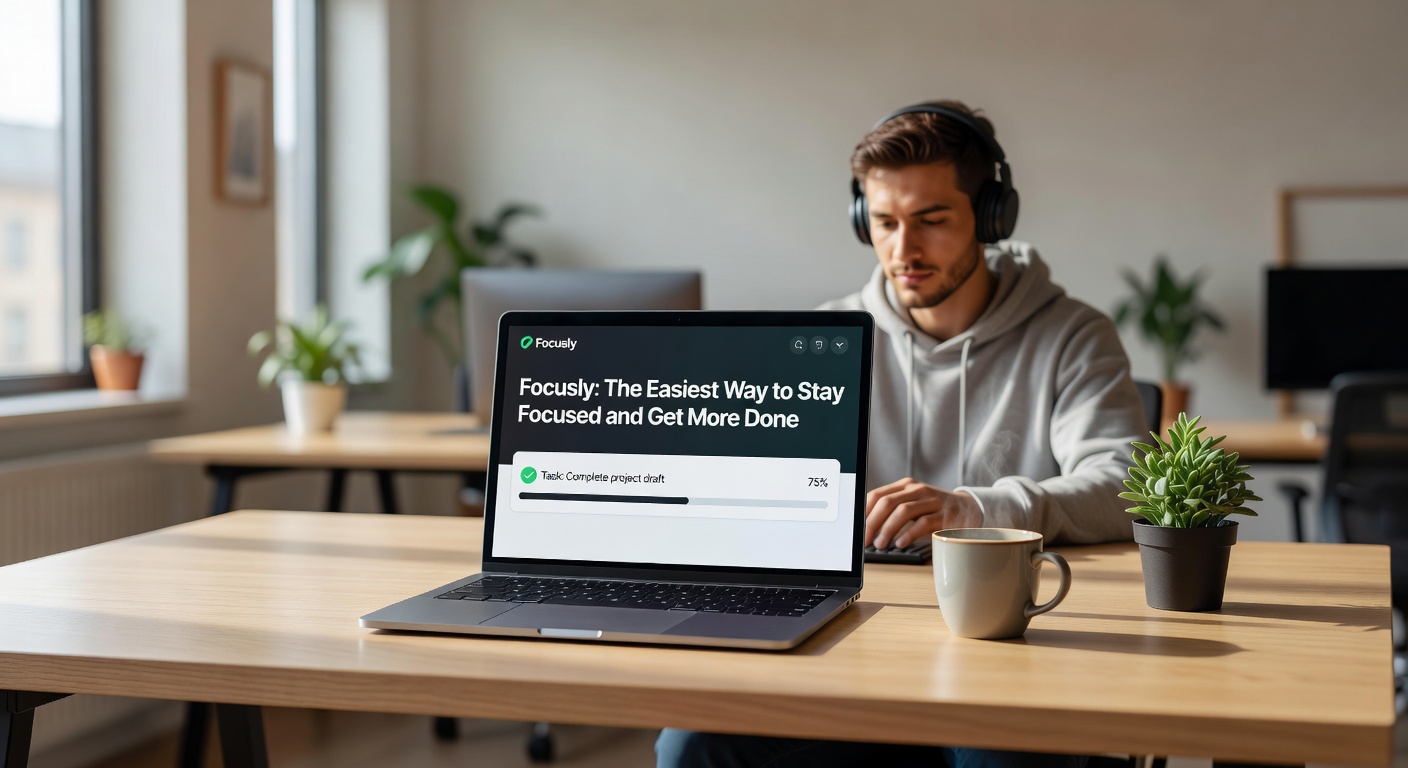
Focusly is a free Pomodoro timer app that adds AI scheduling and distraction blocking on top of the basic 25/5 cycle. The core idea is simple: work in timed blocks, take real breaks, and let the app handle the friction of getting started.
What Actually Makes It Different
Most Pomodoro apps are just countdown timers with a nicer UI. Focusly goes a step further with AI-assisted scheduling, which looks at your task list and suggests when to tackle what. If you have a deadline-heavy afternoon, it front-loads the harder tasks into your morning blocks automatically.
The distraction blocking is the other piece worth mentioning. During an active focus session, Focusly can restrict access to sites and apps you've flagged as time sinks. It's not foolproof — you can override it — but the extra step of having to consciously break the block is often enough friction to keep you on track.
A Few Realistic Scenarios
If you're a freelancer juggling three client projects, the session tagging feature lets you log time per project without switching to a separate tracker. At the end of the week you have a rough breakdown of where your hours actually went.
For students doing exam prep, the built-in break reminders help avoid the trap of grinding for two hours straight and retaining almost nothing. The app nudges you to actually step away, which most people skip when they're self-managing.
Remote workers in open-plan home environments tend to use the focus mode as a social signal too — headphones on, timer running, do not disturb. It's a small thing, but it helps set boundaries with people in the same space.
Tradeoffs Worth Knowing
Focusly works best if you already have a rough task list going in. The AI scheduling needs something to work with — if you open the app with no tasks added, it's just a timer. The value compounds the more consistently you use it.
The free tier covers most of what casual users need. Deeper analytics, custom block lengths beyond the standard intervals, and some of the advanced distraction blocking features sit behind the paid plan. It's not aggressively paywalled, but it's worth checking what's included before committing to a workflow that depends on a premium feature.
If you're already deep into a tool like Notion or Todoist for task management, there's some overlap. Focusly integrates with both, but the sync isn't always instant, and you may find yourself maintaining two lists if you're not careful about the setup.
Is It the Right Fit
Focusly makes the most sense if your main problem is starting and staying in a session — not organizing tasks or managing projects. It's a focus layer, not a project manager. If you need heavy task hierarchy or team collaboration, it's not the right tool. But if you just need something that makes it easier to sit down and actually work, it does that job cleanly and without much setup overhead.
Download is free, no account required to try the core timer. That's a low enough bar to just test it against your actual workday before deciding anything.
Comments
Leave a Comment