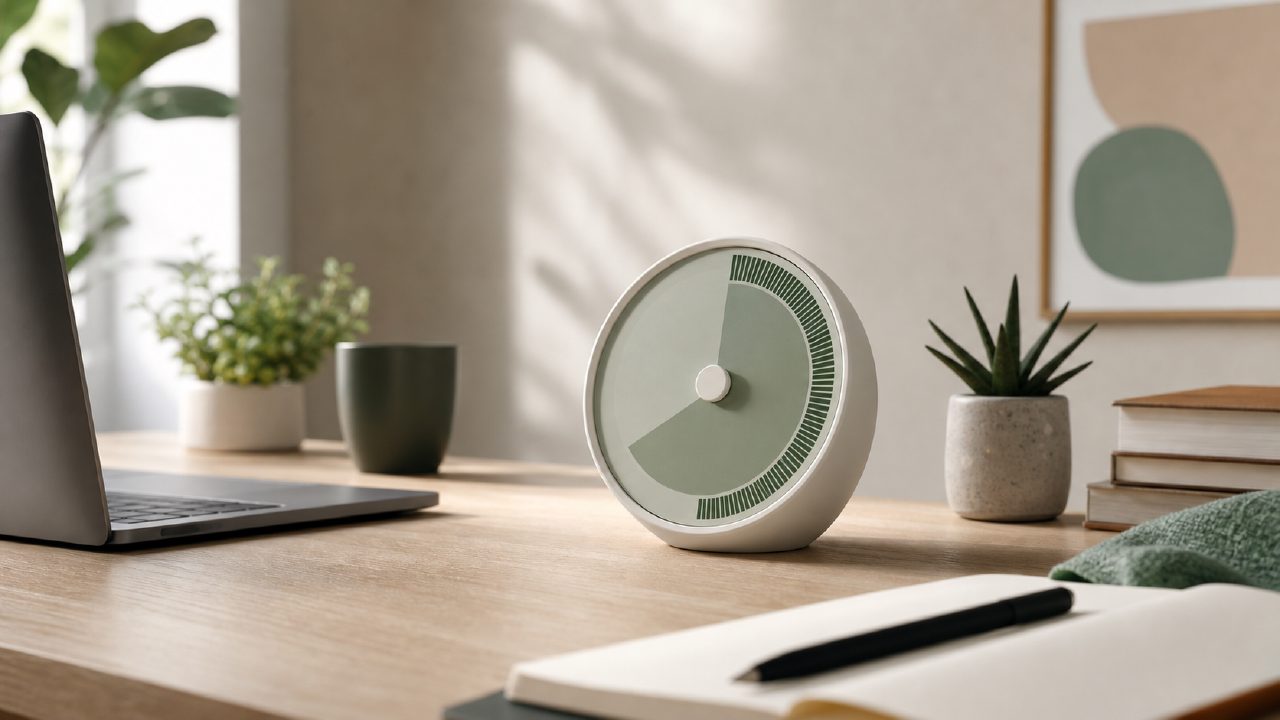
What Makes the Focusly Deep Work Timer Worth Looking At?
I've been testing free pomodoro apps on and off for a couple of months, mostly to see which ones actually stick. The focusly deep work timer kept appearing in search results, and I was curious whether it’d just be another basic countdown with a tomato icon. I spent a few days using it for writing and study sessions. Here’s what I found, organized as a practical checklist if you’re comparing options for yourself.
- Session planning that actually feels structured. You can set custom work/break lengths and assign a focus area before you start. I used it for “finish draft” and “code review” sessions. The pre-session prompts nudged me to think about what I’d do, which helped reduce that mid-session “what now” pause.
- Distraction blocking is built-in. Most free pomodoro apps just count time and leave you alone with your notifications. Focusly has a focus mode that silences distracting apps while the timer runs. It worked reliably on Android, though you have to grant permission manually the first time. Small friction, but worth noting.
- Visual progress and streaks. The app shows a daily focus streak and a graph of completed sessions. I found myself checking the streak more than I expected — it added a lightweight accountability element without being pushy. That said, the streak resets if you miss just one day, which can feel a bit punishing if life gets in the way. A realistic tradeoff: motivational for some, demoralizing for others.
- Free tier is genuinely usable. I’ve seen “best free pomodoro app 2026” recommendations that hide essential features behind a paywall. Focusly's free version covers unlimited sessions, the blocklist, and basic statistics. The paid upgrade adds themes and detailed reports. For everyday deep work, the free tier will carry you far. That’s rare.
- One cautious caveat. The app doesn’t sync across devices unless you create an account. I was testing it on a single phone, so not a problem for me, but if you switch between phone and tablet, that’s a limitation. I’d call it more of a “promising but needs polish” point. The timer itself is solid, but the cross-device experience feels incomplete.
Should You Use Focusly for Deep Work?
After a few weeks, I’m keeping the app around. It’s not flashy, and the interface is clean but not especially polished. However, the core loop — plan a session, block distractions, track progress — works better than I expected for a free tool. If you’re looking for a no-cost, reliable way to build a work rhythm, the focusly deep work timer is a strong candidate. I’d still check alternatives like Forest or Be Focused if you need cross-device sync, but for daily sessions on a single device, Focusly does the job without squeezing you into a subscription. It’s earned a spot in my dock for now, at least until something noticeably better shows up.
Comments
Leave a Comment