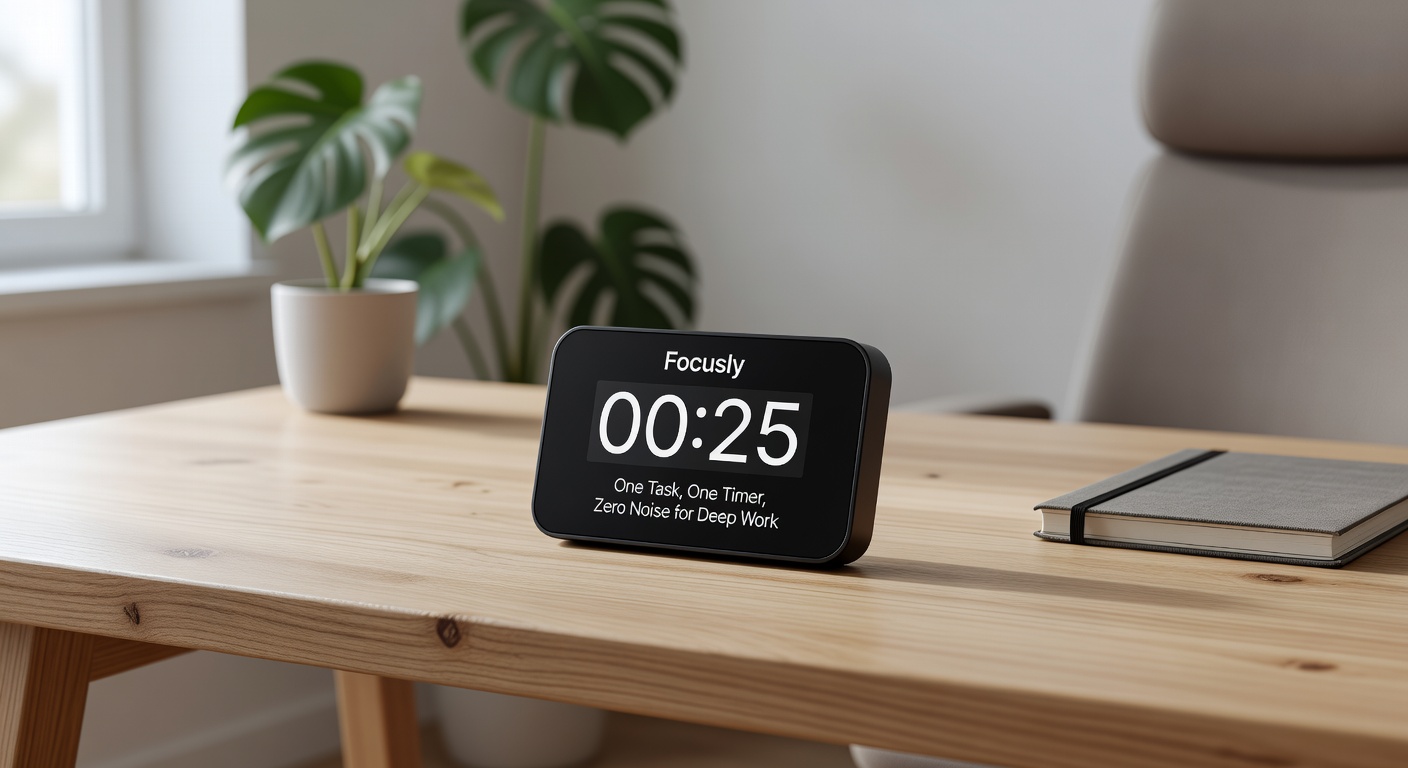
You open a pomodoro timer to get into deep work, but before the clock starts, you’re tagging the session, picking an ambient playlist, or tweaking interval settings. The app meant to cut noise just added more of it. That friction is exactly what Focusly tries to eliminate. Its entire premise is stripping the process down to one task and one timer, leaving zero room for digital fidgeting.
The core mechanic is brutally simple. Before the countdown begins, you type in the single task you are committing to. Not a project category, not a vague to-do list item, but the exact thing you plan to finish in the next 25 minutes. Once that timer starts, the app essentially locks your intent on the screen. If you suddenly realize you should be answering emails instead of writing that Q3 report, the glaring text "Write Q3 report" staring back at you creates an immediate psychological friction against switching contexts. It forces you to confront your own distraction.
This micro-commitment works especially well for study sessions where the material is dense and your mind constantly looks for an escape route. Say you sit down to tackle three chapters of a textbook. You type "Read Chapters 4-6" into Focusly. For the next half hour, that is your only reality. There are no badges to chase, no soundscapes to curate, and no weekly dashboards to check. The app just sits there, counting down, forcing you to sit there too. By removing the gamification and the settings menus, it removes the excuses to stop working.
Other pomodoro apps try to keep you engaged with ticking sounds, color changes, or virtual trees growing on your screen. Focusly does the opposite. The interface stays flat and static. There is no auditory ticking to remind you time is passing, just a quiet countdown. When the session ends, you get a straightforward notification to stop. This deliberate silence means the app fades into the background of your deep work, rather than competing for your attention alongside the task itself.
Focusly also handles session planning without turning into a project manager. You can queue up a sequence of focus blocks and breaks ahead of time. This is useful for those who know they need a two-hour deep work sprint but don't want to manually restart the clock after every five-minute break. You set the rhythm once, and the app drives the rest of the session, pulling you back from your coffee break with a prompt to start the next block. It removes the decision fatigue that often kills momentum between intervals.
The Tradeoffs of Radical Simplicity
The limitation with Focusly is obvious: it refuses to be your productivity hub. If you rely on detailed analytics—tracking how many hours you spent on "Design" versus "Admin" last week—this app will leave you stranded. It doesn't do tags, it doesn't sync with Notion or Todoist, and it doesn't generate pie charts. It logs that you did a session, and that is about it. For some people, that data is the reward that keeps them using a system. Apps like Toggl or Forest give you rich stats and visual growth, which can be motivating. But those extras also require maintenance.
Focusly bets that you will stick with a tool that demands nothing from you except your attention. If you are the type of person who spends fifteen minutes organizing a Notion database before actually working, this forced ignorance of stats might be exactly what you need. The app trades analytics for momentum, assuming that the best way to build a stronger work rhythm is to make the timer so quiet you forget it is even there—until it tells you to stop.
There is also a practical limitation in its rigidity. If an urgent interruption pulls you away mid-session—a Slack message that actually cannot wait—ending the timer early feels like breaking a contract. The app doesn't punish you for it, but the minimalist design means there is no "pause" button to conveniently step away and resume later. You either commit to the full block or abandon it. It is a design choice that keeps the pressure on, but it can feel unforgiving on chaotic days where interruptions are the norm rather than the exception.
Ultimately, Focusly is a reaction against the bloated productivity apps that ask you to manage your focus tool instead of just focusing. If your current pomodoro timer feels like a dashboard you have to maintain, Focusly is worth the download. It will not track your long-term productivity trends, and it will not integrate into your wider project management stack. But if your main problem is simply getting yourself to sit down and do one thing without reaching for your phone, a blank screen with a single task and a countdown is often the only push you need.
Comments
Leave a Comment