I used to bounce between tasks like a pinball. Open a doc, check Slack, scroll Twitter, maybe open the doc again. By lunch I'd feel busy but actually done almost nothing. Sound familiar? That was me until a friend basically forced me to try Focusly Deep Work. Three weeks in, my workflow isn't chaotic anymore — it's actually predictable.
How Focusly finally clicked for me
I've tried a dozen pomodoro apps before. Most are just timers with nice colors, and I'd ignore them after two days. Focusly feels different because it doesn't just beep at you. Right away, the app asks you to plan your session — not just "25 minutes," but what exactly you'll work on. That small step forced me to be specific: "Draft the intro for the Q3 report" instead of "do some writing." That alone cut my procrastination in half.
The timer itself is clean, no gimmicks. But what stuck with me is the progress view. After each deep work block, Focusly logs what you did and how you felt. Over a week, I could see patterns: I'm most focused between 9:30 and 11:00 AM, and I crash after 3 PM. I never knew this about myself. Now I schedule my hardest tasks in that morning window and leave email for the afternoon slump.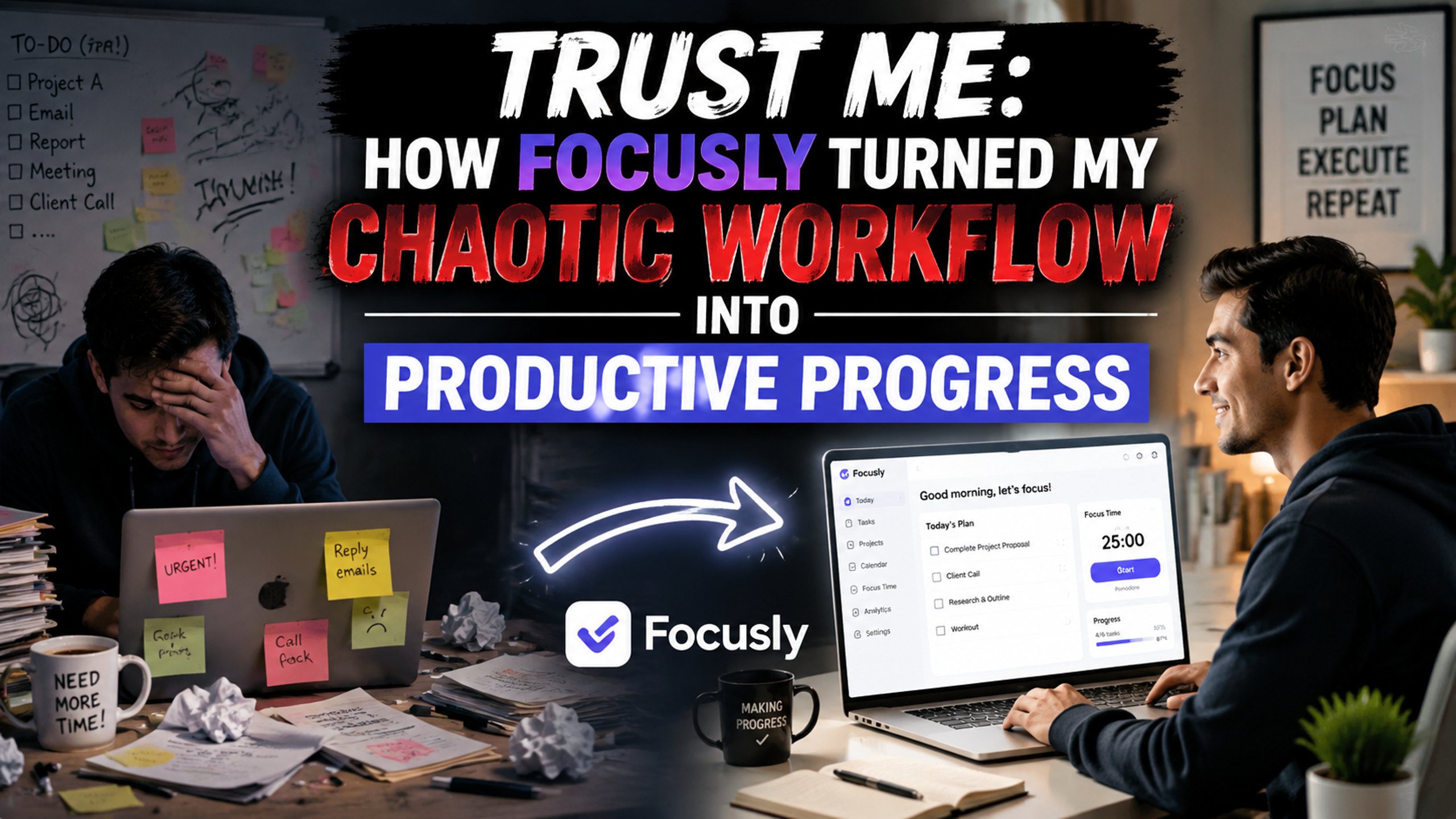
Real scenarios where Focusly earned my trust
Scenario 1: The morning reset. I'd open my laptop and immediately get distracted by notifications. Now I set a 25-minute Focusly session before doing anything else. No phone, no tabs open except the task at hand. The app even suggests a "wind-down" chime two minutes before the timer ends, so I can stop mid-sentence without panic. It's a small thing, but it keeps me from rushing or feeling interrupted.
Scenario 2: Deep work in a noisy cafe. I sometimes work from a coffee shop. Focusly's "Focus Mode" dims the screen and hides distracting apps. Combined with noise‑canceling headphones, I can actually get two solid pomodoros done even with chatter around me. The app also tracks which environments are most productive — turns out I hit peak focus in cafes with mild background noise, not silence.
Scenario 3: Evening review without guilt. After a distracted day, I used to feel ashamed and not want to look at time logs. Focusly keeps it neutral. It shows your total deep work time and what you actually completed, not what you "should have" done. That shifted my mindset from "I wasted the morning" to "I got 90 minutes of real work — let's build on that tomorrow."
Who should (and shouldn't) rely on Focusly
Focusly works best if you have control over your schedule — remote workers, students, freelancers. If your job is constantly interrupted by phone calls or urgent tasks, the rigid pomodoro structure might frustrate you. There's no "pause" button that freezes the timer; if you stop, you stop. That's honest but inflexible.
Also, the session planning feature is powerful but requires discipline. If you're someone who hates any kind of planning before starting, you might find it annoying. You can skip it, but then you lose the main benefit. Focusly isn't a magic cure; it's a tool that demands a bit of input upfront.
Alternatives? If you want a more minimalist timer, Forest is fine. But Forest gamifies distraction avoidance with virtual trees — fun, but doesn't help you understand your work patterns. Focusly gives you real data about your own productivity, which is more valuable long term.
The bottom line
Focusly didn't change my work ethic. It changed my awareness. By forcing me to plan each session and showing me the honest results, it turned my messy workflow into something I can actually manage. I no longer guess why I'm unproductive — I see it in the logs, and I adjust. If you're tired of feeling busy but not productive, and you're willing to spend 30 seconds planning each work block, this app might surprise you.
Comments
Leave a Comment