You opened your laptop with a clear plan this morning. Two hours later, you've checked Slack four times, scrolled Twitter twice, and your actual work is still sitting there untouched. Sound familiar?
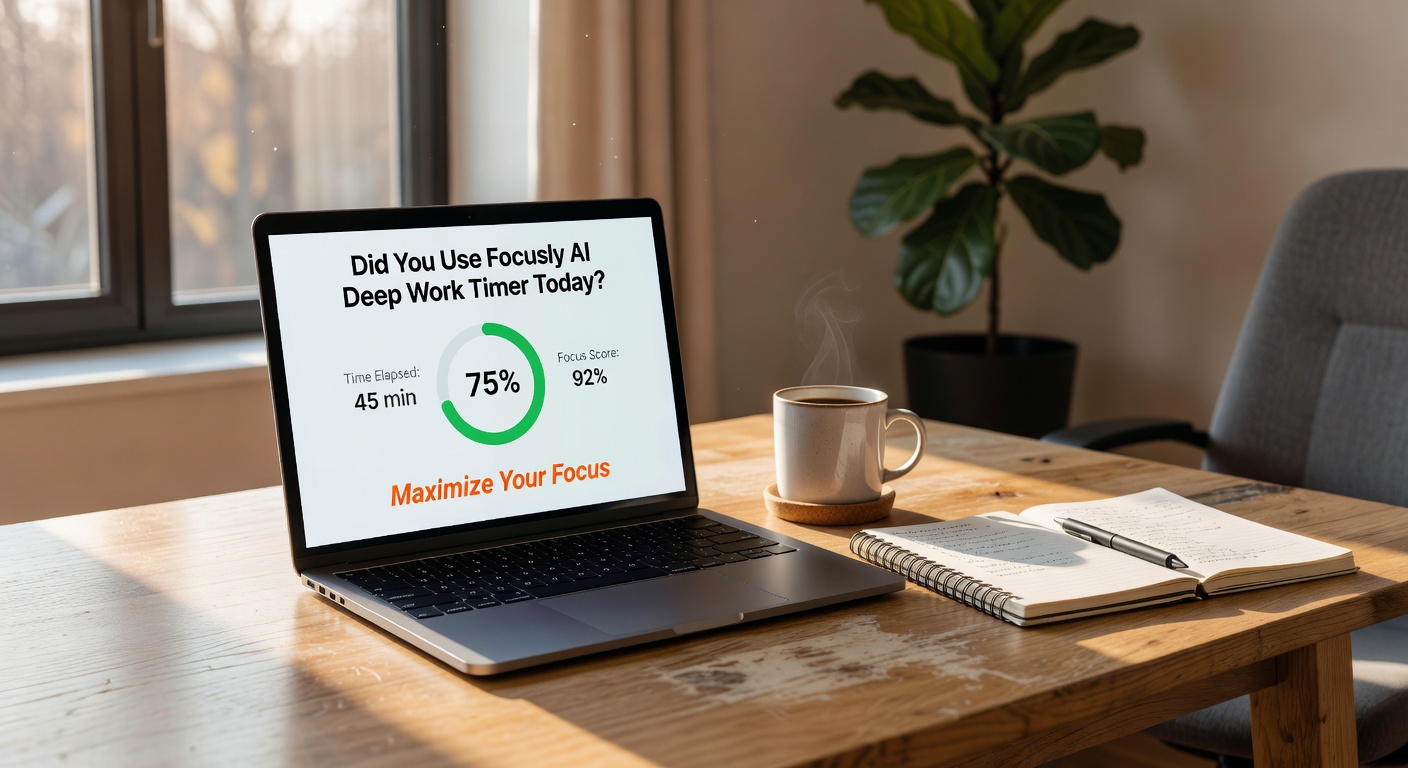
Focusly is built around one specific idea: most productivity apps assume you already know how to focus. This one doesn't. It combines the classic Pomodoro timer with AI scheduling that adapts to when you actually get work done, plus distraction blocking that goes beyond just muting notifications.
What Makes It Different from Regular Pomodoro Apps
The AI scheduling learns your patterns. If you consistently lose focus around 3 PM, it suggests shorter sessions then and longer blocks in your peak hours. It's not revolutionary, but it's more useful than manually adjusting timers every day.
The distraction blocking is more aggressive than most free apps. It doesn't just remind you to stay focused—it actually blocks distracting sites and apps during work sessions. You can override it, but there's enough friction to make you think twice before opening Reddit.
Real Scenarios Where It Works
Writing reports or coding? The 25-minute default works well. Deep research or design work? You can extend sessions to 45 or 60 minutes. The app tracks which session lengths work best for different task types and suggests them automatically.
One limitation: if your work involves frequent legitimate interruptions—customer support, for example—the blocking feature becomes annoying fast. You'll spend more time managing exceptions than focusing.
Is It Actually Free?
Yes, the core features are free in 2026. AI scheduling, basic distraction blocking, and unlimited Pomodoro sessions don't require payment. Premium adds cross-device sync and detailed analytics, but most people won't need them.
The catch is that the AI needs about a week of data before it gets useful. The first few days, it's just a standard Pomodoro timer with blocking. That's fine, but don't expect magic on day one.
Who Should Skip It
If you already have solid focus habits and just need a simple timer, Focusly is overkill. The AI features and blocking add complexity you don't need. A basic timer app or even your phone's built-in timer works fine.
Also skip it if you work in an environment where you genuinely need constant access to communication tools. Fighting with the blocker gets old quickly.
For everyone else struggling with digital distraction—especially if you've tried Pomodoro before and it didn't stick—Focusly's combination of adaptive scheduling and actual blocking makes it worth testing. Download it, give it a week, and see if your focus sessions actually get longer. That's the only metric that matters.
Comments
Leave a Comment