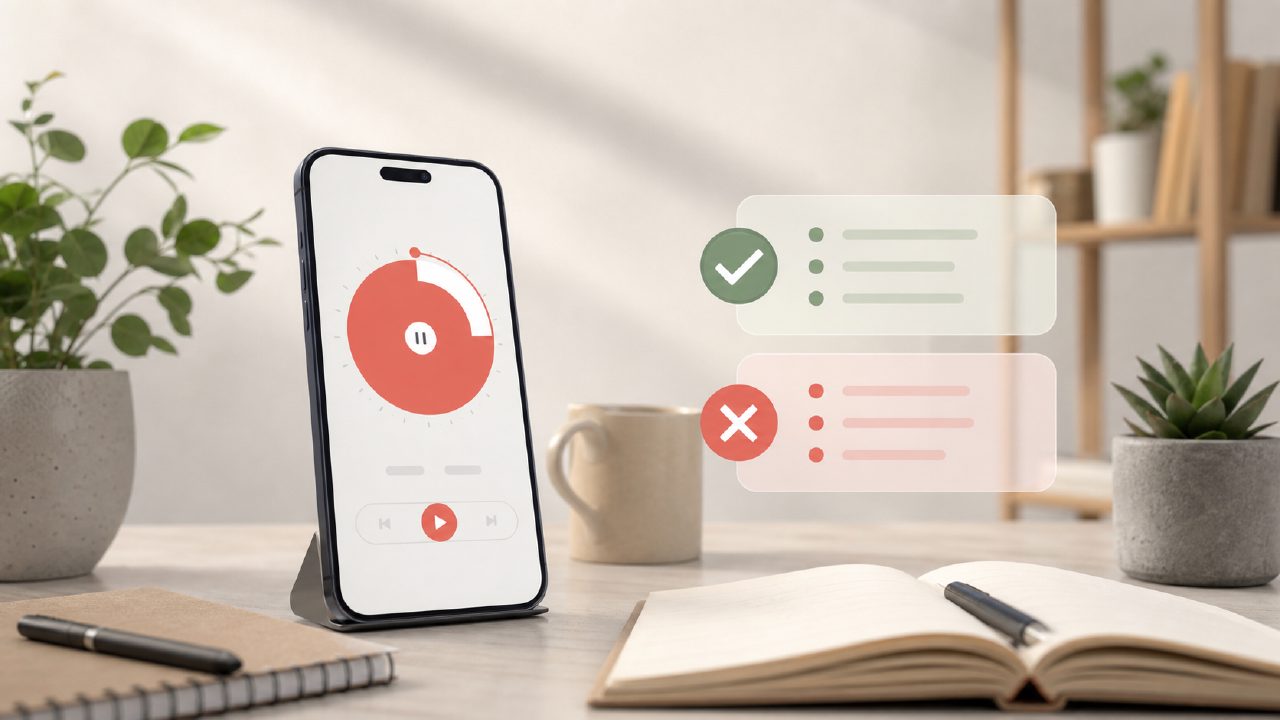
If you've been hunting for what is the best free pomodoro app 2026 has to offer, you’ve probably already run into a few frustrations. Most articles just list a dozen apps with shiny screenshots and call it a day. But the real question isn’t “what looks good in a store listing” — it’s what actually helps you sit down and focus without getting in your own way. And that’s where the pitfalls start.
I spent a week testing a handful of free Pomodoro timers, including focusly, a relatively focused (pun intended) app built around deep work and study sessions. Here’s what I learned — and a few traps to avoid when picking your own free timer.
The “free” trap – what you actually give up
Almost every free Pomodoro app cuts corners somewhere. Some cap the number of daily sessions, others drown you in ads, and a few just have terrible notification handling. Focusly handles the basics well: you set a session length, it runs a timer, and you get a break prompt. No forced login, no paywall for the core timer. But I noticed the free version doesn’t give you detailed analytics beyond simple session counts. If you’re the type who wants to see how many deep work hours you logged per week, you’ll probably feel that gap. That’s not a dealbreaker, but it’s worth knowing going in.
One concrete gotcha – break reminders that ghosted me
On my second day testing focusly, I queued up a 90-minute deep work block. The focus timer ran fine, but when it ended, the break reminder just … didn’t appear. I sat there for a few minutes waiting before I realized I needed to manually check the app. Was it a one-time glitch? Possibly. But it reminded me that free focus apps sometimes have rougher notification reliability. If you need strict cues to step away from your desk, you might want to test the break feature early.
The distraction-blocking feature – promising but incomplete
Focusly includes a built-in option to block distracting websites during sessions. I tried it out while writing a draft. It blocked Reddit and Twitter well enough, but it didn’t seem to work on every browser extension or tab I had open. It’s not a full-fledged blocker like Cold Turkey or Freedom, so manage expectations. I’d call it useful for light distraction reduction, not a replacement if you’re deeply addicted to doom-scrolling.
A realistic tradeoff – simplicity vs. control
Focusly leans hard on simplicity. You can plan your sessions in advance, which is nice. But the timer itself is pretty barebones — no custom intervals, no complex work/break ratios beyond the preset. If you want something like the 52/17 method or a custom 25/5 with long breaks every 4 cycles, you’ll be stuck with what they offer. That might be fine if you’re rigid about the classic Pomodoro technique. But for many people, that lack of flexibility becomes a friction point after a week.
What about other free options in 2026?
I also tried a couple of other free timers from the app store. Most of them had either heavy ad load or demanded account creation before I could even press start. Focusly let me jump straight into a session without signing up, which I appreciated. But it also lacks a web version — it’s app-only. So if you prefer working entirely in a browser, you’ll need to keep your phone nearby or run an emulator, which kind of defeats the purpose of a distraction-minimal setup.
I’m not entirely sure if the distraction-blocking feature works consistently across all Android skins and iOS versions. The developer’s notes mention ongoing optimization, so your mileage may vary depending on your phone model.
Practical takeaway
So what is the best free pomodoro app 2026? There isn’t one universal answer. Focusly is a strong candidate if you want a stripped-down, no-account timer with a deep work angle and a modest distraction blocker. But be ready for small rough edges — skipped break reminders, limited analytics, and a timer that won’t bend to your preferred rhythm. Test it for a few real sessions before committing. The “best” free app is the one whose tradeoffs you can actually live with.
Comments
Leave a Comment