You know the feeling. You sit down at 9 AM with a clear plan, coffee in hand. Three hours later, you’ve replied to two Slack messages, checked Twitter three times, and somehow ended up reading about whether sourdough starter is actually worth the hype. The real work? Still untouched.
This isn’t a discipline problem. It’s a rhythm problem. And after testing a handful of focus tools over the past few weeks, I kept coming back to one that actually helped me rebuild that rhythm: Focusly Deep Work. It's a Pomodoro-style timer app, but calling it just another timer misses the point entirely.
The core loop that actually works
Focusly doesn’t throw a dozen features at you. You open the app, set a work session length (25, 50, or custom), pick a break interval, and start. That simplicity is the point. But the difference is in how it manages the two things most Pomodoro apps get wrong: session planning and distraction reduction.
Before you start, you can write down what you intend to work on. That sounds trivial, but it stops the "I'll just check one more thing" loop before it starts. The app also has a built-in distraction shield — no fancy notifications, no gamified badges begging for attention. It just runs, quietly, and lets your brain settle into the work.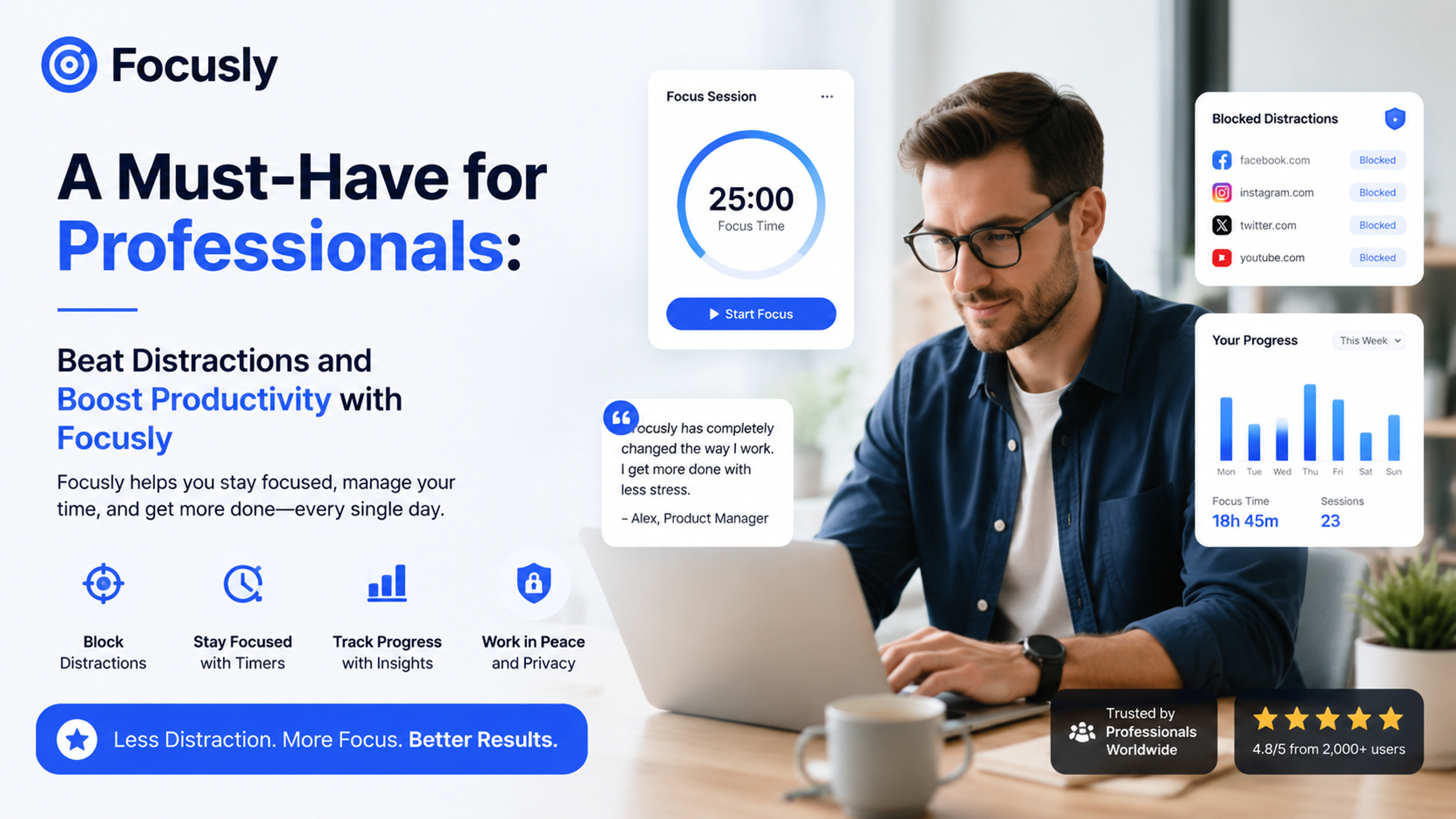
What I actually noticed
I tested Focusly during three different scenarios: writing a long report, studying for a certification exam, and a deep coding session. The first two were no-brainers — the timer kept me honest. But the third one was where it clicked. During coding, interruptions cost you 15 minutes of context each time. Focusly’s "Deep Work" mode made it harder to break flow, because the break reminder doesn't scream at you. It’s a gentle nudge, and you can extend the session if you're in the zone. That small flexibility saved me from the usual frustration of "the timer says stop but I'm almost there."
Two tradeoffs worth knowing
No tool is perfect, and Focusly has a couple of edges that might not fit everyone.
- It’s minimal by design. If you need task tracking, project management, or integration with calendars, this isn't that. It's a timer with a focus intention. Some people will miss the all-in-one feel.
- The distraction shield is app-based, not system-wide. It reminds you to stay off your phone, but it can’t block apps on its own. For heavy procrastinators, you might need a separate blocker.
If you’re someone who already has decent self-control but needs better structure, Focusly works. If you need digital handcuffs, you’ll want to pair it with something else.
A realistic scenario that sold me
Last Thursday afternoon, I was fried. I’d already been in meetings for four hours, and a dense data-analysis task was waiting. I knew if I started it without a plan, I’d end up scrolling for 20 minutes first. So I opened Focusly, typed “clean Q3 revenue data” as the intention, set 35 minutes, and started. The act of writing it down changed something. I didn’t check my phone once. When the timer ended, I had done more in those 35 minutes than I usually do in an hour of unfocused time. That’s not magic — that’s a good tool forcing a good habit.
Who should try it
Professionals who already understand the value of deep work but struggle to protect it. Students who need to plan study sessions realistically. Anyone who finds standard Pomodoro timers too rigid. If you’ve tried "just focus" and it didn’t stick, Focusly gives you a lightweight structure without overhead. You can be up and running in one minute.
It’s not going to replace your project management setup. But if your actual problem is staying on task for the next 30 minutes, this is the most practical solution I’ve found in a while. Give it a couple of sessions — the first one might surprise you.
Comments
Leave a Comment