I've tried all the usual productivity tricks. Pomodoro apps, time blocking, noise-canceling headphones. Most of them work… for a while. Then the novelty wears off. I end up fidgeting with the timer settings, checking the stats, or just ignoring the buzzer altogether.
Focusly is different. Not because it's revolutionary—it's not reinventing the productivity wheel. But because it finally made the "deep work" thing click for me. Let me walk you through why.
The 10-minute trap I didn't know I was in
Here's what my typical "focus session" used to look like: sit down, open laptop, check email "for a sec," then Slack, then Twitter. By the time I actually started working, ten good minutes were gone. Every time.
What Focusly does quietly but effectively is remove that window of hesitation. The app's session planner lets you preset your work and break intervals. So when I open it, there's no configuration. No deciding "should I do 25 minutes or 50?" I just hit start. That single friction reduction has probably saved me hours per week.
One feature that stood out: the gradual focus builder. Instead of throwing me into a 90-minute block, Focusly starts with shorter intervals and increases them over the session. It sounds minor, but it actually mirrors how real concentration works—you don't just flip a switch.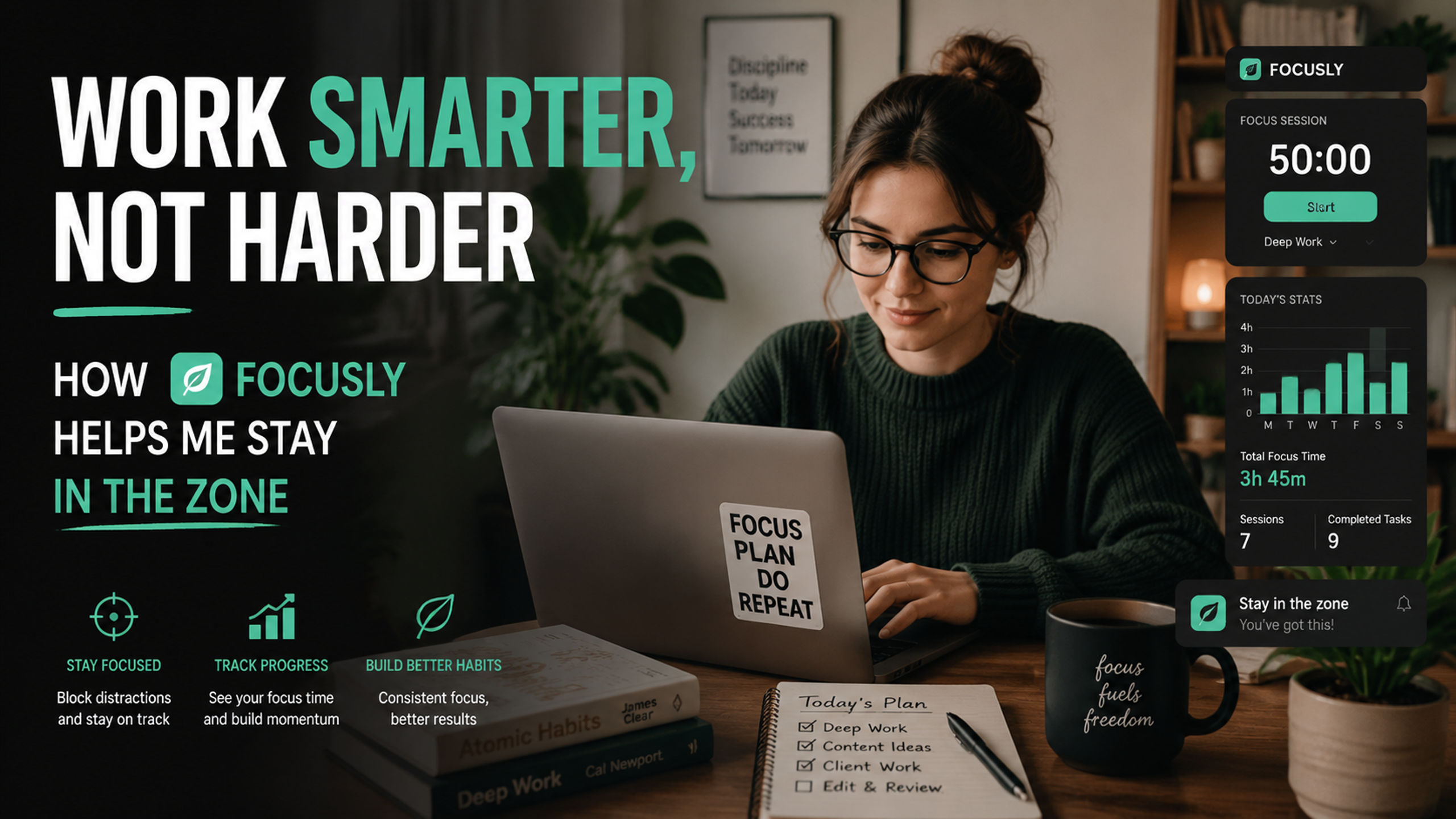
When the timer is smarter than you
I tested this on a Thursday afternoon. I'd just finished a messy spreadsheet task and was about to check Instagram. The app pinged: "Short break recommended." I almost ignored it. But I didn't.
Turns out, taking a proper two-minute break—stepping away from the screen, not just switching tabs—made the next session noticeably sharper. The app nudges you to actually break, not just stare at a blank wall. It sounds trivial, but in practice, this is where most productivity tools fail.
I also like the distraction log. You tap it when you get lured away, and Focusly doesn't scold you. It just records the interruption. Over a few days, I realized my worst distraction window was between 2 and 3 PM. Not rocket science, but seeing it in plain numbers shifted how I scheduled my afternoons.
Where it stumbles (and that's okay)
Focusly isn't perfect. The sound library is decent but limited—after a week, some of the background tracks started feeling repetitive. If you're someone who needs complete silence, the built-in sounds might actually be a distraction.
Also, the app works best if you already buy into the pomodoro philosophy. If you're skeptical about time-boxing, Focusly won't convert you. It's a tool for people who already know what they want to do—it just helps them actually sit down and do it.
Another thing: the visual analytics are clean, but not deep. You get total focus time per day and streaks. That's it. If you want detailed breakdowns of your most productive hours or task-level tracking, you'll need a separate tool. Focusly intentionally stays simple.
Here's the honest tradeoff: you gain ease of use, you lose customization. For most people, that's a win. But power users might feel slightly constrained.
Should you try it?
If you already know your deep work habits are messy, and you need something that just works without tinkering—yes. Focusly is good for that.
If you're a hardcore productivity nerd who wants to fine-tune every variable, skip it. You'll feel limited.
For me, Focusly solved a specific problem: it stopped me from tricking myself into thinking I was working when I was really just preparing to work. That alone made it worth keeping around.
Comments
Leave a Comment