Why "Free" Pomodoro Timers With Statistics Can Be Deceiving
I’ve been through a dozen free pomodoro timers over the past few years. The promise is always the same: better focus, data on your sessions, and zero cost. But when you actually start using one, the gaps show up fast. If you’ve been searching for a pomodoro timer with statistics free because you want to track your deep work without paying, I want to point out some traps I stumbled into — and how an app like focusly handles them.
The Big Gotcha: Pretty Charts That Don’t Mean Much
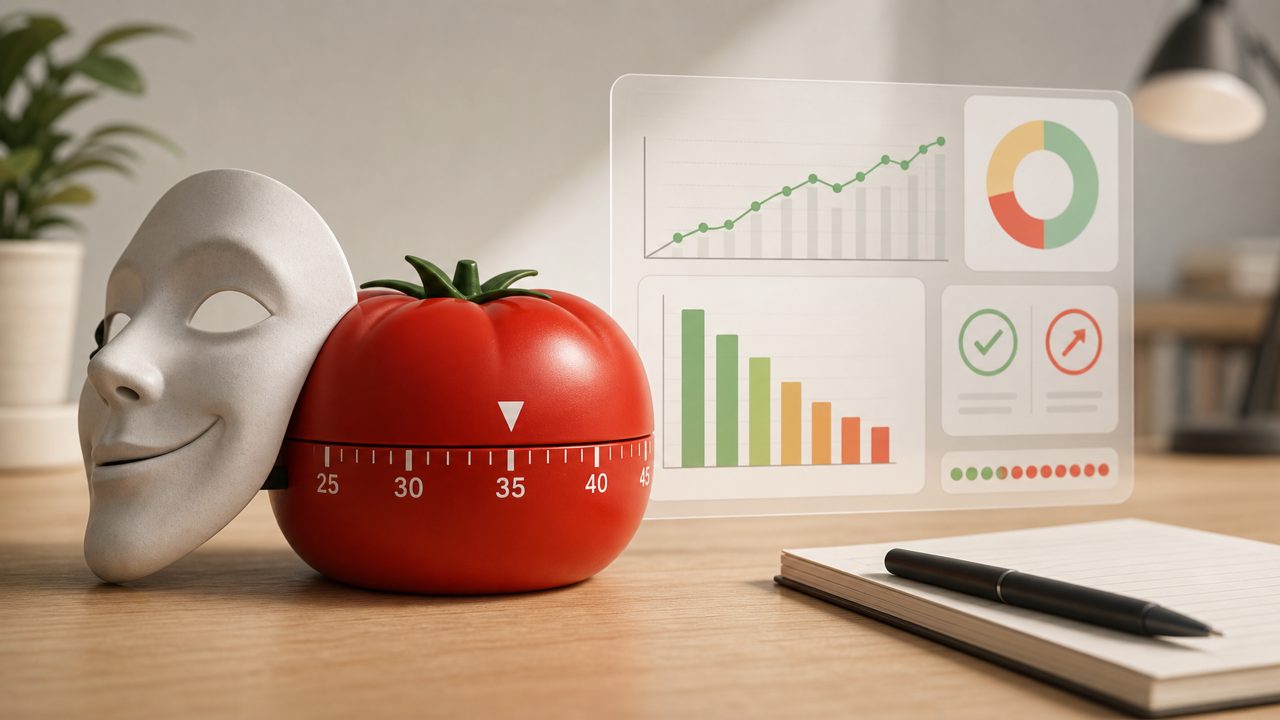
Most free timers give you a bar chart of total focus hours per day. Looks nice. But that number can be misleading. If you start a session, walk away for ten minutes, and let the timer run, your “5 hours of focus” might actually be 4 hours of distraction. I’ve done this. A good pomodoro timer with statistics free should separate completed sessions from abandoned ones. Focusly does this — it flags any session that wasn’t finished properly, so your stats reflect actual effort, not just time spent with the app open.
Still, even with that feature, I caught myself checking the stats too often. The dopamine hit from seeing a long streak made me forget the real goal: finishing the work, not perfecting the numbers.
Second Trap: The Default Timer Might Not Fit You
A lot of people jump into a 25-minute work / 5-minute break cycle because that’s the classic pomodoro. But if your deep focus takes 15 minutes to ramp up, a 25-minute block cuts you off right when you’re productive. I tried switching to 50-minute sessions. Some free timers let you change durations, but then they stop tracking your sessions cleanly — the stats break because the app assumes a fixed length. Focusly lets you set custom work and break lengths without messing up your statistics. That saved me from the gotcha of rigid defaults.
But even then, there’s another subtle issue: you need to actually use the break feature. I skipped breaks to “get more done,” and my stats showed longer hours, but my afternoon work quality tanked. The numbers lied to me.
Third Caveat: Session History That Disappears
I tested a pomodoro timer app free once that stored all my history locally. When I cleared my browser cache, everything vanished. Weeks of data gone. Another app synced to the cloud but limited historical data unless you paid. Focusly stores history on your device and doesn’t require an account — which is both a pro and a con. Pro: no tracking. Con: if you uninstall the app, your stats are gone. For me, that tradeoff was fine because I don’t need a long archive. But if you want year-long trends, a local-only free deep work timer 2026 might disappoint you.
One More Thing: The AI Hype
Some newer timers advertise “AI-powered focus detection” or “smart break suggestions.” I tried a couple. They felt like gimmicks. One would literally pause my timer if I moved the mouse too slowly. Annoying. Focusly keeps things simpler — it’s a pomodoro timer with optional background sounds and session planning, but no fake AI. That honesty is refreshing. If you’re looking for an AI pomodoro focus app free, you might find Focusly too basic. But I’d argue basic is better than something that over-corrects and distracts you from actually working.
How to Avoid the Pitfalls
- Don’t chase stats — set a weekly cap on how often you review them.
- Customize your session length after a few trials; 25 minutes isn’t sacred.
- Respect break time even if it lowers your “focus hours” graph.
- Know where your data lives. If you can’t afford to lose it, pick an app with export or cloud sync.
- Test a new timer for one full week before committing — first impressions often hide the flaws.
In the end, a pomodoro timer with statistics free like Focusly can help you build a rhythm, but only if you don’t let the data become the goal. I still use it. The stats guide me, but I don’t let them rule my sessions. That’s the only way a free tool stays useful without turning into another distraction.
Comments
Leave a Comment