Let’s be real: you’ve probably got 14 tabs open, a phone buzzing next to you, and somehow you’re “studying” but also checking Insta every 3 minutes. The struggle isn’t that you don’t want to focus—it’s that your brain is wired to chase the next dopamine hit. That’s where Focusly tries to step in.
Focusly is a Pomodoro timer app built specifically for deep work, study sessions, and daily focus. It’s not trying to be your life coach or a meditation guru. It just helps you plan your sessions, cut down distractions, and actually stick to a rhythm. I’ve been testing it for the past two weeks, and here’s what I found: it’s simple, a little aggressive with reminders, and honestly, that’s a good thing.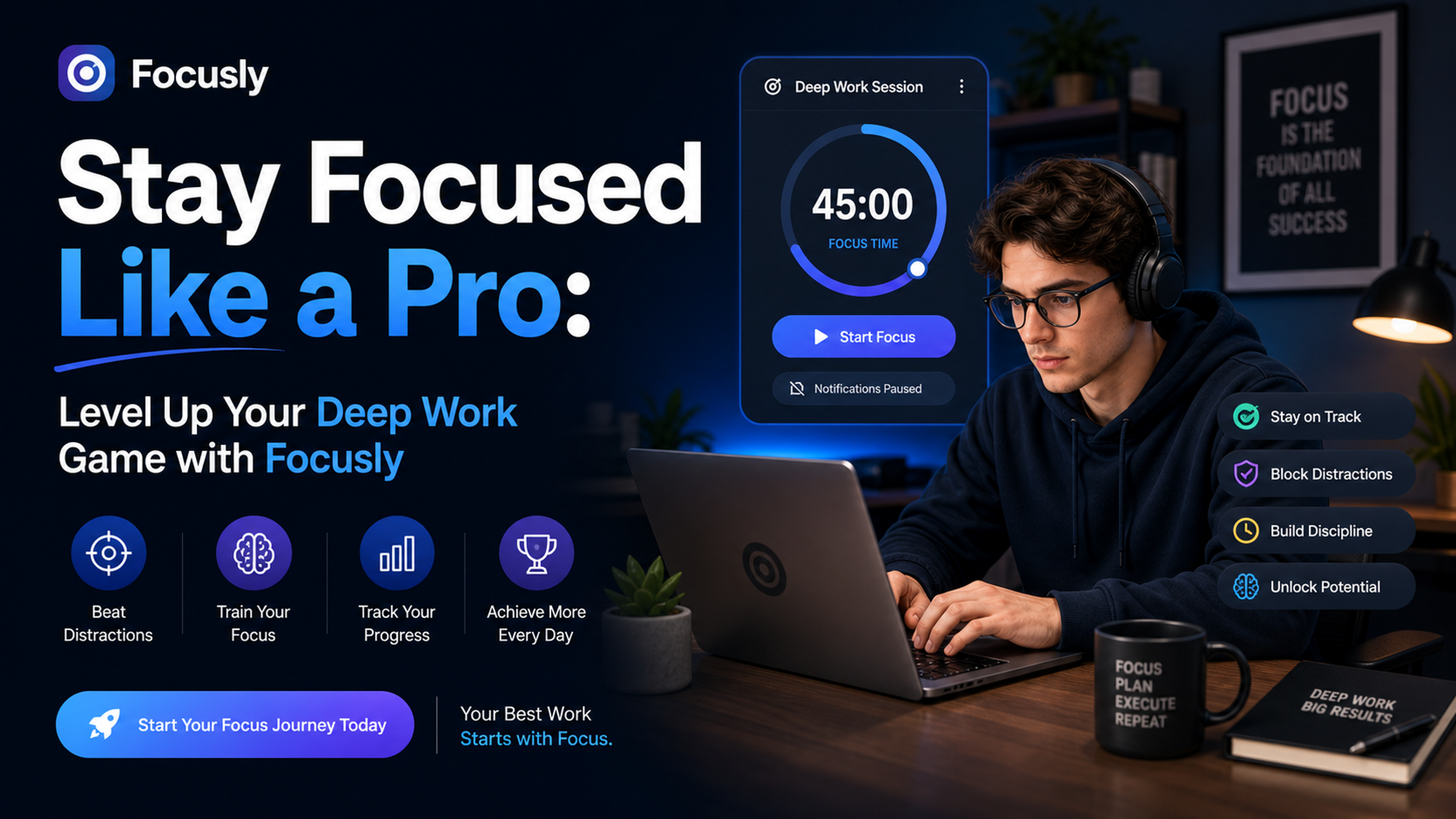
What makes it different from the usual timer apps
You’ve seen Pomodoro timers before. There’s a million of them in the App Store. Focusly’s thing is that it pushes you to plan your sessions before you start. You tell it what you’re working on—say “finish the stats assignment” or “write the first draft of that blog”—and it locks you into a block. No way to cheat and say “oh I’ll just add 5 more minutes.”
I’ve tried this with writing, with reading research papers, and even with cleaning my room (yes, deep work isn’t just for coding). The planning step changed something for me. Without naming the task, I’d just hit start and get distracted. With Focusly, I have to commit first. That tiny friction—actually typing the goal—makes me feel like I have to follow through. It’s psychological, but it works.
Another thing: the break timer is strict. It doesn’t let me sneak in a full React tutorial during a 5-minute break. Which, okay, sometimes I want to. But I found that following the break rhythm strictly actually made my next focus block stronger. Go figure.
Real talk: where it gets a little annoying
I’m not gonna pretend it’s perfect. The app can feel a bit pushy. I’ve had it send me a notification during a break like “hey, time’s up, get back to work.” And I’m like, bro, I’m taking a sip of water. That aggressiveness might not suit everyone. If you want a gentle, meditative focus tool, Focusly is probably too forward for you.
Also, the planning step I mentioned? It can get tedious if you’re switching tasks every 25 minutes. For deep, single-task work—like writing a paper or coding a feature—it’s great. But if your day is fragmented into lots of small tasks, the constant “what are you working on now?” starts feeling like a nagging manager.
One more thing: the app’s interface is clean but not super customizable. You can’t change the alarm sound or the break duration (at least not in the free version). That might be a dealbreaker for people who need full control. I’m okay with it, but I can see others getting frustrated.
Is Focusly for you? Here’s how to judge
If you’re a student drowning in coursework, or someone doing creative work that needs sustained attention—like writing, game dev, or UI design—Focusly will help you build a stronger work rhythm. The key benefit is accountability. It forces you to declare your intention, then protects that time.
But if your work is heavily interrupt-driven—like customer support, team management, or anything where you need to be flexible—this app might fight against your reality. You’d probably be better off with a more flexible Pomodoro app or just using your phone’s built-in timer.
Also, if you struggle with anxiety around timers or pressure, the strictness could backfire. Focusly doesn’t have a “chill mode.” It’s designed to push you, not comfort you. Personally, I found that refreshing after the first few days of resistance. But know yourself before you commit.
The bottom line
Focusly isn’t trying to reinvent productivity. It’s a focused tool for people who already know they want to deep work but need a system to protect their time. If you’re willing to let an app be a little pushy in exchange for getting more done, this is worth trying. After two weeks, I’ve finished more chapters and drafts than in the previous month of half-focused effort. That’s not a bad trade.
If you’re on the fence: give it a real try for 3 days. Plan each session deliberately. Don’t fight the strict breaks. You might surprise yourself.
Comments
Leave a Comment