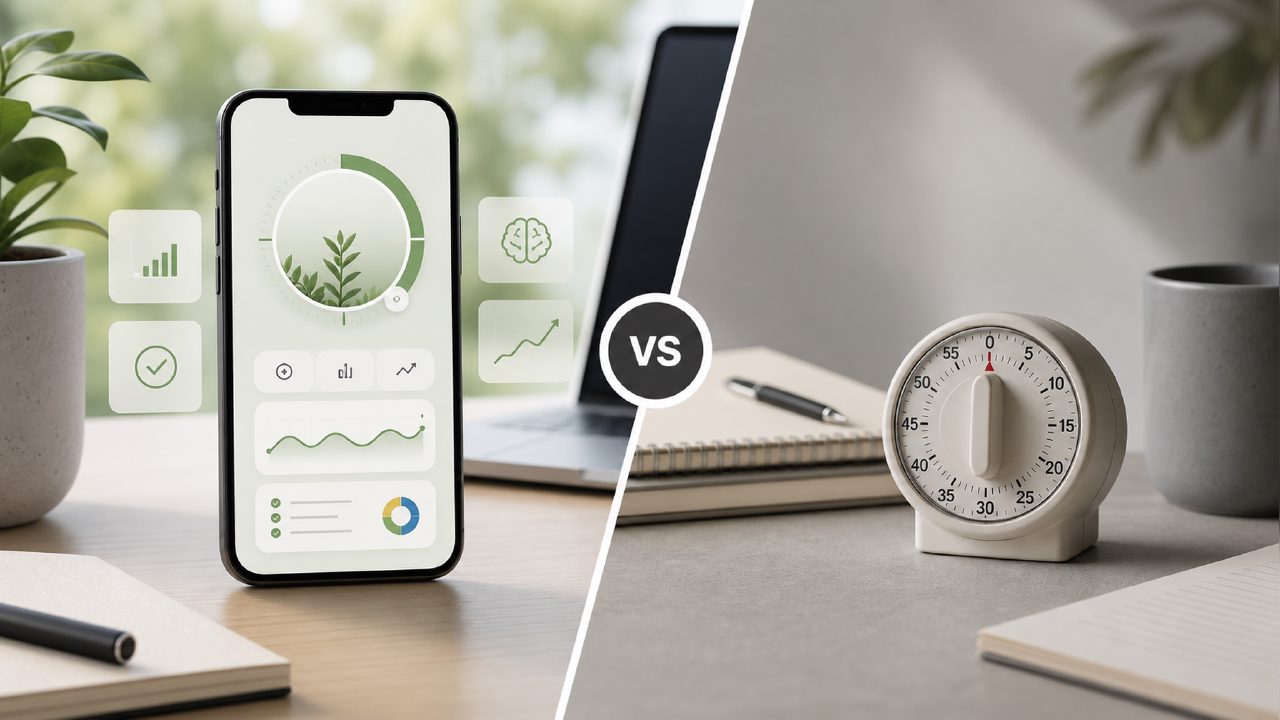
I’ve tried a dozen pomodoro apps over the years, and most feel like glorified kitchen timers. You start the countdown, you work, the bell rings – rinse and repeat. That’s fine for a while, but it doesn’t really adapt to how your day actually unfolds. So when I started hearing about the smart pomodoro focus app 2026 trend, I was curious. A colleague mentioned focusly, and I decided to pit it against the more traditional pomodoro apps I already knew.
What makes a pomodoro app “smart” in 2026?
Most of the usual suspects – like Forest or Be Focused – give you a simple timer and maybe a quick statistics screen. Focusly takes a different approach. It lets you plan your entire session block in advance: pick the task, set how many pomodoros you want, and even schedule short breaks between deep work rounds. That planning layer alone saved me from the usual “which task do I start with?” pause. It’s a small change, but it made my first afternoon with focusly feel noticeably more productive than using a plain timer.
That said, the AI-powered suggestions (which are part of the “smart” claim) aren’t quite as polished yet. The app tries to recommend break lengths based on your focus history, but sometimes it just suggests what you already set manually. It’s a decent starting point, but it doesn’t feel like a finished recommendation engine. If you’re looking for the best pomodoro technique app 2026 purely based on intelligent automation, you might find focusly promising but still maturing.
Head-to-head: Focusly vs. a basic pomodoro timer
I ran a quick test: one week using focusly, and one week using a bare‑bones timer app (just a stopwatch and a notebook). Here’s what I noticed:
- Distraction reduction: focusly includes a built‑in focus mode that blocks notifications and even restricts certain apps during a session. That worked well for deep writing tasks, but for lighter email checks it felt like overkill. The basic timer gave me no such protection, but that forced me to self‑regulate – which honestly worked about half the time.
- Session planning: With focusly, I mapped out three deep work blocks the night before. That alone improved my morning start. With the basic timer, I just jumped into whatever felt urgent. Not always a bad thing, but I finished fewer long‑term projects.
- Learning curve: Setting up a session plan in focusly takes a few minutes the first time. The interface isn’t cluttered, but there are options (break types, task tags, goal setting) that you’ll probably ignore until you need them. The basic timer had zero setup – but also zero insight.
So the tradeoff is clear: focusly gives you structure and a bit of intelligence, but it demands more upfront effort. If you’re after the best free pomodoro app 2026 and don’t want to think about planning, you might prefer something simpler. Focusly has a free tier that covers the core features, but the really useful session planning and distraction blocking are behind a subscription.
Where it stumbles a little
The biggest friction for me was the app’s insistence on planning. Some days I just want to start a timer and go – no prep, no tags. Focusly lets you do that, but it clearly nudges you toward the structured path. This isn’t a dealbreaker, but if you’re someone who hates being guided, the experience might feel restrictive.
Also, the “AI” part didn’t always match my rhythm. One day it kept suggesting 5‑minute breaks after every session, but I was in the middle of a creative flow and didn’t want a break. You can override it easily, but the suggestions aren’t as smart as the marketing claims make them sound. It’s more of a rules‑based system than genuine machine learning – at least for now.
Which one should you choose?
If you already know you want more than just a timer – meaning you want to plan your work, track your focus trends, and occasionally get nudged toward better habits – focusly is probably the smart pomodoro focus app 2026 worth trying. It’s not perfect, and the AI isn’t going to replace your own judgment, but the planning and distraction blocking features genuinely helped me get into deep work faster.
If you just need a simple countdown and you self‑regulate well, save the money and stick with a basic app. But if you’ve been bouncing between timers and feeling like none of them make a real difference, give focusly a shot for a week. You might find, like I did, that the extra structure is exactly what your work rhythm was missing.
Comments
Leave a Comment