- Pick a timer that doesn’t get in the way.
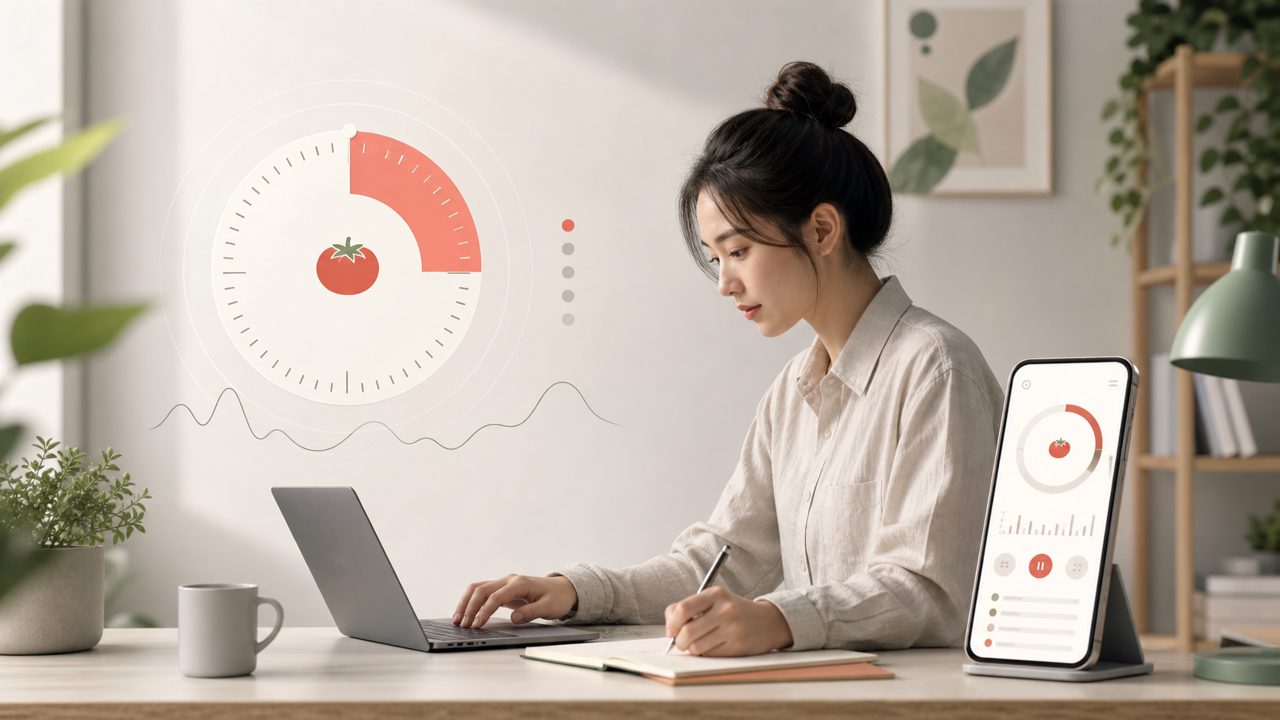
The pomodoro technique is supposed to help you focus, not fight with a timer that beeps too loudly or hides settings. I tried a few free apps and landed on Focusly because its timer is clean and unobtrusive. The interface shows a simple countdown with a soft tick sound that fades after a few seconds. I could start a session in under two taps. Minor friction: the default 25-minute block isn’t adjustable in the free version unless you dig into settings before starting. Took me a moment to find it, but once set, it remembers your preference. - Plan your sessions before you start.
The classic pomodoro technique works best when you decide exactly what you’ll work on during each block. Focusly lets you create a sequence — set multiple pomodoros with predefined breaks. I tested this while studying for a certification: three 25-minute focus blocks, each with a specific chapter goal, then a longer break. The planning screen on a phone can feel a bit cramped (especially typing task names), but it’s functional and fast once you get used to it. - Reduce distractions, not just track time.
A good pomodoro app should actively help you avoid interruptions. Focusly includes a “deep focus mode” that silences notifications and dims the screen’s brightness. I used it during an afternoon of report writing and noticed I toggled to social media far less often. One thing I’m less sure about: it doesn’t block websites or apps outside its own environment. If your main distraction is a browser tab, you’ll still need a separate site blocker — something to keep in mind when evaluating free pomodoro timer options for 2026. - Use breaks intentionally, not just as countdowns.
Short breaks are a core part of the pomodoro technique, but a timer alone doesn’t help you reset. Focusly’s break mode is simple: a countdown and a “start” button. I wish it offered a quick breathing exercise or stretch reminder — that would make it a stronger free pomodoro focus app for 2026. For now, I just stand up and walk away, which works fine. It’s a nitpick, not a dealbreaker. - Track progress without overdoing it.
The pomodoro technique becomes more useful when you look back at how many sessions you completed and adjust your work rhythm. Focusly gives a daily and weekly summary of pomodoros finished. I like that it’s minimal — no leaderboards or streak counts that might create unnecessary pressure. The stats are basic though; if you need detailed breakdowns (like average focus time per task), you’ll need the premium tier. For a free app, it’s enough to help me decide if I’m overestimating my focus capacity.
Overall, the pomodoro technique still works well when paired with a timer that respects your attention. Focusly covers the essentials without adding clutter — it’s a solid free option if you want something straightforward. Just be realistic about its limitations: no deep analytics, no automatic website blocking, and a slightly cramped planning interface. If those don’t bother you, it’s a fine companion for the technique in 2026.
Comments
Leave a Comment