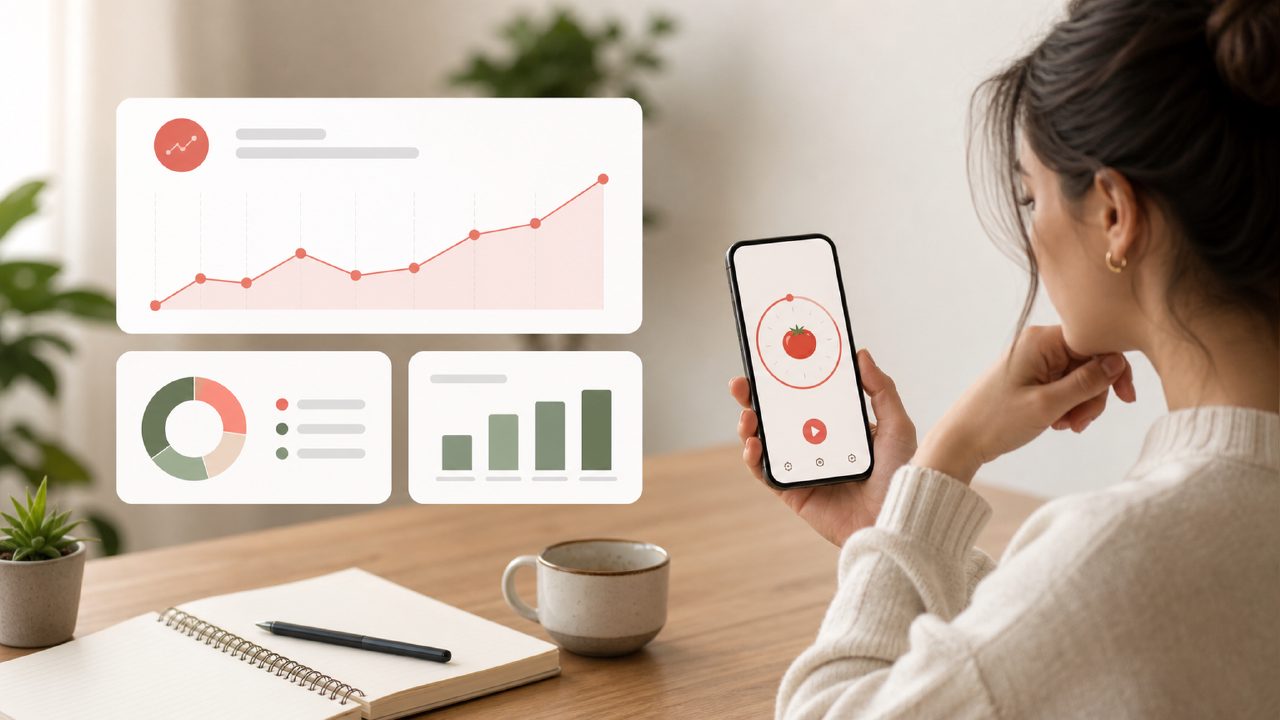
I started using Focusly because I needed a pomodoro technique app with progress tracking that didn't feel like another to-do list in disguise. Most timers just beep and reset, and I wanted something that would actually show me whether my focus was improving over days and weeks. So I sat down with one concrete use case: building a consistent afternoon study block for a certification I’ve been putting off.
Setting up the first session
Opening Focusly, the setup is straightforward. You pick a work duration — I went with 25 minutes — then your short break, long break interval, and how many cycles before the longer rest. I liked that it didn’t push me into a specific preset. The interface is clean but not sparse; you can name each session, which sounds minor but later helps when the progress tracking starts to mean something.
My first observation: the timer itself runs smoothly, no lag or awkward animations. The start button is large enough that you don’t accidentally tap it, and the visual progress circle updates in a way that feels natural. I tested it on both my phone and desktop browser. Both worked, but the mobile app had a slight extra tap to start a session after configuring it — a mild friction I noticed a few times. It’s not a dealbreaker, but it slows you down just enough to notice when you’re trying to get into flow quickly.
The progress tracking that actually made me come back
After a few days of sessions, the progress dashboard started showing patterns. You can see total focused hours per day, average session length, and a streak count. The data is visual — bar charts and simple stats — not overwhelming. I found myself checking the weekly view to see if I was actually putting in consistent time. That reflection loop is what separates a good pomodoro technique app with progress tracking from a basic timer.
One tradeoff: the progress reports are tied only to sessions done inside Focusly. If you stop the timer early or use a different tool mid-day, those gaps don’t show up. So the data is honest but incomplete. For someone like me who sometimes switches to another method, it means the tracker only reflects part of the picture. Not a flaw, but worth knowing.
Where Focusly surprised me
I wasn’t expecting the session planning feature to be as useful as it turned out. You can pre-schedule focus blocks for the day or week. I set a recurring 25-minute block at 2 PM. When the time comes, Focusly pings you to start. I got a notification and actually followed through — partly because the app didn’t nag, it simply reminded. That kind of gentle nudge works better for me than loud alarms.
Another grounded observation: the ambient sound options are good but limited. There’s rain, a cafe hum, and some nature sounds. They play in the background while your timer runs, and they cut out cleanly when the session ends. But I’d like a couple more options (maybe a quieter stream or deep drone) — the current set feels a bit default.
Is it the best free pomodoro timer 2026?
Focusly is free for the basic features, and the progress tracking is included. There’s a premium tier for deeper analytics like focus trend lines and session tagging, but for most people the free version is enough. If you’re comparing it as a candidate for the best free pomodoro timer 2026 or even the best free pomodoro app 2026, it holds up well. The interface is modern without being bloated, and the progress tracking sets it apart from simpler apps like the basic Tomato Timer.
That said, I’m cautious about calling it the outright best. If you need integrations (calendar sync, task tie-ins, or cross-device continuity beyond basic account sync), Focusly doesn’t offer those yet. It’s a focused tool, not a productivity suite. For someone whose main need is a pomodoro technique app with progress tracking and nothing extra, it’s a solid choice.
Final practical note
After two weeks, my total focused time crept from about 4 hours per week to just over 6. The streak counter did motivate me, even though I missed a day and it reset. I think the real value of Focusly is the loop: plan a session, run it, review the data, adjust. It’s not flashy, but it works. If you try it, give the progress dashboard at least five sessions before you judge it. The patterns take a bit to show up.
Comments
Leave a Comment