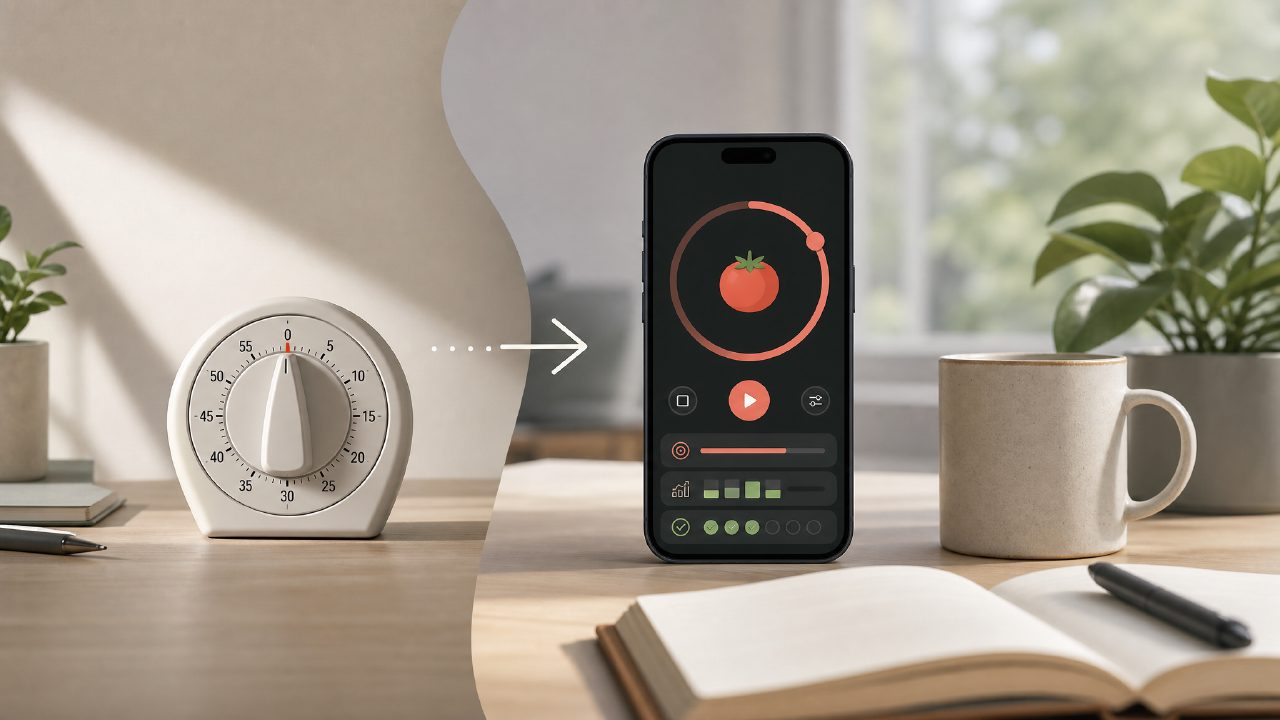
Is a pomodoro app with focus sessions actually different from a regular timer?
The short answer: yes and no. I’ve used a basic kitchen timer for deep work for years, and it works fine—until it doesn’t. When I started needing to track multiple sessions per day, log what I actually accomplished, or block distractions across devices, a plain timer started showing its limits. That’s why I spent a few weeks testing Focusly, a pomodoro timer app that positions itself as a dedicated pomodoro app with focus sessions rather than just another countdown tool. The real difference, for me, was less about the timer itself and more about the session planning—setting an intention before you start, then reviewing after. I still think a simple timer is enough for many people, but if your problem is less about time and more about consistency, the app’s structure actually helped.
What should I expect from a free deep work timer in 2026?
Most free pomodoro timer apps in 2026 follow the same pattern: start, break, repeat. You get basic stats, maybe a distraction list, and often an upgrade nag. Focusly’s free tier is surprisingly decent—it gives you unlimited focus sessions, the core pomodoro loop, and a minimal interface. What you don’t get with the free version are the deeper analytics and custom session goals. That feels fair, but I’ll admit the free tier’s notification sounds are limited and slightly jarring. If you’re looking for a free deep work timer 2026 that doesn’t push a paid plan every few sessions, Focusly is one of the more comfortable options I tried. It didn’t interrupt my flow every 15 minutes with a popup asking me to upgrade.
Does the app really help with reducing distractions, or is that just marketing?
This is probably the most skeptical I get, because every focus app claims to reduce distractions. In Focusly’s case, the feature that stood out was the distraction log built into the focus session. You can tap a button mid-session to note what pulled your attention, and it gets timestamped. I tried this for a week. At first I barely used it—felt like extra friction. But then I started noticing patterns. For example, my biggest distraction during afternoon sessions was checking email “just for a second.” Having a time-stamped record made that harder to ignore. That said, the app can’t block phone notifications unless you grant permission on iOS, and even then it’s not airtight. It’s useful as a self-monitoring tool, but you still need some discipline. The app helps you see the problem, not solve it for you.
Is Focusly the best ai pomodoro focus app free for study sessions?
I want to be careful here because “best” depends heavily on what you study and how you work. For long study blocks—say, 90 minutes with short breaks—Focusly lets you customize the timer lengths beyond the standard 25/5 minute Pomodoro. The AI component is modest: it suggests session lengths based on your history and gives you a smart start time if you usually procrastinate after lunch. I found the suggestions okay but not life-changing. For someone like me who already has a fixed study routine, the AI felt a bit unnecessary. For a student who struggles to plan when to start, it might be more useful. The free tier includes this feature, so it’s not locked behind a paywall. That’s rare for an ai pomodoro focus app free in 2026.
What are the real downsides of using this pomodoro timer app free?
I ran into a few things that bothered me. First, the app doesn’t integrate with calendar apps on the free plan. You can’t sync your focus sessions to Google Calendar unless you upgrade. For me, that meant manually copying over my session times, which I stopped doing after three days. Second, the sessions don’t pause automatically when you switch apps. I was reviewing a document on my phone and the timer kept running. That led to inaccurate time logs. Third, the interface, while clean, uses fairly small text in the timer view. If you’re looking at it from across a desk, it’s not easy to read. These are not deal-breakers, but they add up. If you need robust tracking and calendar sync, the free tier will feel incomplete.
Should I switch to Focusly from a basic timer app?
It depends on your current friction point. If your problem is losing track of how many sessions you did today, or you keep forgetting to start the timer, then Focusly’s session planning and review might help. If you just need a simple buzz every 25 minutes, save your time. The app’s strength is in making your work pattern visible—the distraction log, session history, and intention setting. The tradeoff is that you lose a bit of spontaneity. Sometimes I just want to start working without declaring a goal first. Focusly encourages you to set an intention before every session, which helps build rhythm but can feel like overhead when you’re in the zone. I’d recommend trying it for a week and paying attention to whether that intentional start helps or annoys you. That’s the real test.
Comments
Leave a Comment