You know that feeling when you're three tabs deep in research, Slack pings, your phone buzzes, and suddenly it's 4 p.m. and you've accomplished… maybe one decent task? That was my daily reality until I started treating my attention like a finite resource instead of an endless buffet.
I tried blocking websites, putting my phone in another room, even the classic "just focus harder" pep talk. None of it stuck. Then a friend who's been deep into remote work strategies handed me Focusly — said it was the only app that made her stop half-switching between tasks.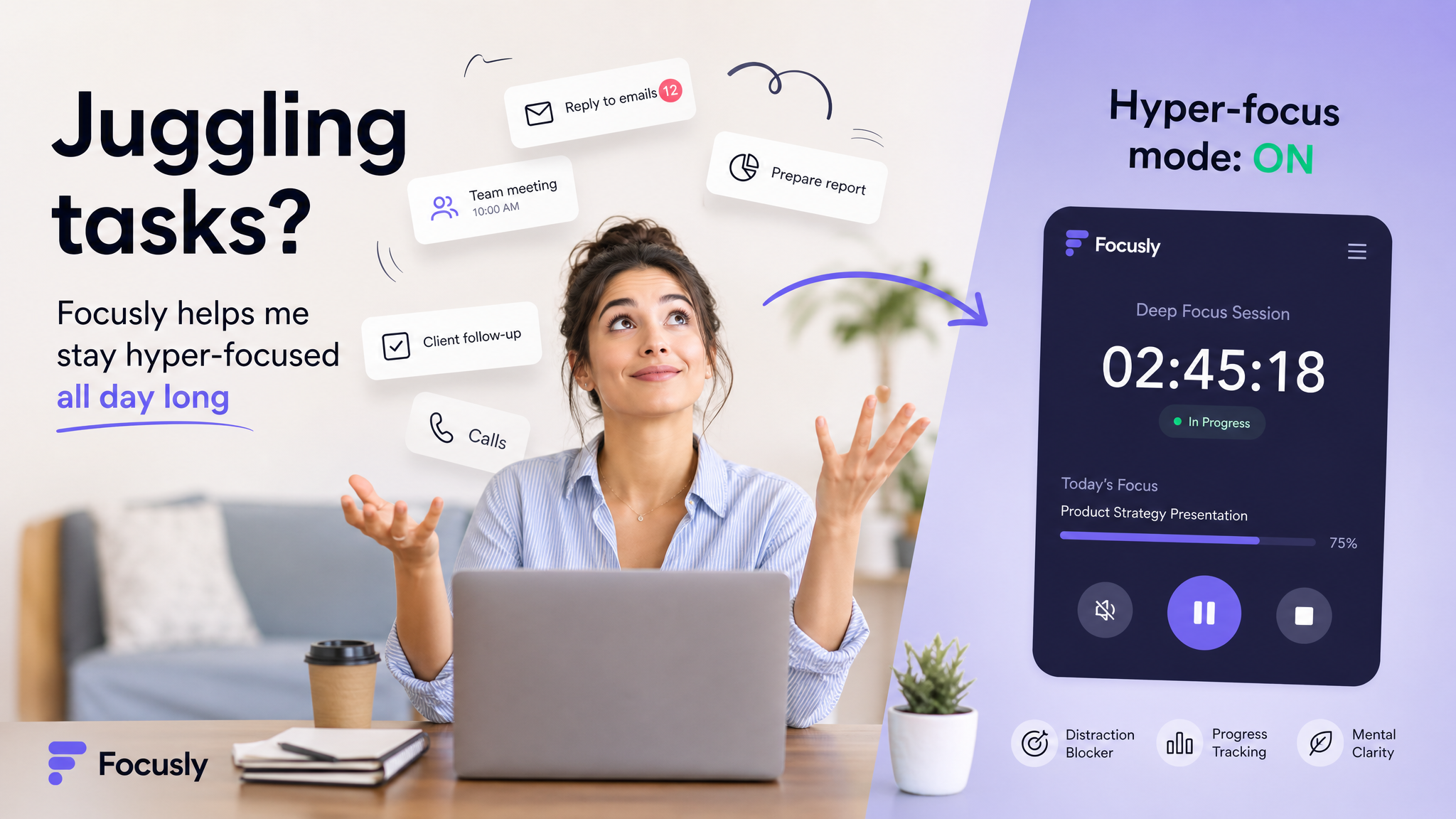
What it actually does (and doesn't)
Focusly is a Pomodoro timer, yes, but it's not just a countdown screen. You set a session length, pick a focus mode (deep work, study, quick sprint), and it runs in the background while blocking notifications on your phone. The twist? It tracks your block sessions and gives you a daily rhythm score. Honestly, I wasn't sold on the score at first — seemed like gamified fluff. But after a week, seeing a green "steady flow" streak made me not want to break it.
The distractions list is where it got real for me. You log what pulled you out of focus after each session, and the app surfaces patterns. Turns out I was losing 15 minutes every time I checked email mid-block. That hurt to see.
Three scenarios where it clicked for me
Two-hour essay writing. I set a 50-minute deep work block with a 10-minute break. No phone, no browser tabs except my doc. I wrote more in that block than in the previous three hours of "kind of working."
Coding side project. Focusly's study mode plays a subtle white noise loop — not everyone's thing, but it drowns out the street noise in my apartment. I got through a feature refactor that usually takes me all afternoon in about 90 minutes.
Afternoon slump recovery. Around 3 p.m. my brain turns to mush. I tried a 25-minute sprint instead of a full session. It was short enough that I could push through, and by the end I was awake enough to keep going.
Tradeoffs you should know
Focusly wants you to commit to a block. If you're someone whose job demands constant context switching — support tickets, urgent calls, real-time collaboration — this app will feel more like a constraint than a help. I tried using it during a day with back-to-back meetings and it just made me frustrated.
Also, the app is phone-first. The desktop widget is basic. I work on a laptop most of the time, so I ended up keeping my phone on do-not-disturb and using Focusly as a timer there. Not the most elegant setup, but it works. If you're all-in on a single device ecosystem, you might want something native.
The rhythm score is interesting but not always accurate. Some days I was genuinely distracted by a legit emergency, and the app just logged it as a "focus break." You can override, but it's manual.
Who should try it
If you're a student, freelancer, or anyone who has control over your schedule for chunks of the day, Focusly is worth a few tries. Don't expect a magic fix — you still have to decide to start. But it makes staying in flow way easier once you do. And if you already use a basic timer, switching to something that tracks patterns gives you actual data on why your focus breaks, which is more useful than just timing.
I'll keep using it because it's simple enough that I don't fight the tool, and the friction cost of opening it is nearly zero. That's the real win: less time setting up, more time actually doing.
Comments
Leave a Comment