When a timer isn’t enough
A few months ago I was trying to finish a chapter outline and kept bouncing between my todo list and a stopwatch app. The stopwatch had no context—I’d start it, get distracted, and forget what I was timing. What I really needed was a free pomodoro timer with task integration, something that could tie each session to a specific piece of work without me having to write notes on a sticky note.
That’s when I started testing focusly. It’s a pomodoro timer app that also lets you plan your sessions around tasks. No fancy dashboards, no team features—just a cleaner way to pair your work with a timer.
Setting up my first deep work session
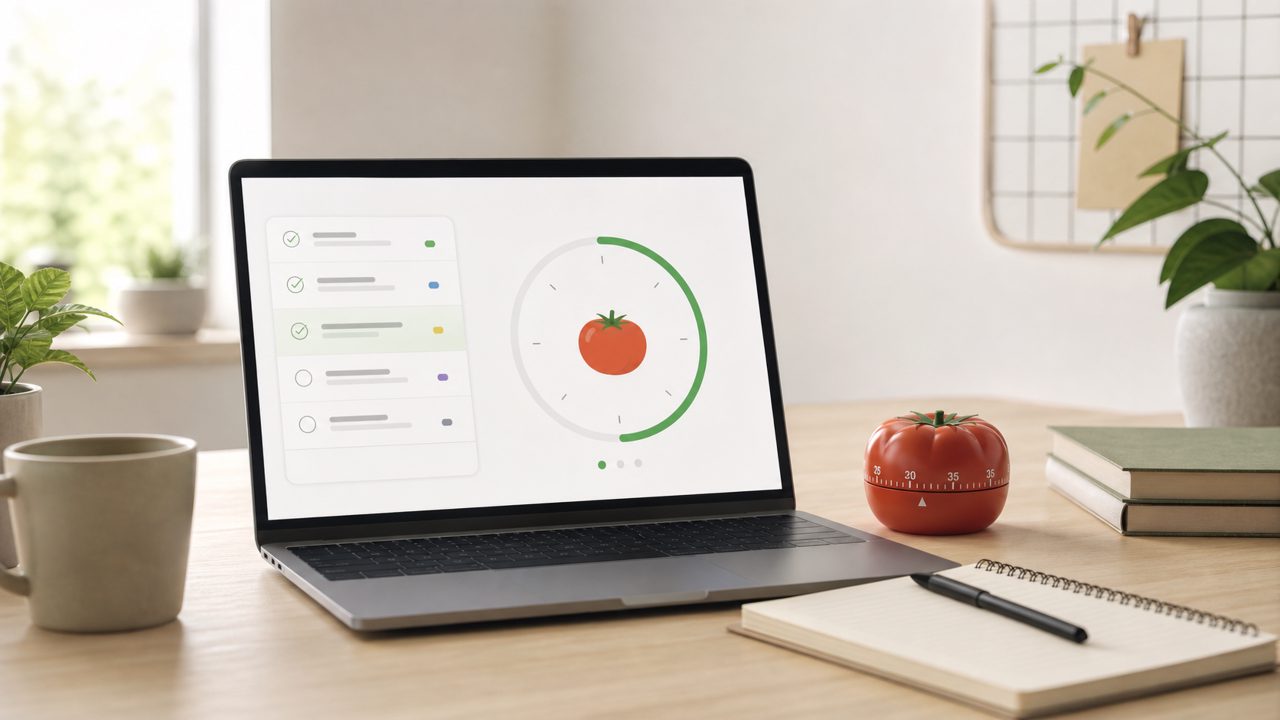
I opened Focusly on my phone and created a task called “Outline chapter 4.” The interface walks you through three steps: pick a task, set a timer length (I used 25 minutes), and hit start. So far, standard. But what stood out was that the task name stays visible during the entire countdown. On other timers, once the clock starts, the task disappears. Here, it’s right above the timer. Small detail, but it kept me from forgetting what I was supposed to be doing.
During that first session I noticed a mild friction: adding tasks isn’t as quick as a dedicated todo app. There’s no natural language input or auto-complete. I had to type the full name each time. If you batch your planning at the start of the day, it’s fine. But if you jump in and out, it can feel a bit repetitive.
How timer and tasks actually interact
After the first session, Focusly logs a break period and then shows the same task again. You can start another pomodoro on the same task or switch. This is the core integration—it doesn’t sync with external task managers, but it keeps your session history attached to each task. I could see that “Outline chapter 4” took me 3 completed pomodoros before I hit a wall. That gave me a rough sense of time spent, which is more useful than a raw timer counter.
I used it for a week for writing, studying Arabic flashcards, and even for tidying my desk (yes, I logged “clear desk” as a task). The app handled study sessions well because the interruption-free mode is genuinely strict—no pop-ups, no notifications except the alarm. For shallow tasks like email, the fixed 5-minute break felt too long. I ended up shortening it manually.
One realistic tradeoff
The free version of Focusly lets you create unlimited tasks and run unlimited pomodoros. But it does not include detailed analytics or goal tracking. If you want to see weekly breakdowns of focused time per task, you need the paid plan. That’s a limitation for anyone who wants to review patterns. For me, the free tier was enough—I just wanted a pomodoro timer app free of clutter. But if you’re someone who depends on charts to stay motivated, the free version might feel incomplete.
Where I felt cautious
I was skeptical at first about whether task integration would matter in practice. After a few days I noticed that just seeing a task label before each session gave me a stronger start. But the app doesn’t force you to pick a task—you can skip the planning step and just hit the timer. That’s good for flexibility, but it also means the integration is optional. If you’re undisciplined about logging tasks, you won’t get the benefit.
Also, the design leans heavily on the pomodoro rhythm. If you prefer a longer, deep-work timer (say 90 minutes), Focusly can accommodate that with custom intervals, but the break suggestions still assume a 5-minute pause. I had to adjust that manually each time, which felt fiddly.
Practical judgment
Focusly is a free deep work timer 2026 I’d recommend if you want a lightweight pomodoro app that keeps tasks front and center without overcomplicating things. The task integration is basic but functional—it doesn’t replace a project management tool, but it does make your timer sessions feel purposeful. The main tradeoff is the missing analytics and the slightly rigid break time in free mode. For studying or writing, it works well. For varied workflows, you might hit its limits.
If you’re looking for a free pomodoro timer with task integration that doesn’t push you to upgrade immediately, Focusly is worth a try. Just don’t expect deep analytics on the free tier. What you get is a cleaner way to connect your work to time, and that alone can make a difference.
Comments
Leave a Comment